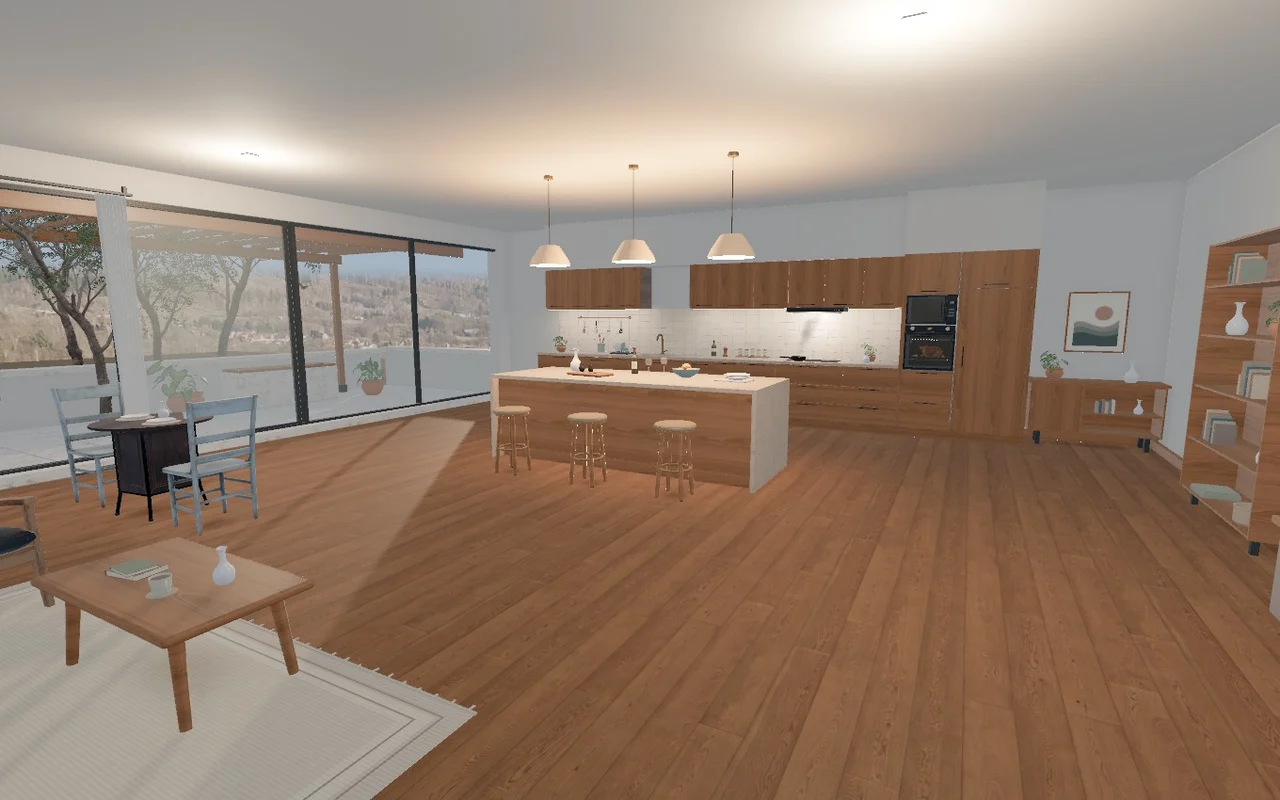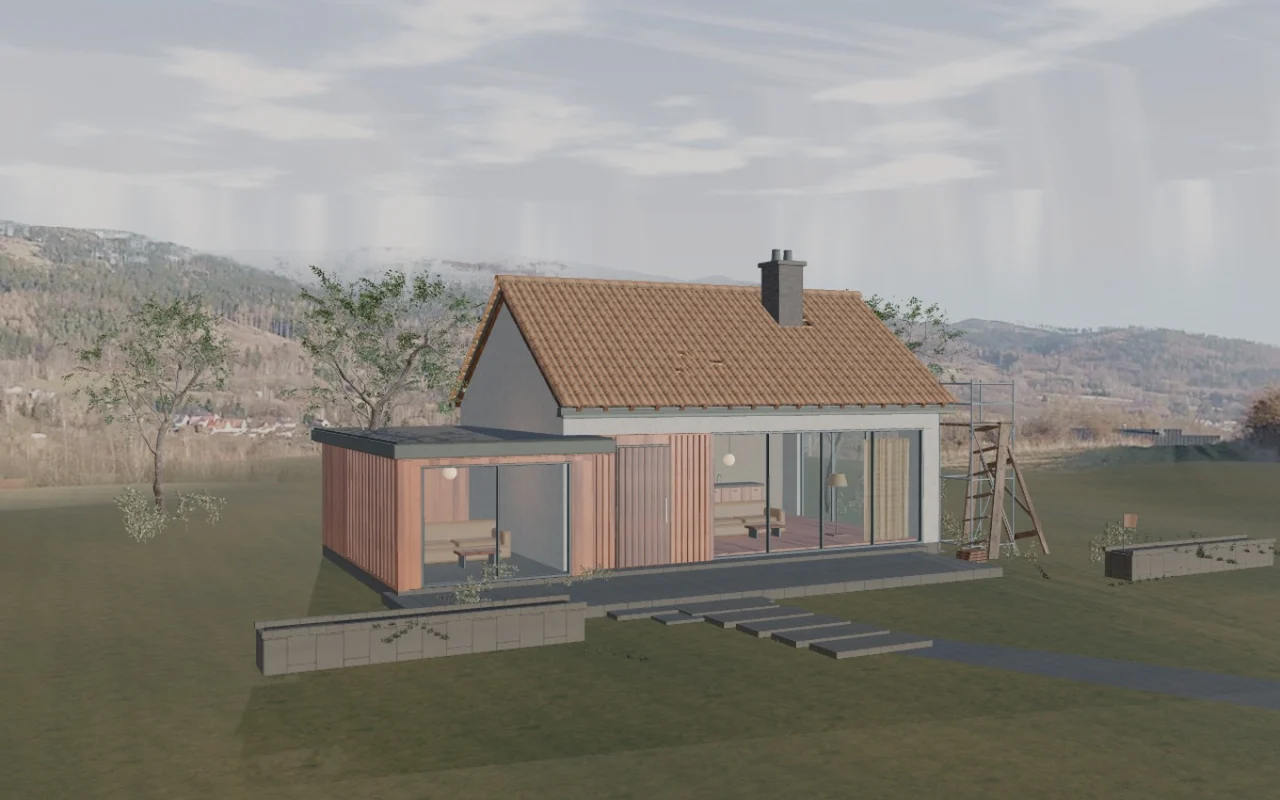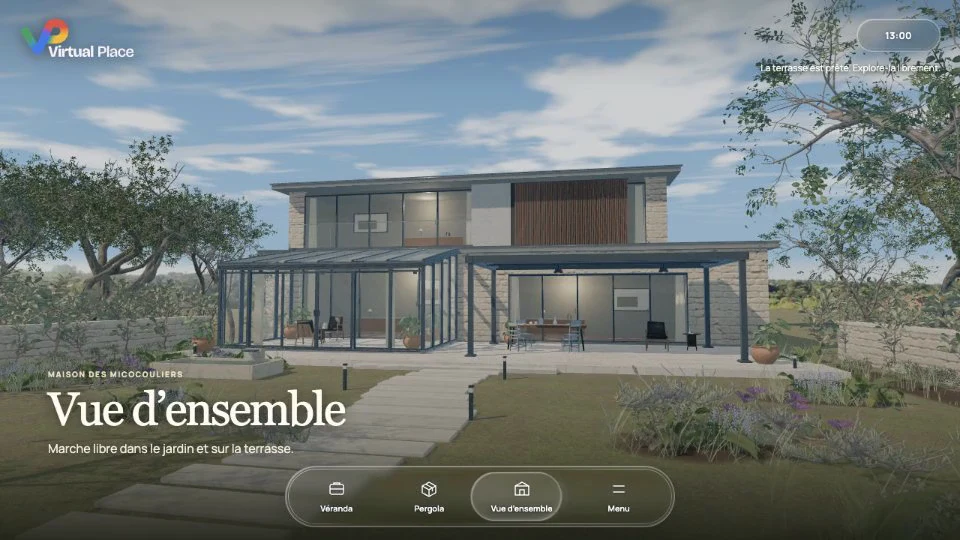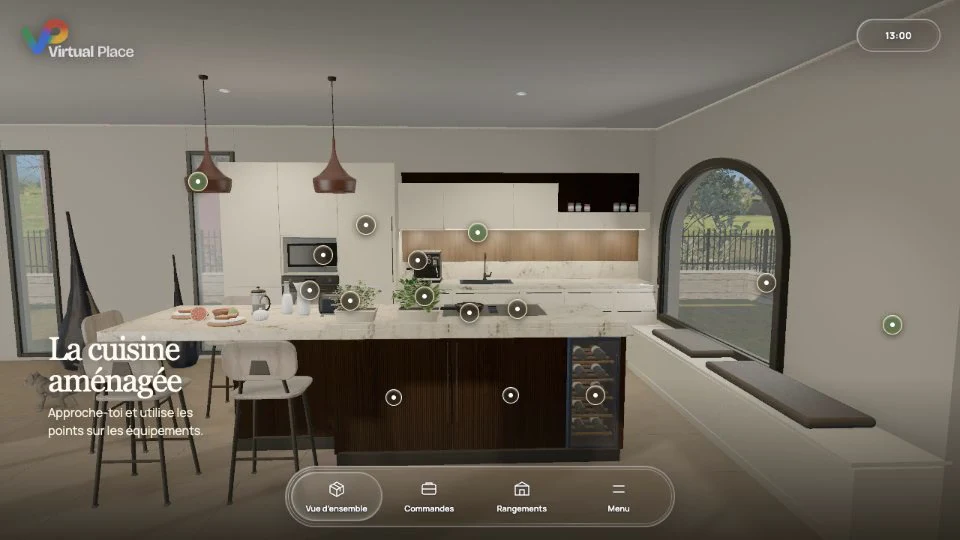


Creation from your documents
Start with photos, a plan, a video, a PDF instruction manual or simply describe your idea.


Easily create your own immersive, interactive 3D experiences. Share them with a link, a QR code or on your website. The only limit is your imagination.
How does it work?
Describe your idea, adjust the result through the conversation, then share your 3D experience.
Virtual PlaceGuided demo
Give shape to a place, animate an assembly or create an object to manipulate. It's up to you to choose what you want to make come alive.
A link in a message, a QR code on a manual or a window on your site. Choose how to make your Virtual Place discoverable.
From creation to sharing, discover everything you can do with a 3D experience.
Start with photos, a plan, a video, a PDF instruction manual or simply describe your idea.
Create an animated arrival: your project takes shape as it unfolds before letting your visitors enter.
Offer a free exploration of your project: on foot, from above or around an object.
Transform your notes into animated 3D assemblies, with steps that everyone can review at their own pace.
Add colors, materials or furnishings to compare directly in your 3D experience.
Create interactions in your 3D experience: open a drawer, orient blades or turn on a lamp.
Add markers to explain a detail and give access to a dimension, a sheet or a page of instructions.
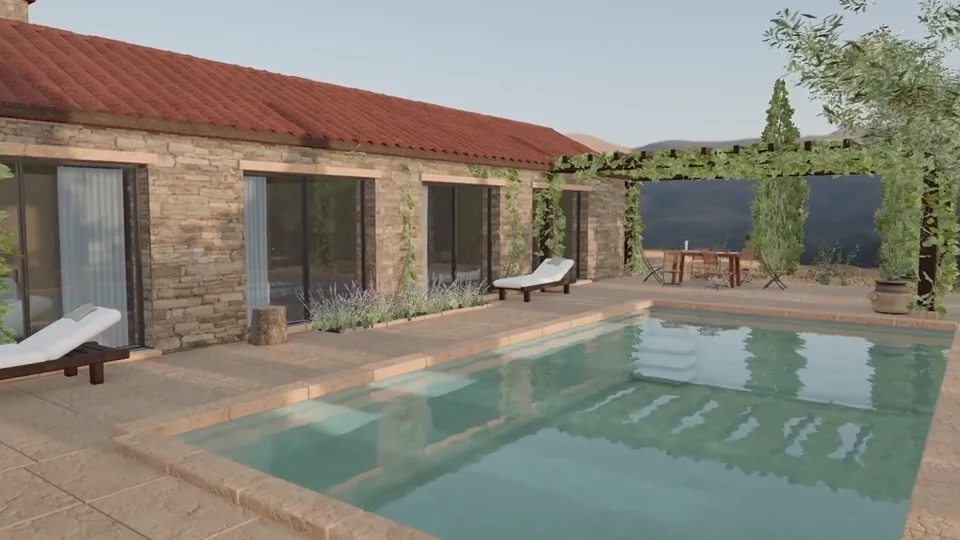
Give your project an atmosphere with the light of the place, the reflections of the water and lively vegetation.
Specify a dimension, add an object or ask for a new point of view on your project.
Share your creation by link, QR code or on your website. Your visitors open it on their phone or computer.
You will be able to protect your 3D experiences by PIN code and track their visits and interactions. Planned functions.
You will be able to export a vertical video of your 3D experience to present it on social networks. Planned function.
The Virtual Place gallery
Discover 3D experiences created with Virtual Place and find inspiration for your next project.
See all 3D experiencesWhether you are a private individual or a professional, create a 3D experience to show what you have in mind and let others explore it.
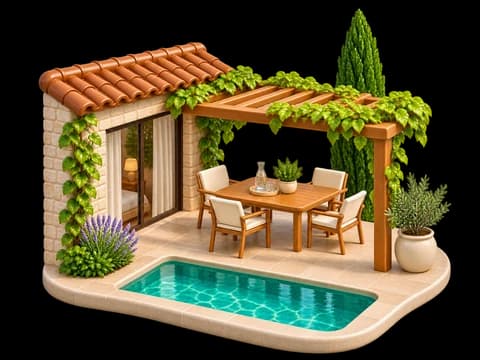
Compare your ideas before choosing your layout.
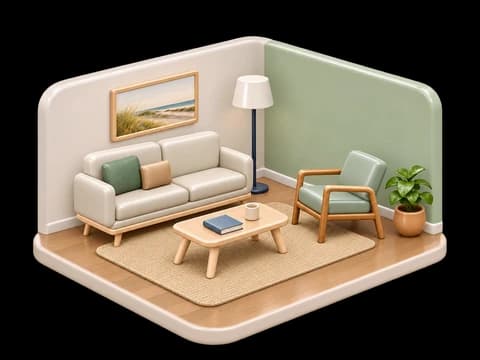
Try a piece of furniture at home and see the space it occupies.
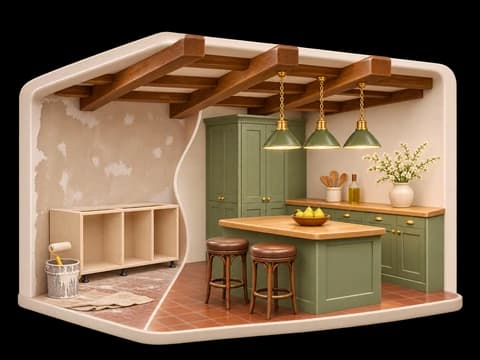
Share your project with your loved ones to discuss it.
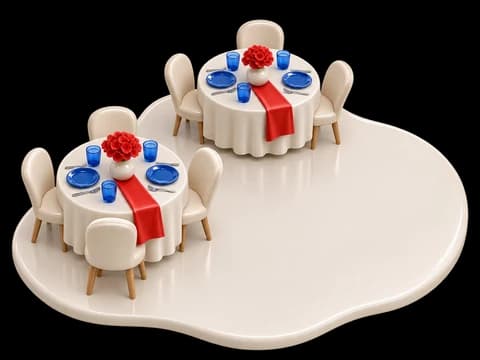
Place the tables and leave room to dance.
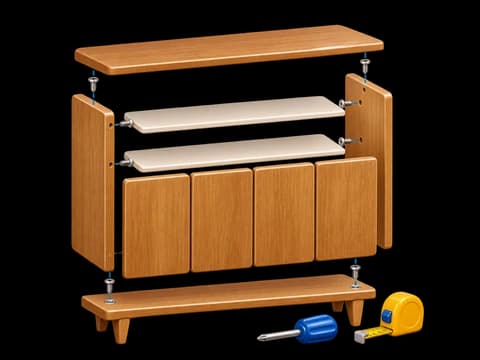
Show how to assemble the parts of your furniture.
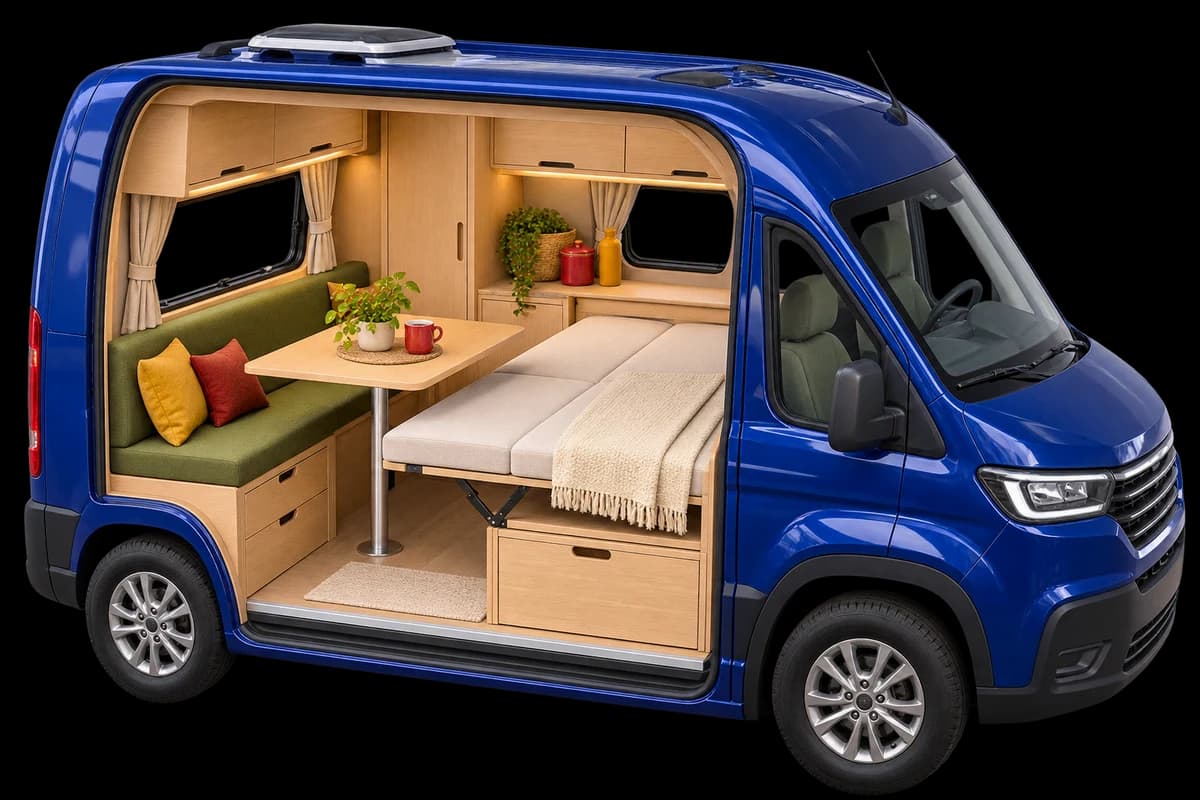
Check that the bed folds out once the table is installed.
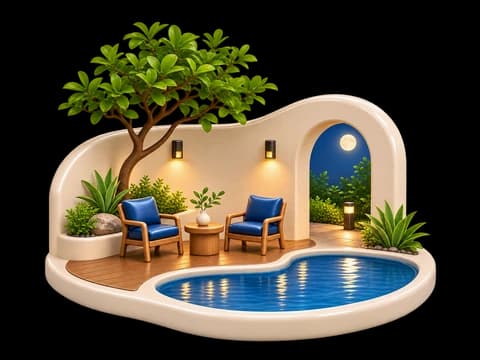
Give life to your story in a universe to explore.
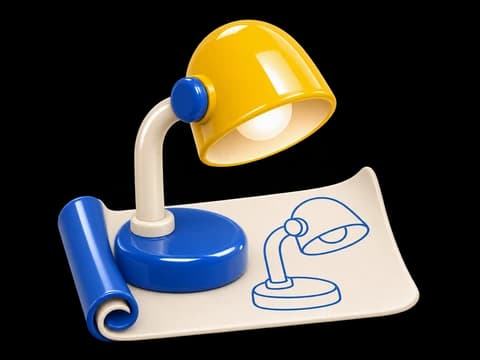
Present the volumes and materials of your creation.
 Frequently asked questions
From your first plan to a 3D experience, find answers to help you prepare your project.
See all questionsIt is an immersive and interactive 3D experience that you create from your documents or an idea. Show a place, explain an assembly or propose an object to manipulate, then share your creation.
Send plans, photos, videos, PDFs or assembly instructions. You can also start with a description. Tell us what people should be able to explore or interact with.
The time limit depends on what you want to show and the elements you provide. Presenting a piece of furniture usually requires less work than reconstructing an entire room with several interactions. You first discover a proposal, then you choose to start the creation.
The starting proposal is offered free of charge. Your subscription includes credits. The creation of your 3D experience and the developments you request use these credits according to actual consumption. View pricing
No. Just open the link in a browser, on your phone or computer. On your phone, you can also scan the QR code to enter the 3D experience directly.
Yes. Copy the integration code of your Virtual Place and paste it into an HTML block on your site. Your visitors will be able to explore the 3D experience directly on your page.
Yes. Ask for a new finish, another point of view or an interaction. Your link remains the same and presents the latest ready version of your 3D experience.
Yes. The files you send remain in your project. The link or QR code gives access to the 3D experience you publish. Your original plans, photos and notes remain private.