Creation from your documents
Start with photos, a plan, a video, a PDF instruction manual or simply describe your idea.
Give life to your projects with courses, animations and interactions. Choose what your visitors will be able to discover and try.
Create my 3D experience
From creation to sharing, discover everything you can do with a 3D experience.
Explore the galleryStart with photos, a plan, a video, a PDF instruction manual or simply describe your idea.
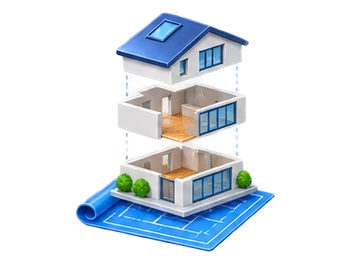
Create an animated arrival: your project takes shape as it unfolds before letting your visitors enter.
Offer a free exploration of your project: on foot, from above or around an object.
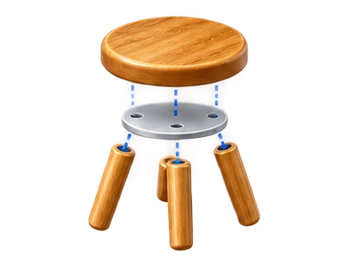
Transform your notes into animated 3D assemblies, with steps that everyone can review at their own pace.
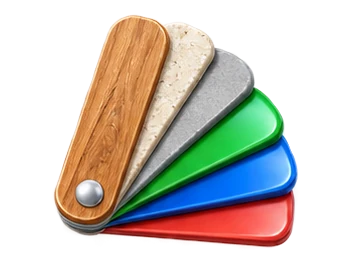
Add colors, materials or furnishings to compare directly in your 3D experience.
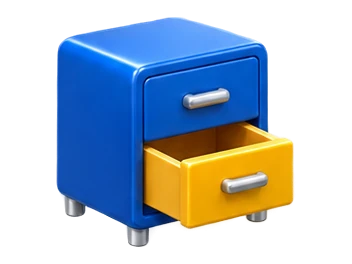
Create interactions in your 3D experience: open a drawer, orient blades or turn on a lamp.
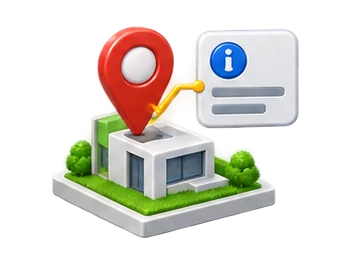
Add markers to explain a detail and give access to a dimension, a sheet or a page of instructions.

Give your project an atmosphere with the light of the place, the reflections of the water and lively vegetation.

Specify a dimension, add an object or ask for a new point of view on your project.
Share your creation by link, QR code or on your website. Your visitors open it on their phone or computer.
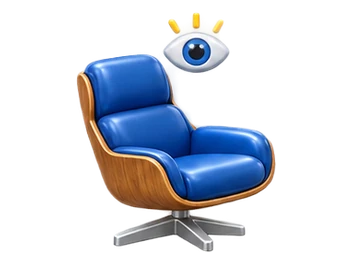
Add a seat to your project so visitors can sit down and look around from that spot.
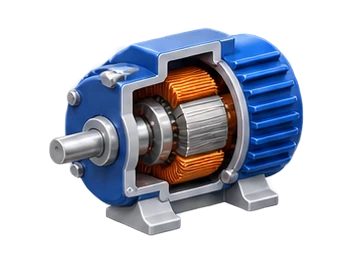
Create a cutaway or an exploded view to show components that cannot be seen from outside.
Animate the parts of a mechanism to show how they drive one another and what happens as it works.
Present the lines and volumes of your creation through different viewpoints that express the same idea.
Prepare different combinations of modules or elements to reveal the configurations of your project.
Add markers and viewpoints to explain the route you want to show.
Display a 3D experience directly in a page of your website. It loads when the visitor launches it.
Invite your colleagues to a team account and choose each person’s role.

You will be able to protect your 3D experiences by PIN code and track their visits and interactions. Planned functions.
You will be able to export a vertical video of your 3D experience to present it on social networks. Planned function.


Turn assembly into animated steps: each part moves into place and people can replay the movement.
From an object’s detail to the atmosphere of an imaginary world, show what each choice changes. Compare colours, materials, forms, equipment and configurations in your 3D experience.
Add points of interest to connect a part with text, an image or a reference document.
Yes. Ask for a new finish, another point of view or an interaction. Your link remains the same and presents the latest ready version of your 3D experience.
No. Just open the link in a browser, on your phone or computer. On your phone, you can also scan the QR code to enter the 3D experience directly.
Yes. Copy the integration code of your Virtual Place and paste it into an HTML block on your site. Your visitors will be able to explore the 3D experience directly on your page.