Imagine, explain, try.
Introduce a project, explain how it works or let everyone try its variants. Combine these possibilities in your 3D experience.
Create my 3D experience

 Your turn to create
What do you have in mind?
With Virtual Place, your imagination opens up endless possibilities. Create immersive, interactive 3D experiences to bring your ideas to life and share them.
Create my 3D experience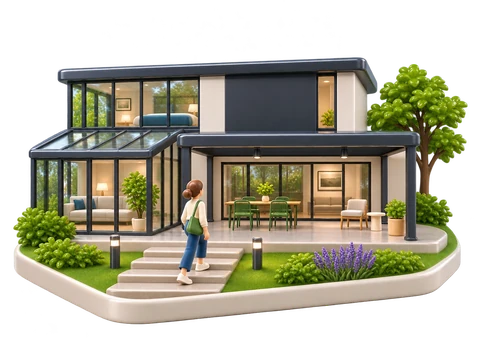
Show a place around
Create the 3D tour of a place from plans, photos or renders: walking at eye level, points of interest, day and night.
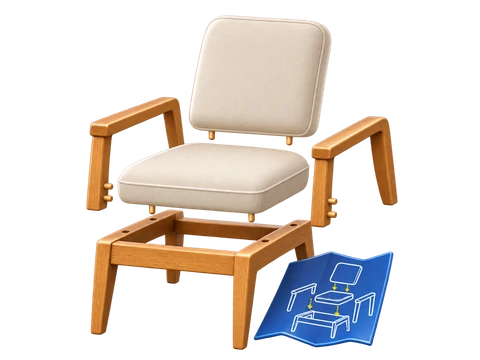
Create a 3D instruction manual
Turn assembly instructions into 3D instructions: one step on paper, one animated step, replayable in both directions.
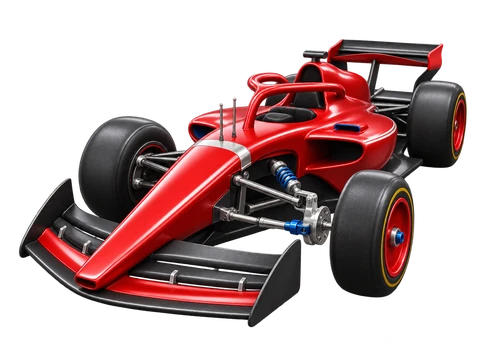
Show a mechanism
Make a mechanism, a piece of equipment or a process work in a 3D experience created from your diagrams.
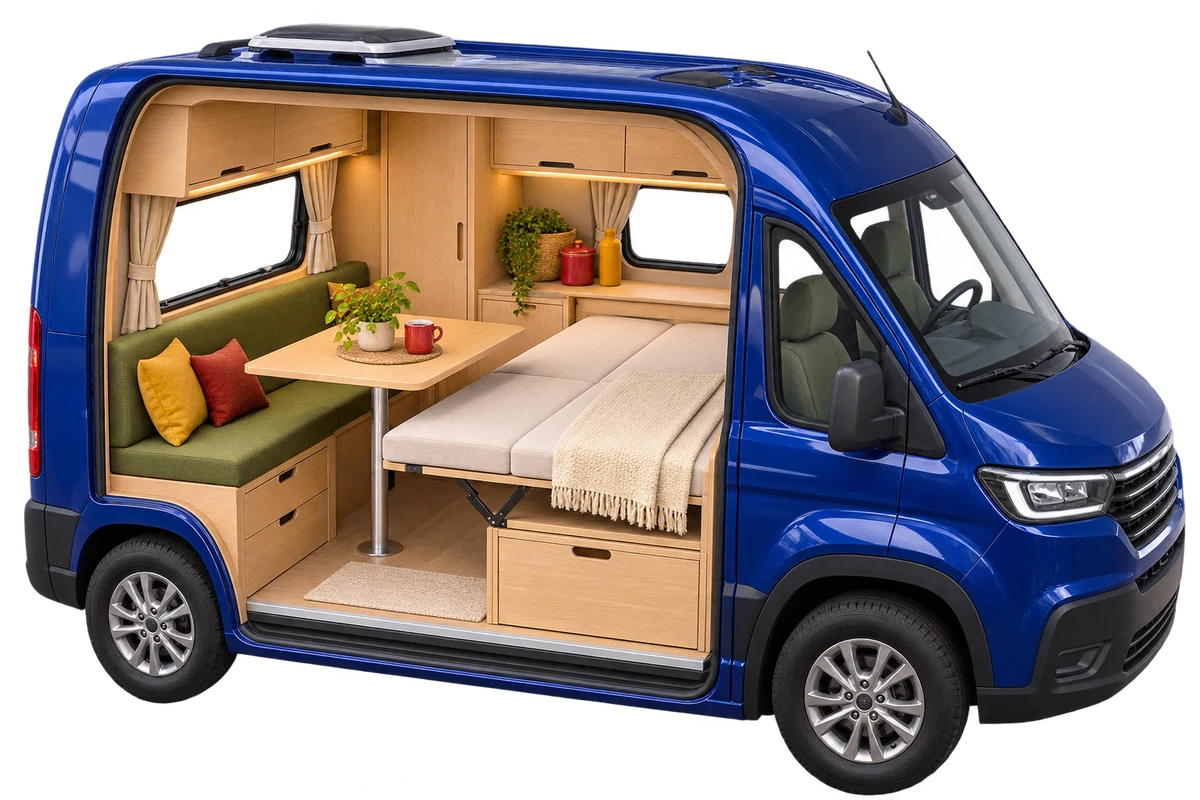
Arrange your camper van
Arrange your camper van and see how the bed unfolds with the table in place.
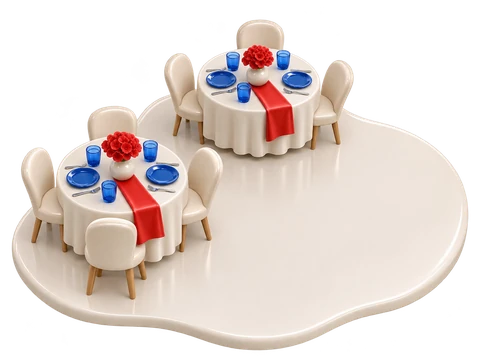
Plan your party
Plan your party: position the tables and leave room for dancing.
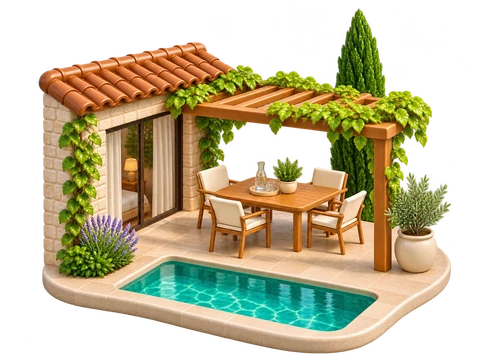
Imagine your terrace
Imagine your terrace and compare two dining layouts.
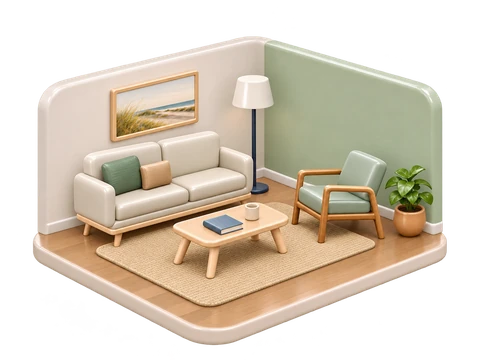
Choose your furniture
Try different furniture layouts in your living room to compare the space they occupy.
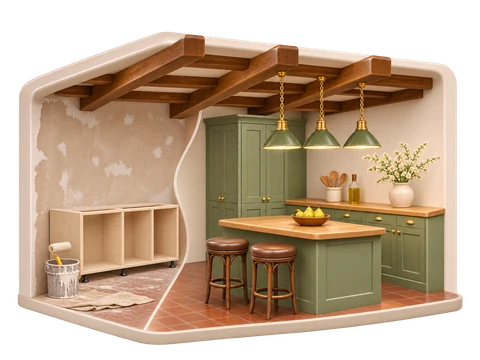
Plan a renovation
Show your room before and after renovation to discuss it with friends or family.
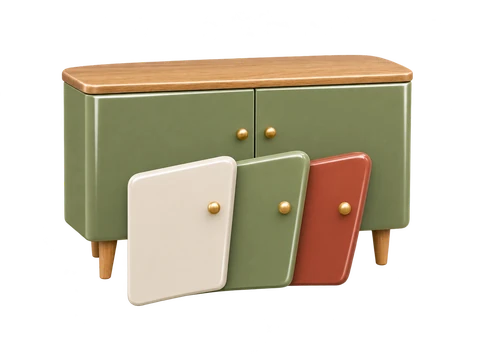
Compare finishes
Compare colours and materials on the same object before deciding.
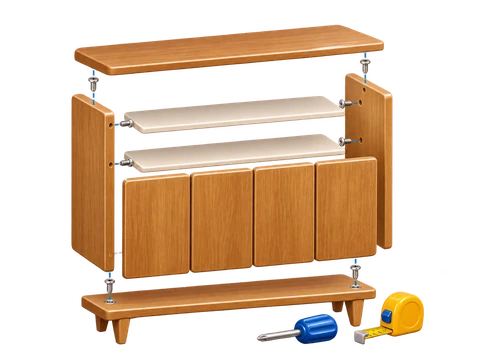
Explain an assembly
Show how to assemble your furniture, from the first board to the last fixing.
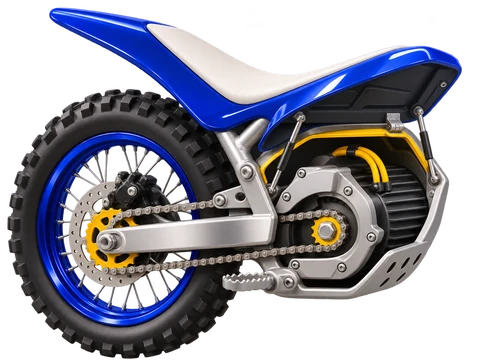
Show parts in motion
Explain your mechanism by moving its different parts.
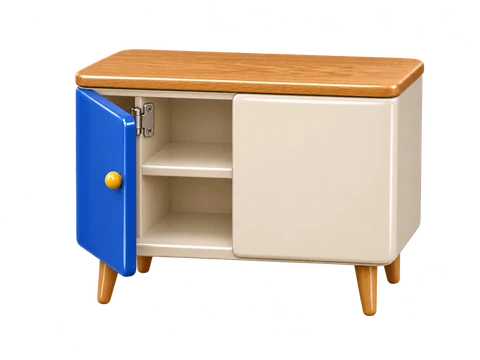
Guide an action
Break an action into steps that people can revisit at their own pace.
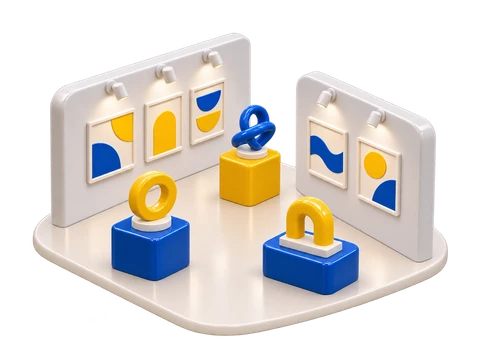
Plan your exhibition
Let people discover your exhibition layout before you install it.
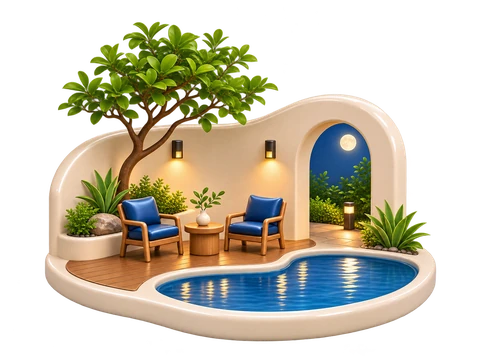
Bring a setting to life
Bring a story setting to life and let your friends explore it.
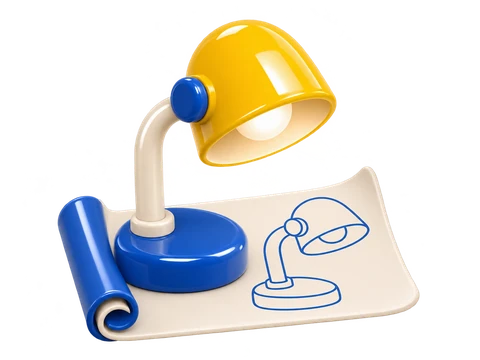
Present your design
Present an object you have drawn and let people view it from every angle.
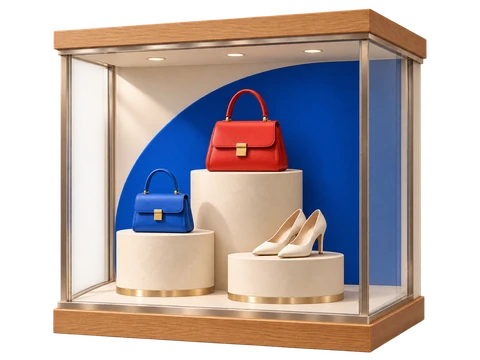
Arrange your shop window
Arrange your products and decorations to plan a window display that catches the eye.
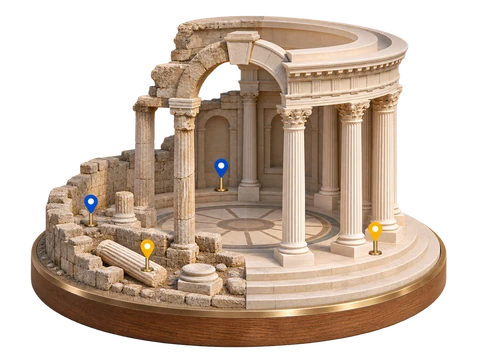
Bring heritage back to life
Recreate a lost place or an ancient object to share its story in 3D.
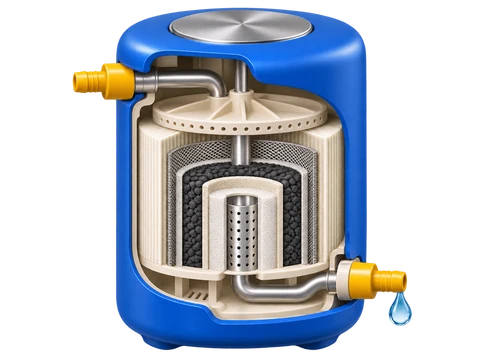
Reveal the inside of an object
Show hidden components in a cutaway view to explain what happens inside.
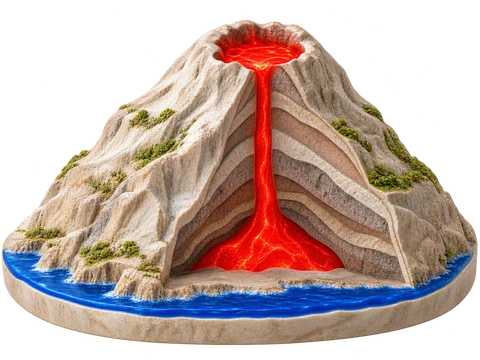
Bring a lesson to life
Turn a diagram into a 3D demonstration to explain a phenomenon and make its details visible.
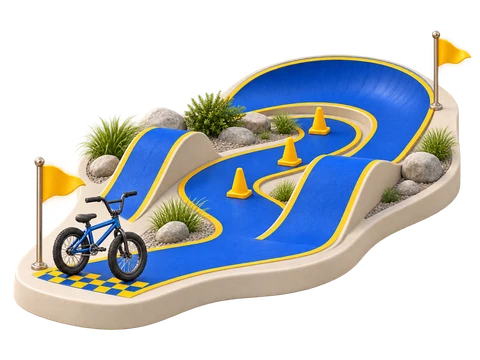
Present a sporting course
Show the route, obstacles and key points of a course to help everyone prepare.
And anything else you can think of…





Your ideas, your questions.
A few answers to take you from “what if…” to your 3D experience.
Let’s talk about your ideaWhat if my idea is not among these examples?
These uses are starting points. Describe what you want to show, explain or let people try, and we will help you define your 3D experience.
Can I create a 3D experience for a personal project?
Yes. Virtual Place is for individuals and professionals alike. You can bring an idea to life for yourself, share it with people close to you or present it to an audience.
Can I combine several uses?
Yes. A single 3D experience can combine free exploration, animated steps and variants to compare. You choose what your visitors can discover and try.
What will my visitors be able to do?
Depending on your project, they can explore a place or object, trigger movements, follow an assembly or change a finish. The interactions are chosen to support your idea.
What do you need to get started?
Send your plans, photos, sketches, instructions or diagrams, then tell us what you want to show. A description of your idea can also be a starting point.
How can I share my 3D experience?
Share its link, create a QR code or embed it on your website. Friends, clients or visitors open it in their browser on a computer or phone.