Start from what you already have.
Photos, plans, diagrams, instructions, sketches, videos or a few words: start with what you have. Your sources provide the starting point for an immersive, interactive 3D experience on any subject.
Create my 3D experience
 Your turn to create
Your ideas already have a starting point.
Gather what helps explain your project. You can combine documents and clarify your intentions through conversation.
Create my 3D experience
Plan
Start with a plan of a place, course or equipment to represent its organisation in 3D.
Discover this document
Photos
Use photos of an object, place or subject to prepare its 3D representation.
Discover this document
Rendering
Turn a project view into a 3D experience to reveal its volumes and possibilities.
Discover this document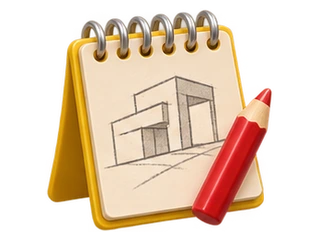
Sketch
Give shape to a drawn idea for an object, a universe or a personal project.
Discover this document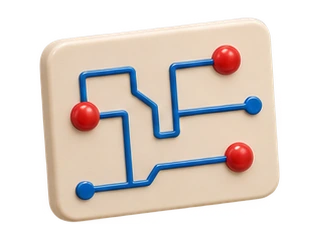
Diagram
Represent the components and relationships in your diagram to make the subject visible.
Discover this document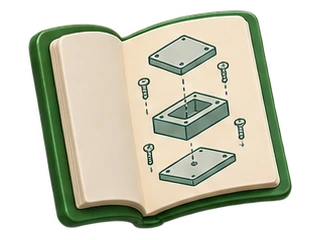
Instructions
Turn assembly, operating or maintenance documentation into an appropriate 3D demonstration.
Discover this document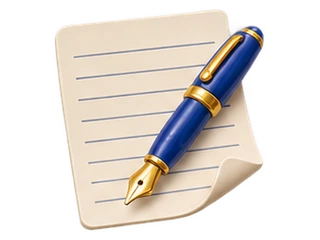
Description
Describe what you have in mind to prepare an immersive, interactive 3D experience.
Discover this document
Robot instructions
Turn assembly instructions into 3D steps showing the placement and movement of components.
Discover this document
A machine diagram
Use the operation described in your diagram to create a 3D demonstration of your mechanism.
Discover this document
A written story
Use your story and descriptions to give shape to its world in a 3D experience.
Discover this document
A scientific sketch
Represent the subject outlined in your drawing to prepare an educational 3D model.
Discover this document
Product photos
Use views of your object to show its form, details and variations.
Discover this document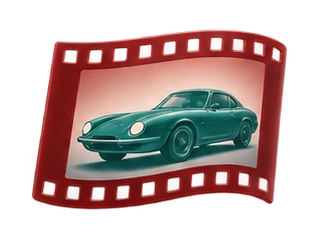
A vehicle video
Use filmed views of your vehicle to prepare its representation and the details to show.
Discover this document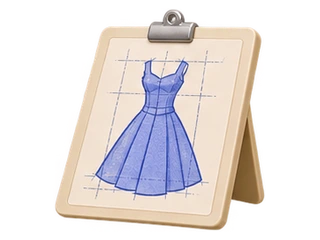
A clothing drawing
Give volume to your sketch to present your creation’s cut and details.
Discover this document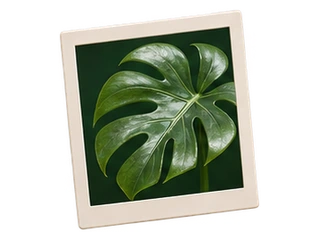
Plant photos
Gather useful views to represent the form and parts of the plant you want to show.
Discover this document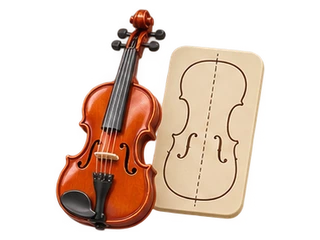
An instrument diagram
Turn your functional drawing into a demonstration of your instrument’s mechanism.
Discover this document
A creation rendering
Use your project image to prepare a 3D experience revealing its volumes and details.
Discover this document
A packaging sketch
Present the container, folds and elements of your packaging from your drawing.
Discover this document
What if it all started with a few words?




Your documents, your questions.
Answers to help you gather documents and prepare your project.
Let’s talk about your ideaWhat can I start with?
A plan, photos, a video, a render, a sketch, a diagram, instructions or a simple description: every document can become a 3D experience.
Can a simple description be enough?
No document? A few sentences are enough: describe the subject, its mood and what people should be able to do in it.
Can I combine different document types?
Send your plans, photos, sketches, instructions or diagrams, then tell us what you want to show. A description of your idea can also be a starting point.
Will my documents remain private?
Yes. The files you send remain in your project. The link or QR code gives access to the 3D experience you publish. Your original plans, photos and notes remain private.
Can I change my 3D experience afterwards?
Yes. Ask for a new finish, another point of view or an interaction. Your link remains the same and presents the latest ready version of your 3D experience.
Do I need to install an application to open a Virtual Place?
No. Just open the link in a browser, on your phone or computer. On your phone, you can also scan the QR code to enter the 3D experience directly.