Explain your project by bringing it to life.
Introduce any subject by showing what you want to explain: a gesture, an idea, a mechanism or a phenomenon. Create an immersive, interactive 3D experience to make your explanation visible.
Create my 3D experience
 Your turn to create
Make your explanations clear.
Show what words alone cannot explain. Put your ideas in motion and let everyone understand at their own pace.
Create my 3D experience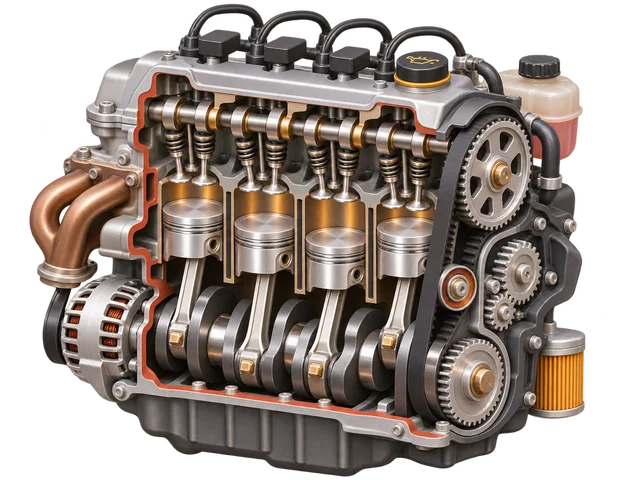
How an engine works
Animate parts and reveal their relationships to explain what makes your engine work.
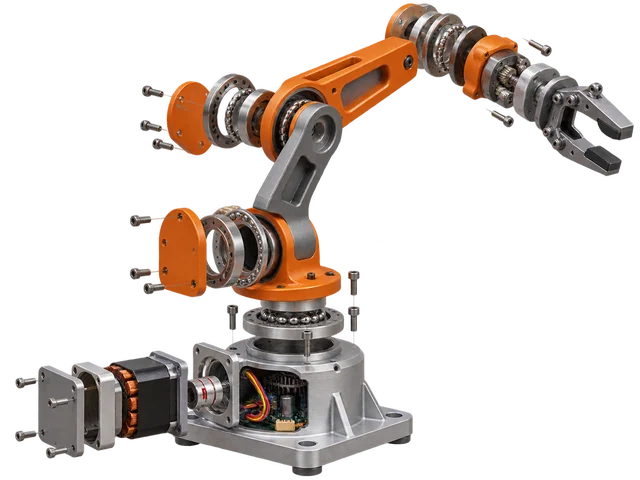
Assembling an object
Turn assembly into animated steps to show where and how each part fits.
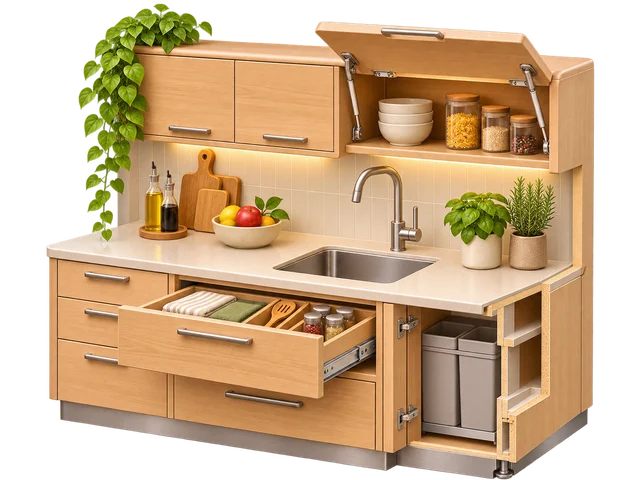
How a kitchen is used
Create interactions showing kitchen openings, storage and how its equipment works.

The structure of a plant
Show a plant’s parts and their connections in an educational model to explore.
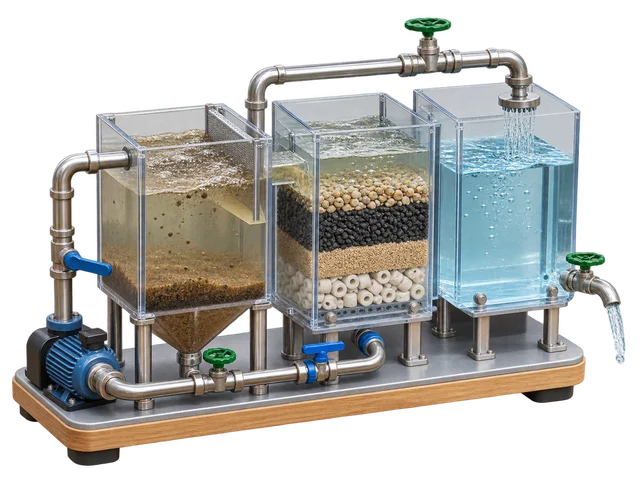
The stages of a process
Present the sequence of a process to make its organisation and stages clear.
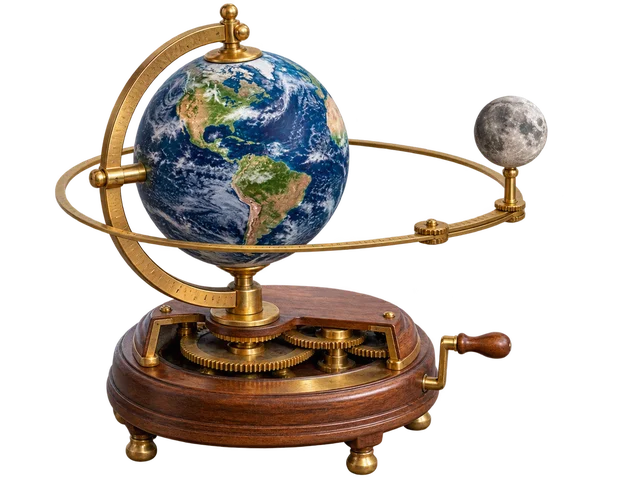
An astronomical phenomenon
Represent positions and movements to support your explanation of a phenomenon.
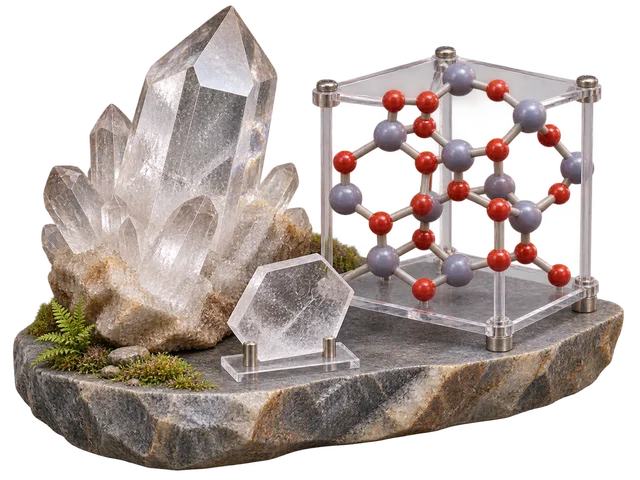
The structure of a material
Make an internal organisation visible with a model illustrating your scientific subject.
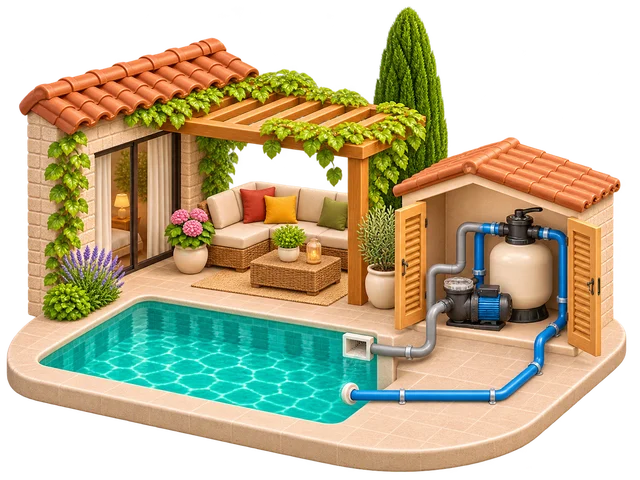
A pool’s circuit
Represent components and connections to explain the principle of your pool installation.
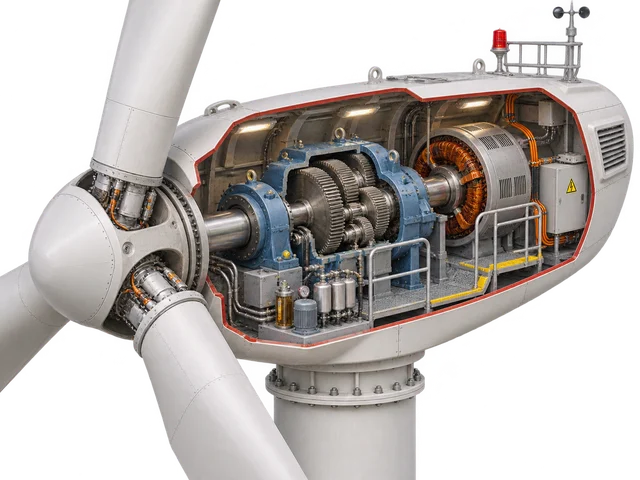
An energy chain
Show a system’s components and how they connect within your explanation.
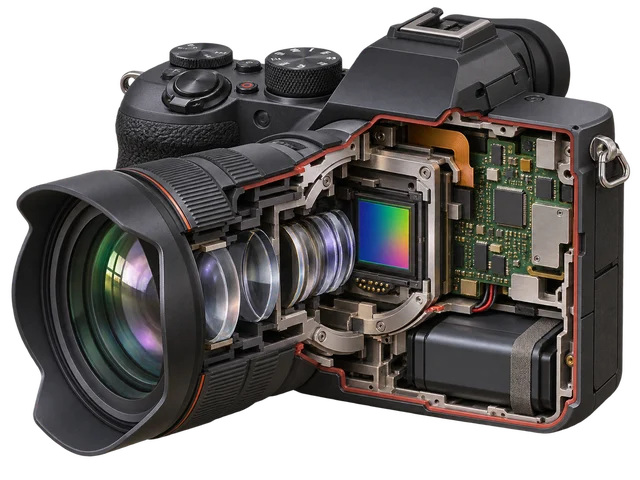
Inside a device
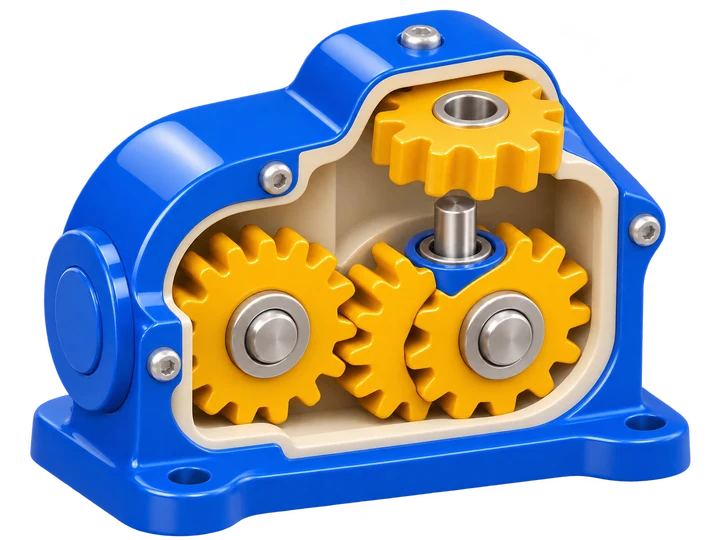
Create a cutaway or exploded view to reveal your device’s hidden components.
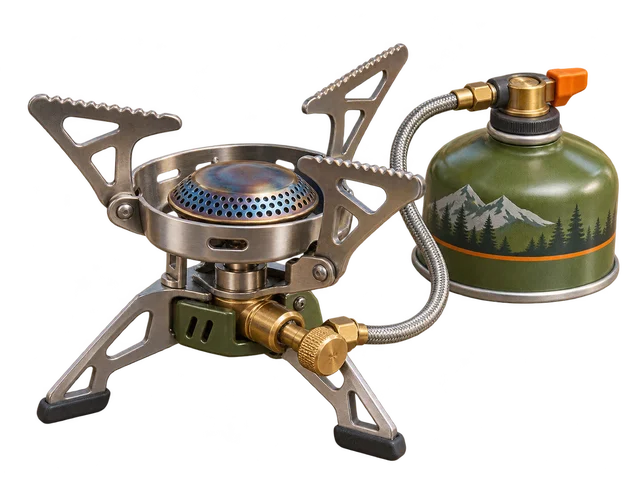
A gesture to perform
Reproduce an opening or an adjustment to show the operation you want to explain.
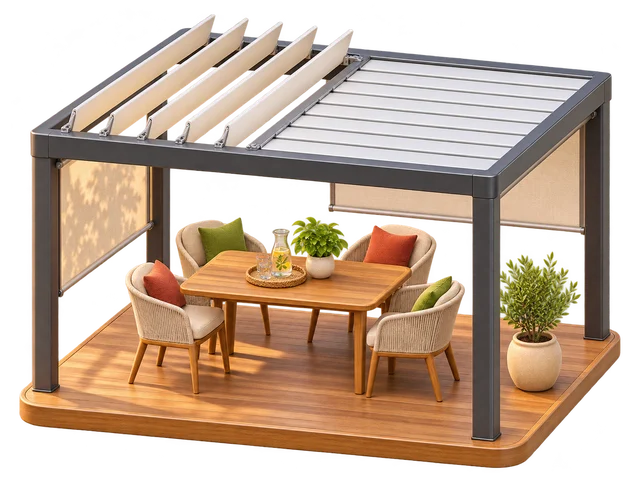
A pergola’s movements
Animate louvers, blinds or panels to show the possibilities of your pergola or conservatory.
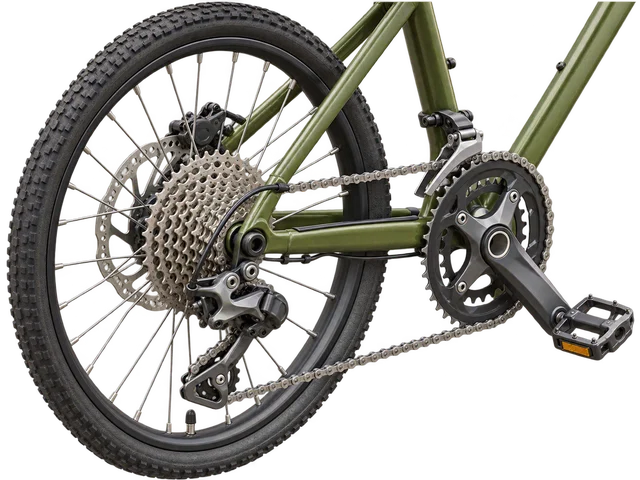
A mechanical transmission
Animate the parts of a mechanism to explain how movement passes between them.
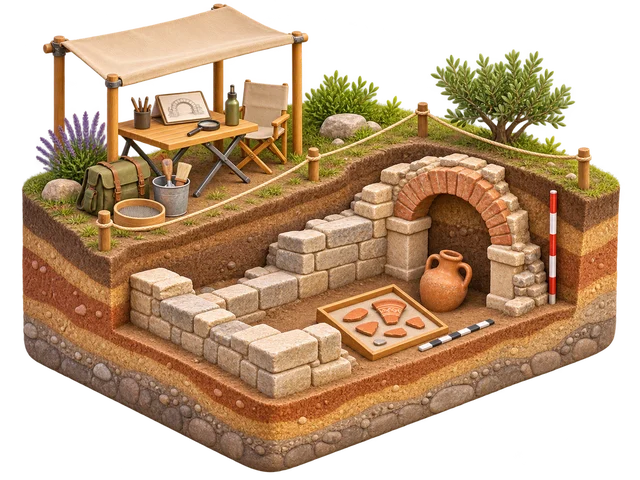
Reading a historical site
Reconstruct layers, structures or stages to provide context for your historical account.

A skill, step by step
Turn a method into a visual sequence to show your audience how it unfolds.
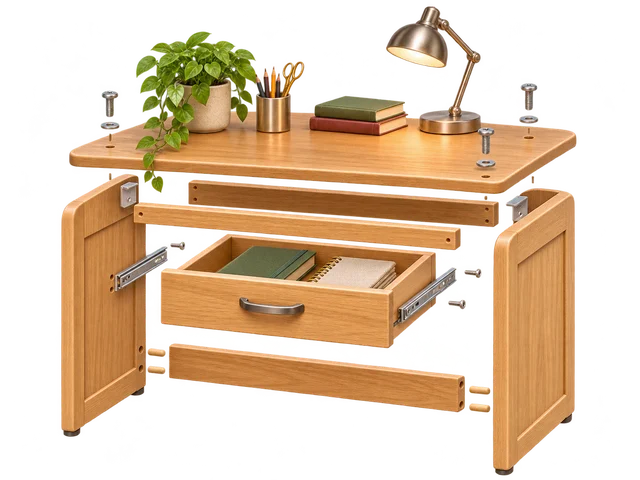
Assembling furniture
Turn your instructions into animated steps to show furniture assembly and details.

An instrument’s mechanism
Reveal an instrument’s parts and show how a gesture sets its mechanism in motion.
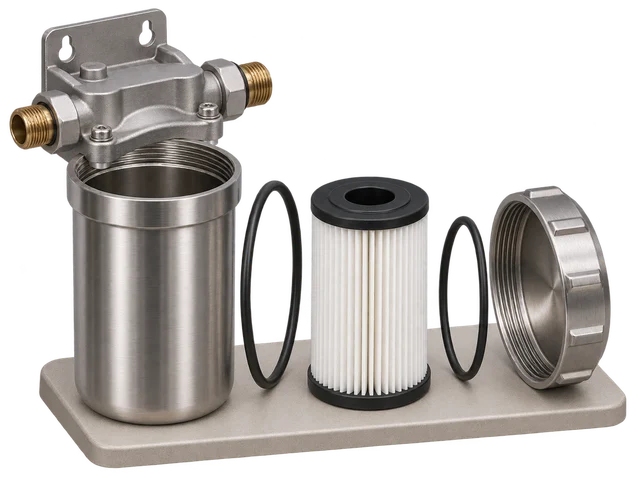
A maintenance operation
Break down access, disassembly and reassembly using your equipment documentation.
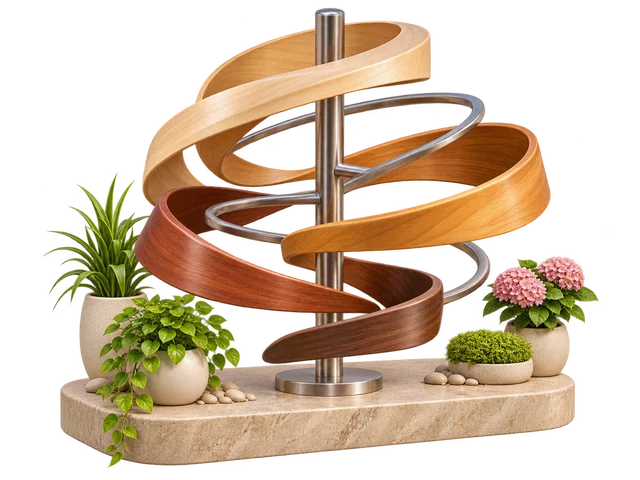
Constructing an artwork
Show a creation’s composition and assembly to explain your artistic approach.
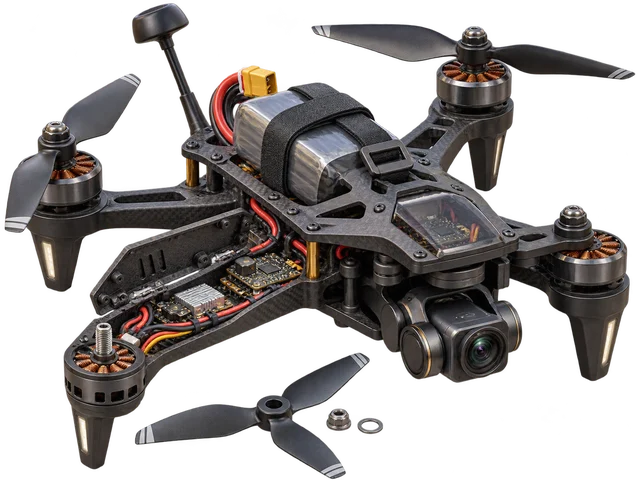
How a drone works
Present the components, joints and movements that help explain your device.
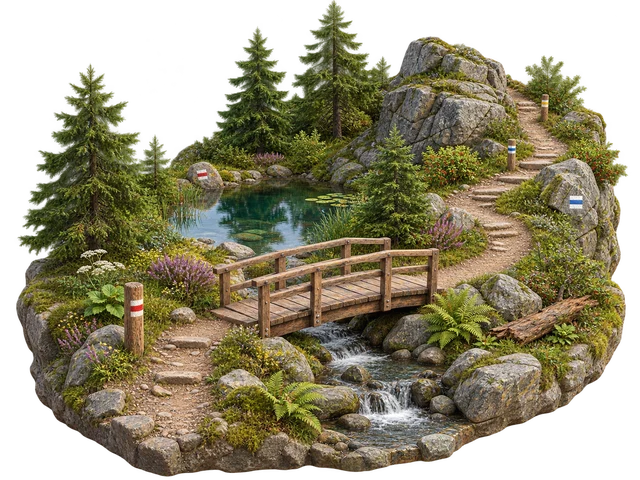
Following a route
Add markers and viewpoints to explain the route you want to show.

Using an object
Create interactions that show your object’s openings, adjustments or functions.
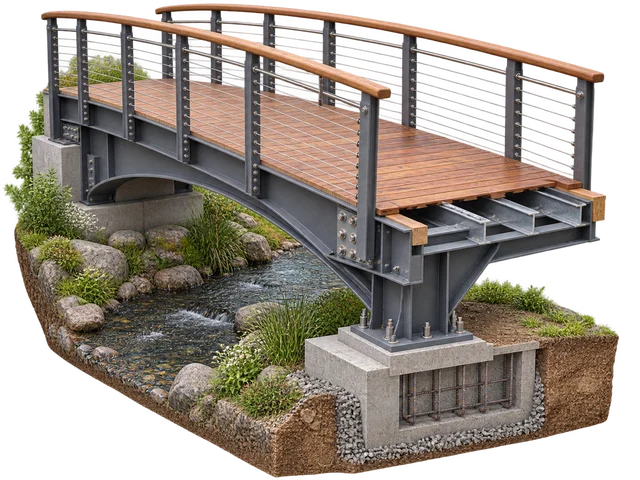
The structure of a construction
Reveal a construction’s parts and connections to make its organisation understandable.
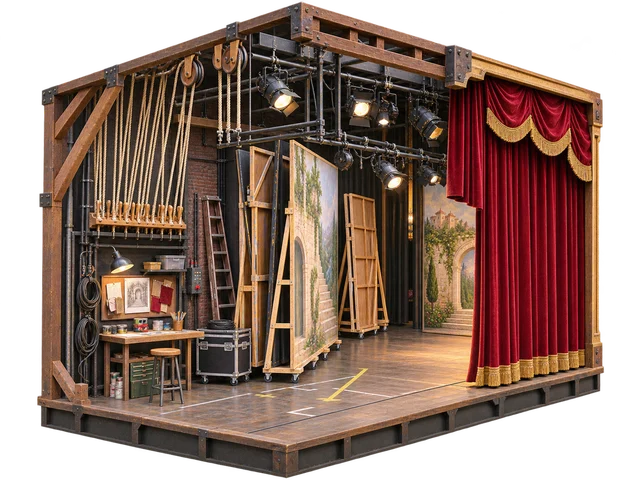
Behind a show
Show the sets, equipment and their organisation to explain what happens backstage.
And everything that deserves a clearer explanation…





Your explanations, your questions.
Answers to help you prepare a clear, lively demonstration.
Let’s talk about your ideaWhat subjects can I explain in 3D?
Introduce any subject by showing what you want to explain: a gesture, an idea, a mechanism or a phenomenon. Create an immersive, interactive 3D experience to make your explanation visible.
Can I show the steps of a method?
Turn a method into a visual sequence to show your audience how it unfolds.
Can I add my own explanations?
Add points of interest to your 3D experience to connect a detail with text, an image or a reference document.
What documents can I send?
Send plans, photos, videos, PDFs or assembly instructions. You can also start with a description. Tell us what people should be able to explore or interact with.
Will my documents remain private?
Yes. The files you send remain in your project. The link or QR code gives access to the 3D experience you publish. Your original plans, photos and notes remain private.
Can I integrate it into my site?
Yes. Copy the integration code of your Virtual Place and paste it into an HTML block on your site. Your visitors will be able to explore the 3D experience directly on your page.