Skip to content
VirtualPlace
CreateCreate my Virtual Place
Guides

Ideas and methods for your 3D experiences.

Advice on preparing your documents, presenting a project and making the most of interactive 3D.

Explore the guides

25 guides

  • Creating and editing

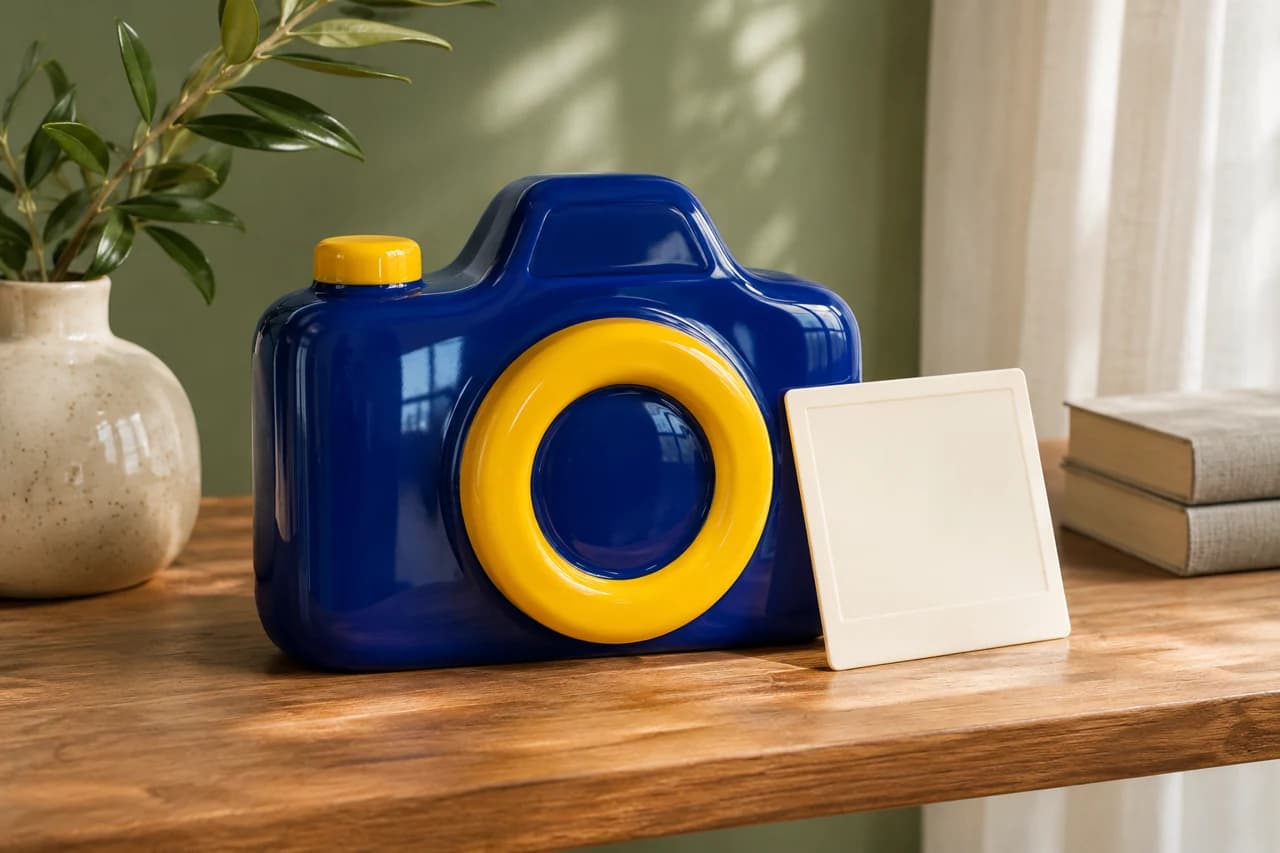
    Use your photos as a starting point for 3D

    For a place or an object, photograph every side, in daylight, not against the light. Anything that appears in no image will have to be imagined: it is better to show it. Several angles, sharp and well lit, with an object of known size in the frame if possible.

    Read the guide
  • Creating and editing

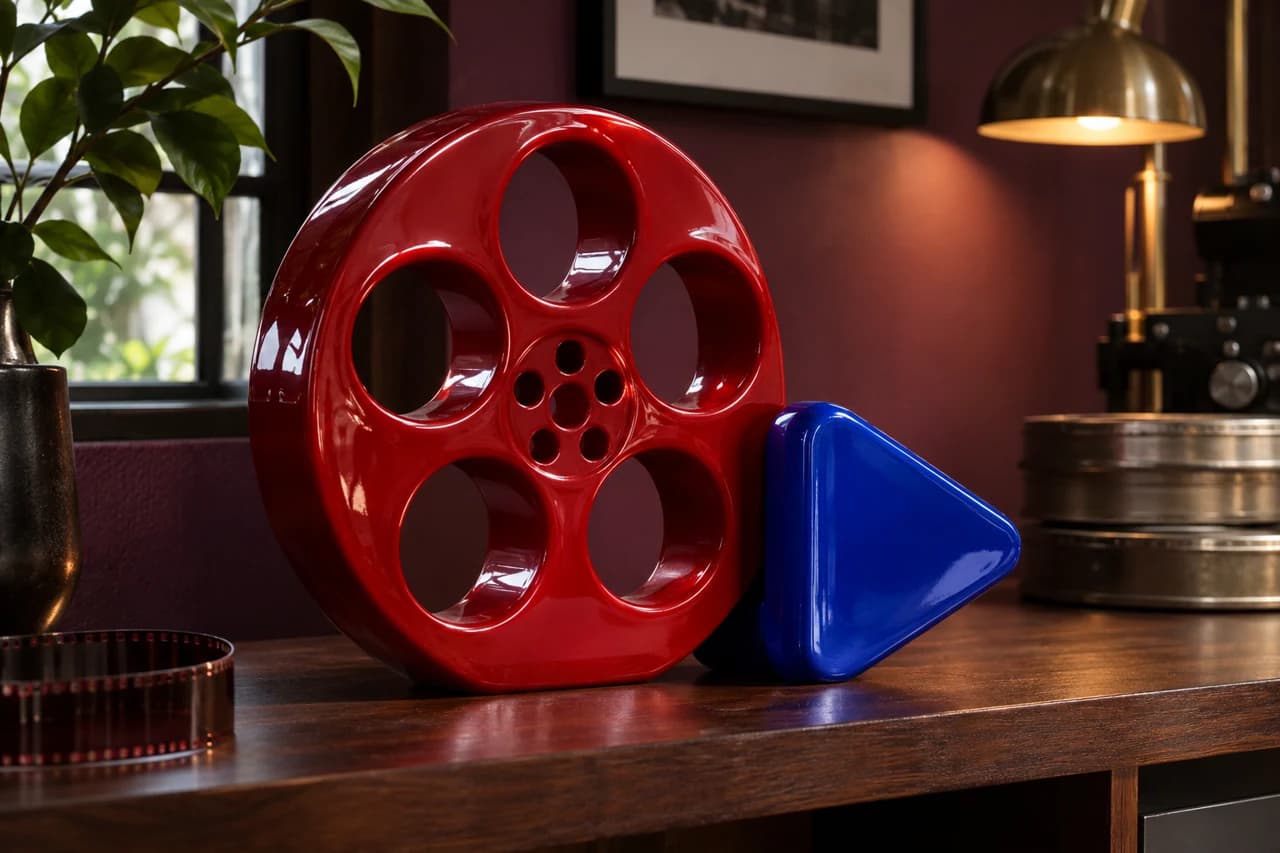
    Film a subject to prepare its 3D experience

    A slow, continuous walk-through, not filmed against the light, showing every side of the subject. A continuous take makes the route easier to follow. Avoid cutting between important angles. For a place or an object, photograph every side, in daylight, not against the light. Anything that appears in no image will have to be imagined: it is better to show it.

    Read the guide
  • Creating and editing

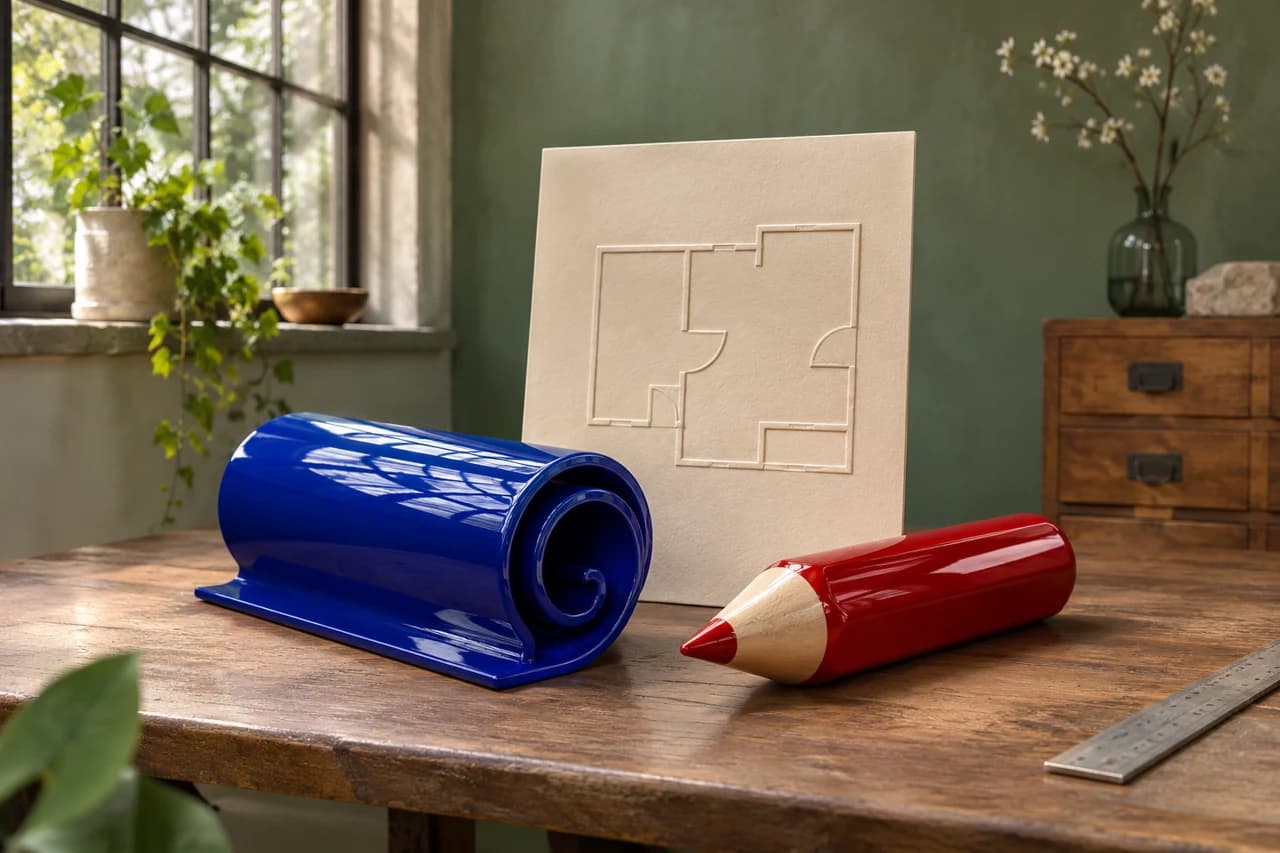
    Give a plan volume

    A legible plan with at least one dimension or a scale, as an image or a PDF. A single reliable dimension is enough to put everything else to scale. On a plan, check that it is legible. In a photo, place an object of known size in the frame.

    Read the guide
  • Creating and editing

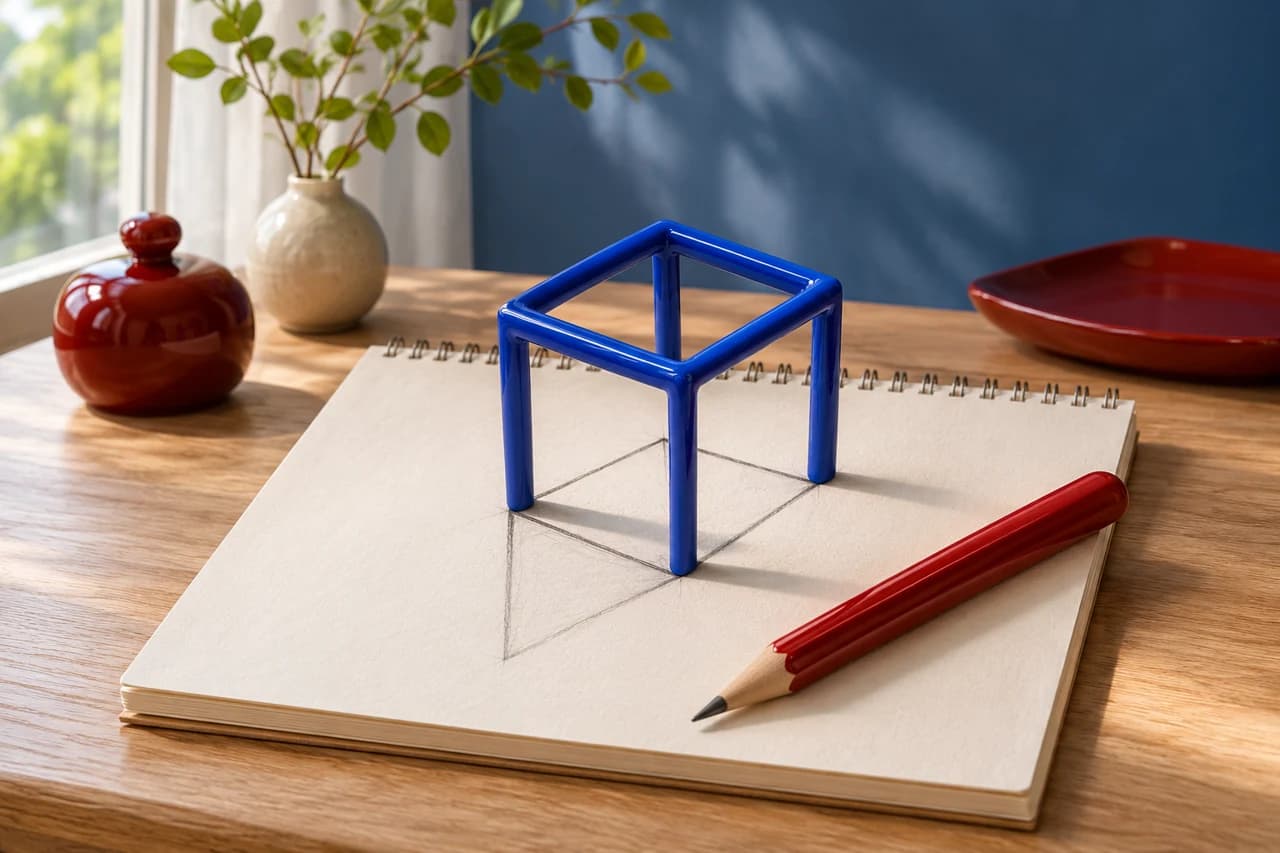
    Turn a sketch into a 3D experience

    A sharp photo of the drawing, with a few words about the intention and the dimensions. Circle the important details and note any dimensions or materials you have chosen. Begin with the subject, the action and the essentials. Then describe what you want to adjust.

    Read the guide
  • Creating and editing

    Turn instructions into animated steps

    The complete instructions as a PDF or as photos, with the parts list. The parts, the fittings and the exact order of the steps. Identify the page or step and specify which parts should already be in place.

    Read the guide
  • Explore and interact

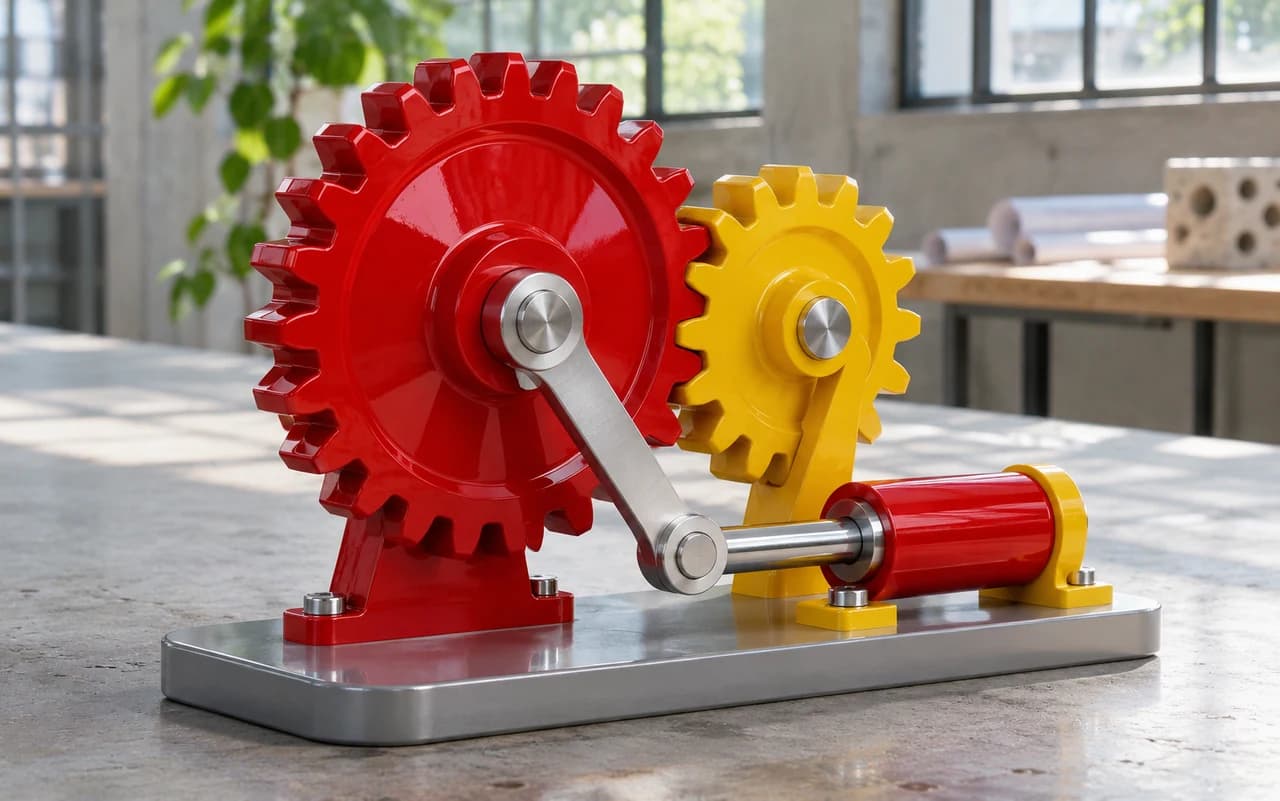
    Explain a mechanism through movement

    The diagram, its key and, if possible, a photo of the real subject. Name the relevant parts and explain arrows, colors or flow directions. The parts, how they connect and the order of the steps.

    Read the guide
  • Explore and interact

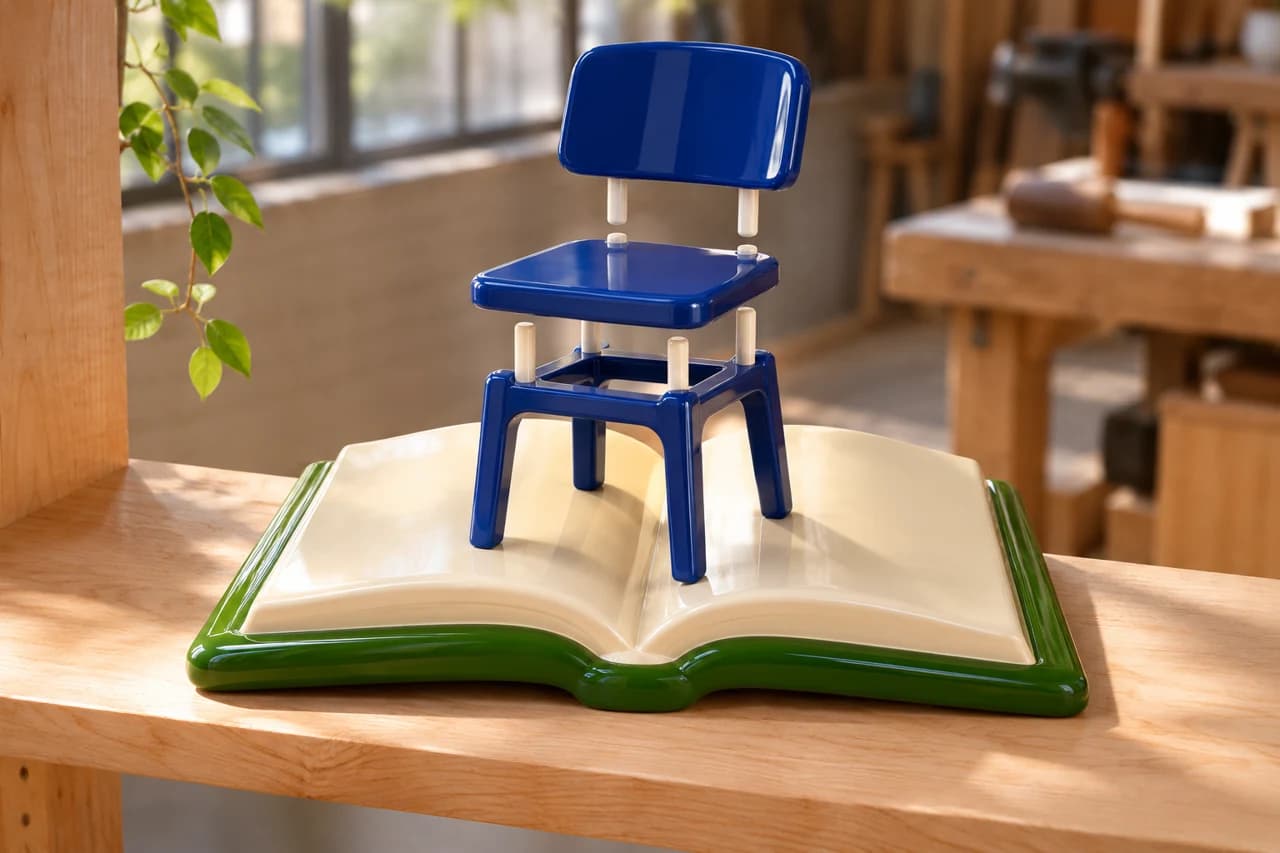
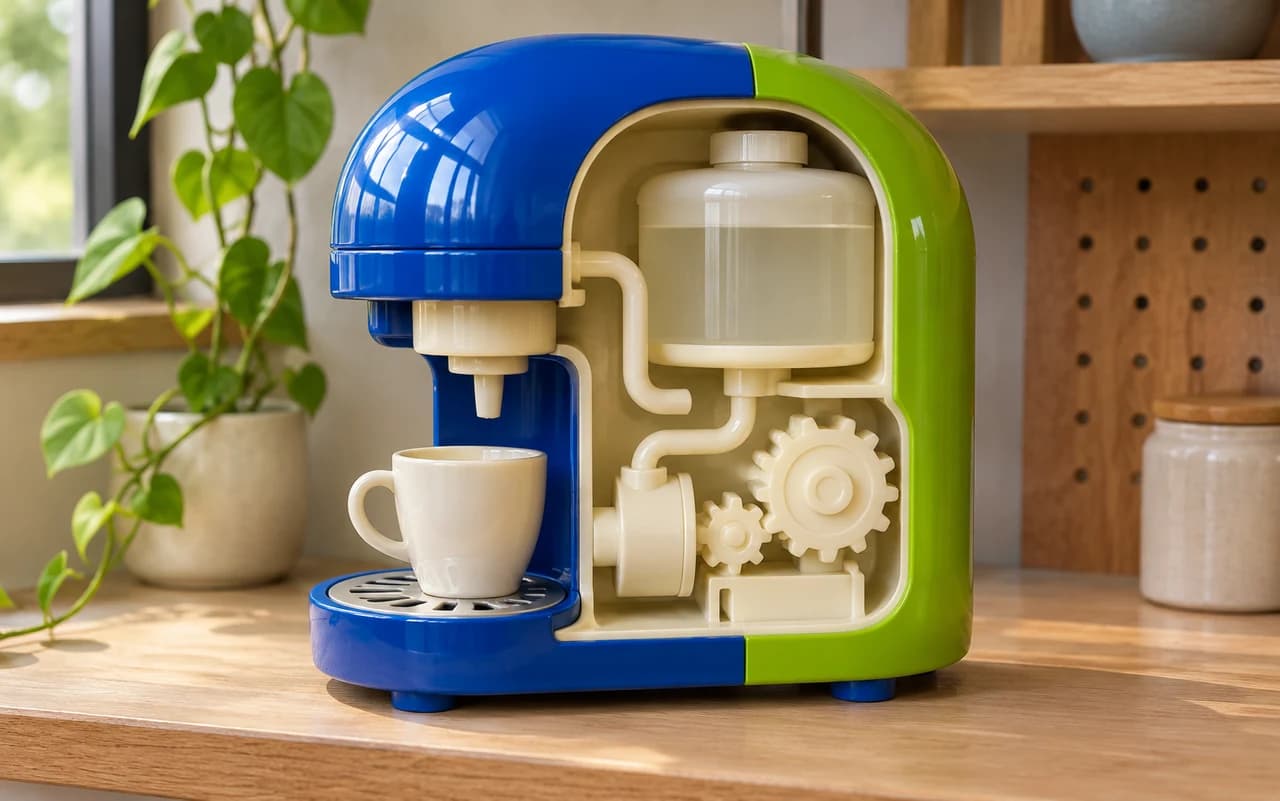
    Reveal the inside while keeping the big picture

    The diagram, its key and, if possible, a photo of the real subject. The parts, how they connect and the order of the steps. Create a cutaway or an exploded view to show components that cannot be seen from outside.

    Read the guide
  • Explore and interact

    Compare materials within one 3D experience

    From an object’s detail to the atmosphere of an imaginary world, show what each choice changes. Compare colours, materials, forms, equipment and configurations in your 3D experience. Present the same creation with different finishes to show their texture, reflections and appearance. Show several finishes on the same project so people can compare their effect in the same setting.

    Read the guide
  • Explore and interact

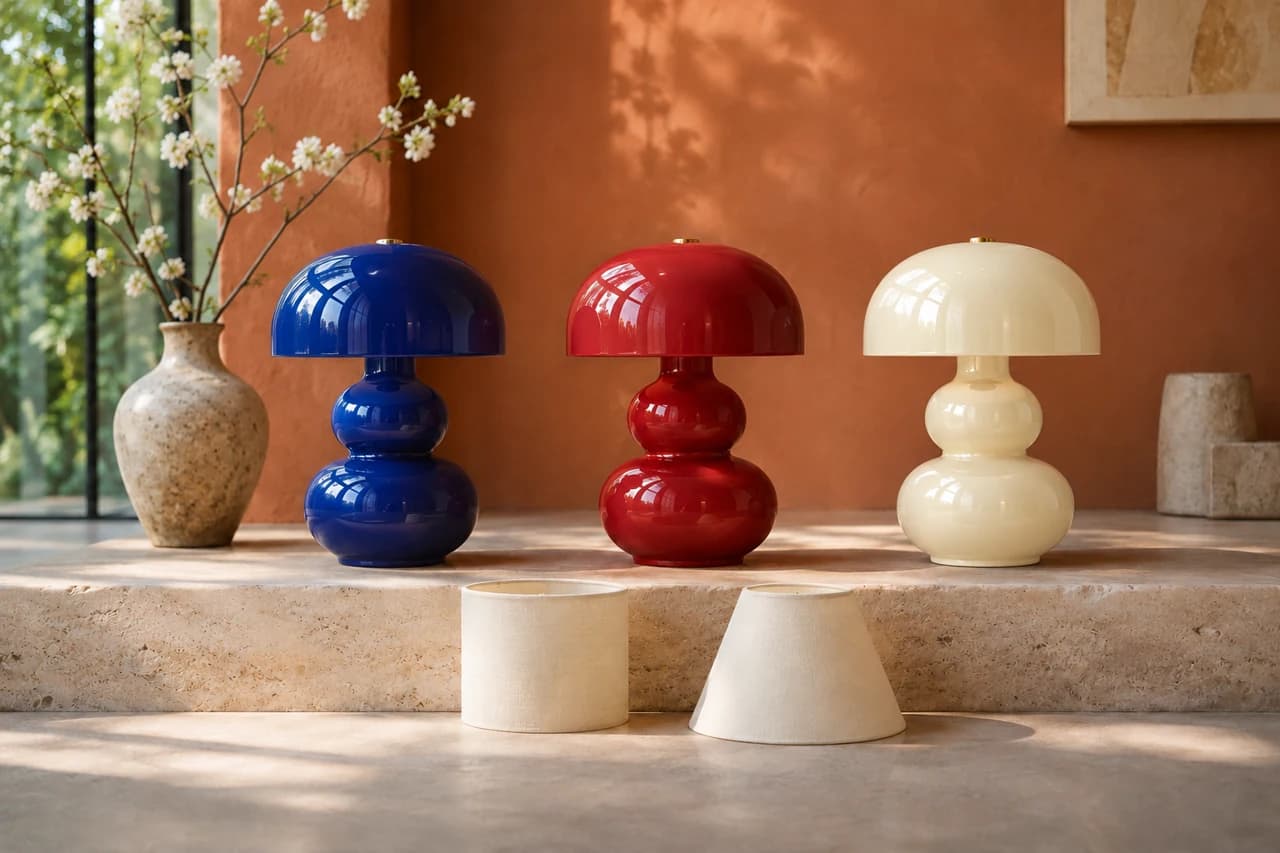
    Prepare variants that are easy to compare

    Add the equipment and accessories you want to offer, then let visitors try those options. Prepare different combinations of modules or elements to reveal the configurations of your project. Offer several colours on the same object: its shape stays the same and people see what each colour changes.

    Read the guide

RSS feed