One project, different possibilities.
Let people try different versions of what you create. Products, objects, settings, routes or worlds: bring your variations together in an immersive, interactive 3D experience.
Create my 3D experience
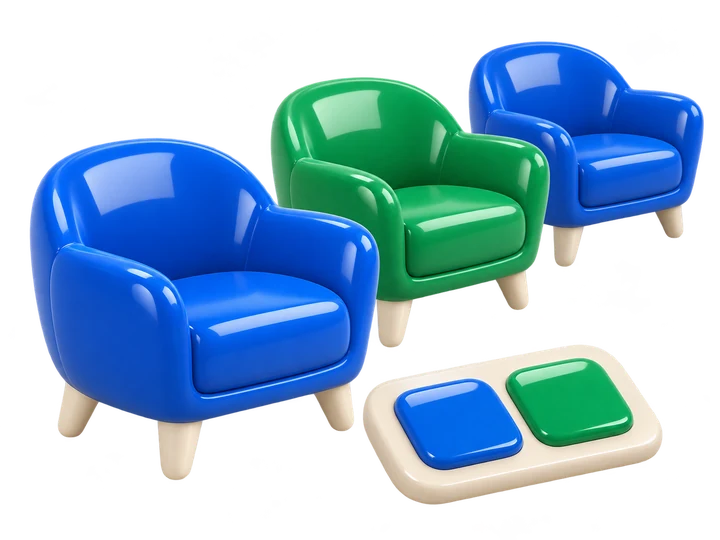 Your turn to create
One choice can change everything.
From an object’s detail to the atmosphere of an imaginary world, show what each choice changes. Compare colours, materials, forms, equipment and configurations in your 3D experience.
Create my 3D experience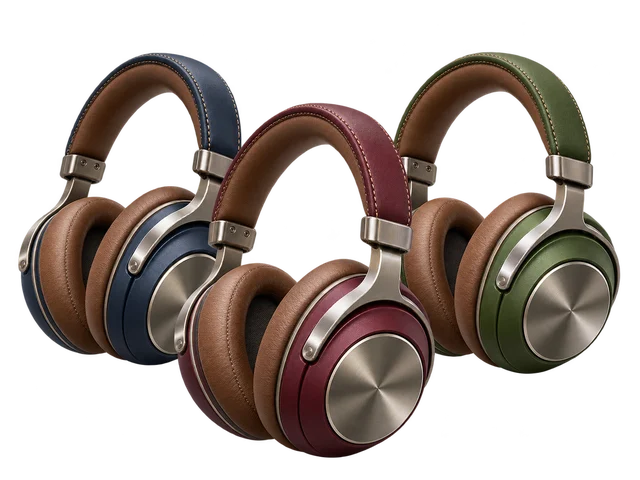
Product colours
Offer several colours on the same product to make the choice immediately visible.
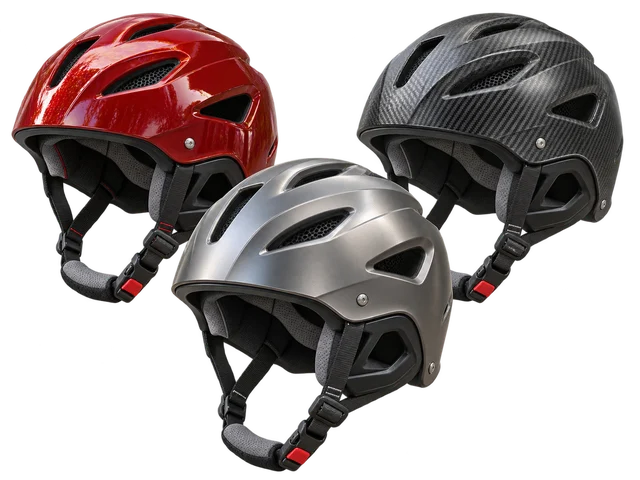
Materials to compare
Present the same form in different materials to show their texture and appearance.
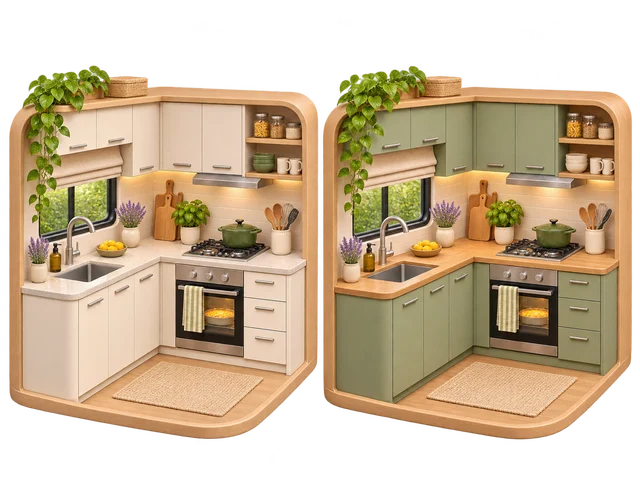
Kitchen variations
Offer different fronts, materials or layouts to compare versions of the same kitchen.
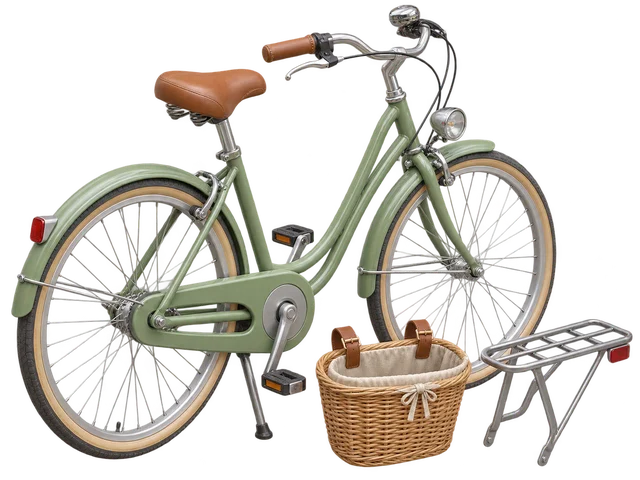
Optional accessories
Bring accessories together and show what each option changes on your product.
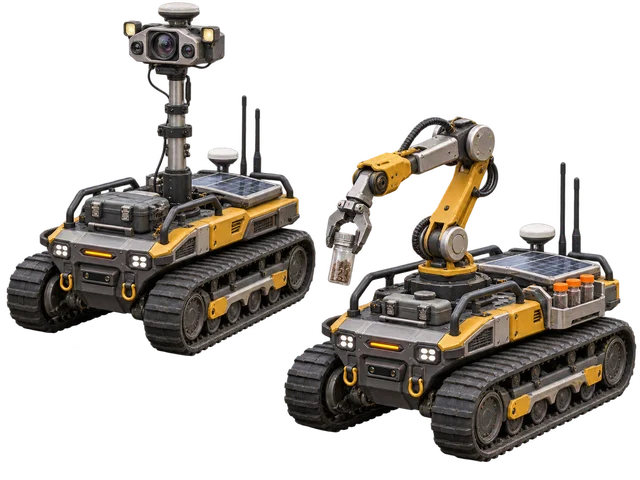
Robot configurations
Prepare different equipment combinations so people can try versions of your robot.
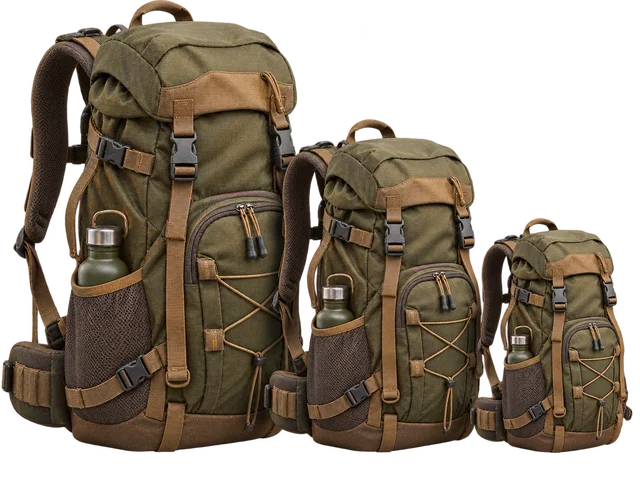
Different sizes
Present the same model in several dimensions to allow visual comparison.
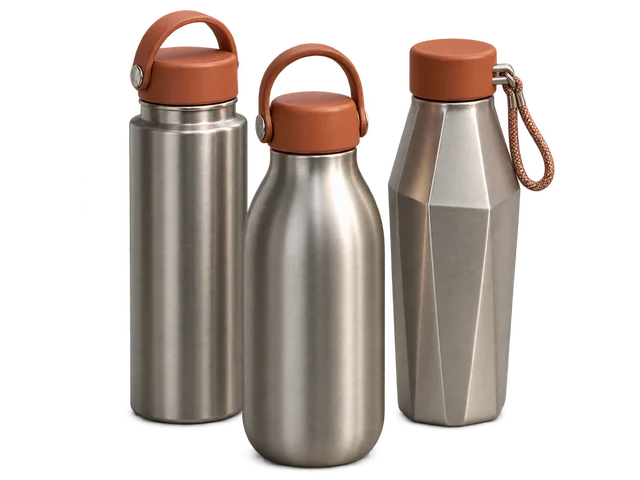
Shapes to explore
Develop an idea into several silhouettes and let visitors compare their lines.
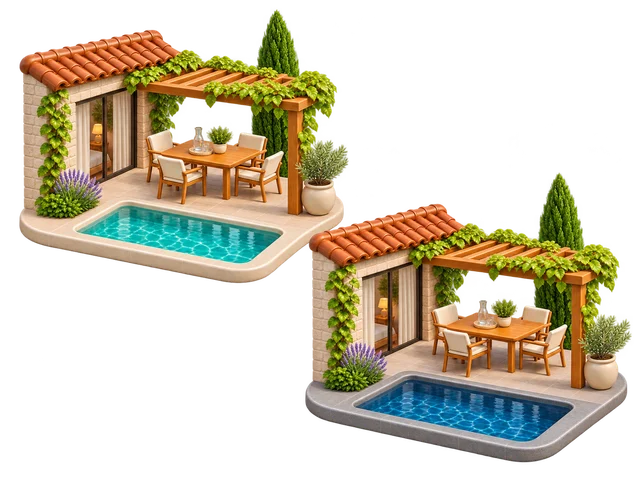
Pool variations
Show different linings, shapes or pool surroundings to compare your proposals.
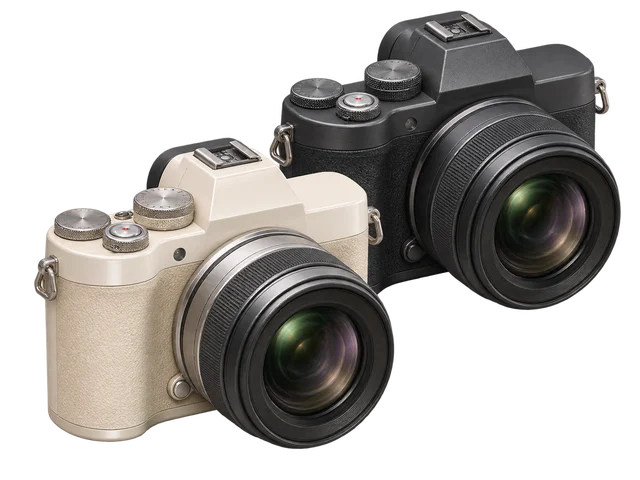
Device finishes
Show the differences between coatings or treatments applied to the same object.
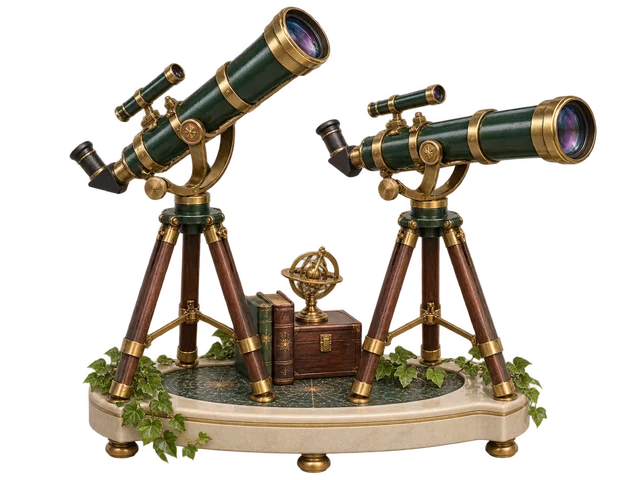
Positions to try
Present several orientations or positions of equipment to make their differences visible.
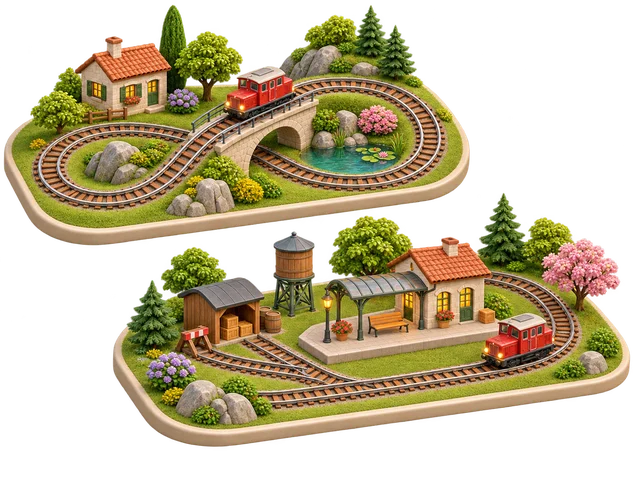
Alternative routes
Prepare several versions of a course using the same elements to compare their possibilities.
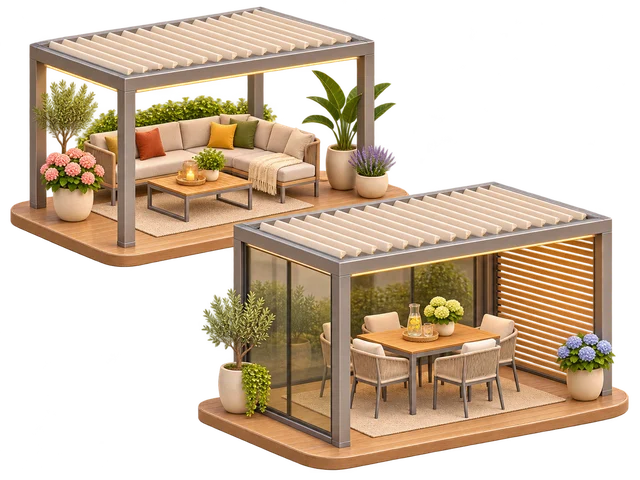
Pergola options
Present your pergola’s equipment and configurations to reveal what each option changes.
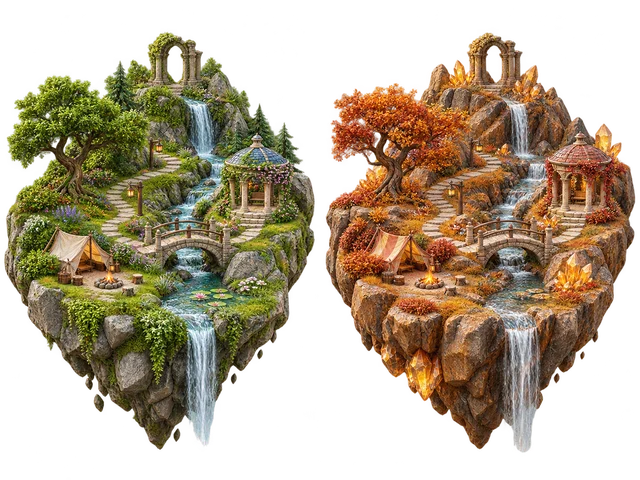
Variations of a world
Develop the same world with different settings and atmospheres to showcase your proposals.
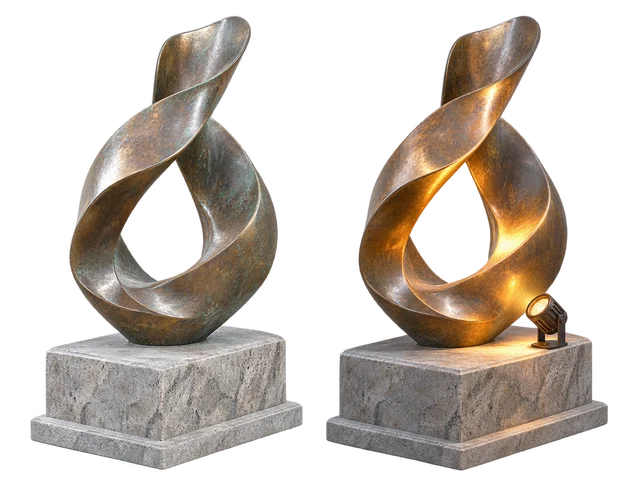
Different lighting
Show the same creation under different lights to compare its atmosphere and reflections.
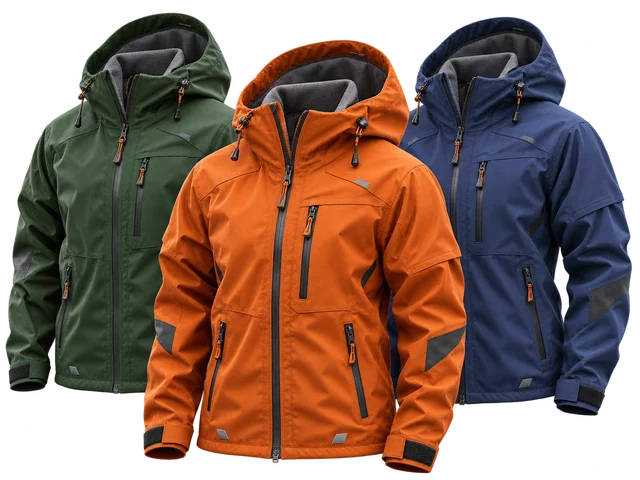
Collection variations
Bring clothing variations together to show the available colours and details.
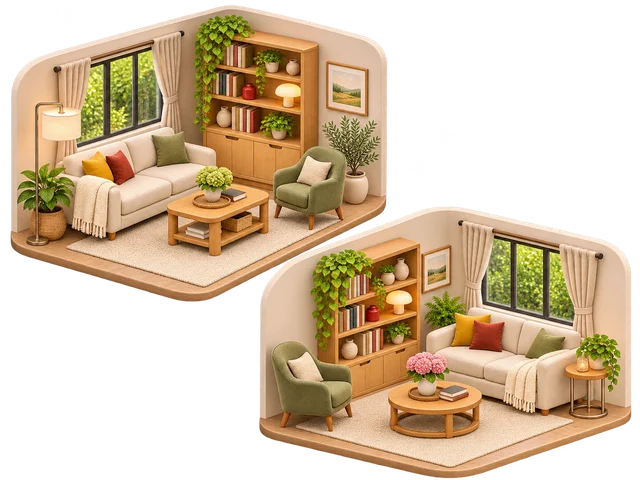
Ideas for your interior
Prepare different arrangements of the same furniture to compare possibilities at home or with clients.
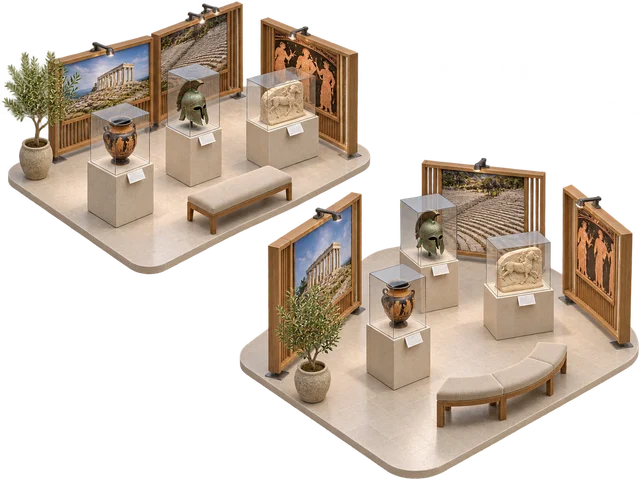
Exhibition arrangements
Offer several organisations of the same artworks and objects to compare their presentation.
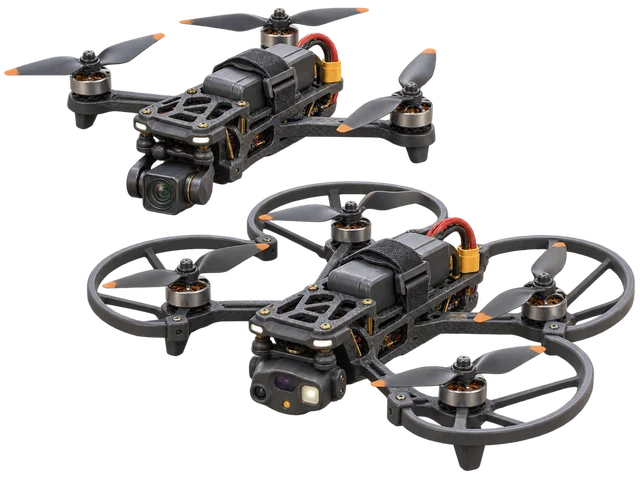
Drone equipment
Present your device’s options in different coherent configurations.
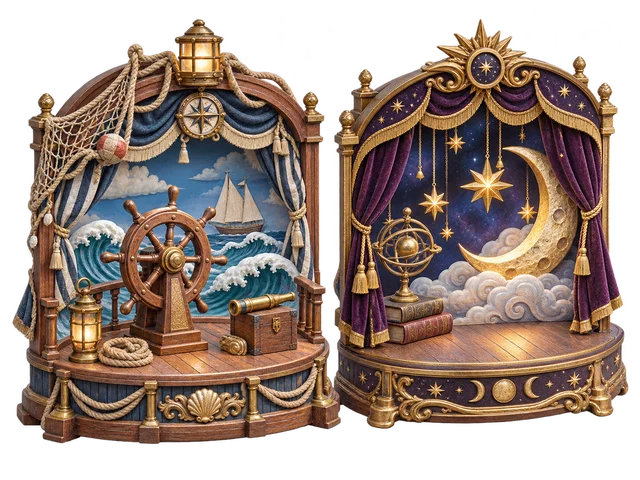
Versions of a setting
Show several scenic proposals based on the same project.
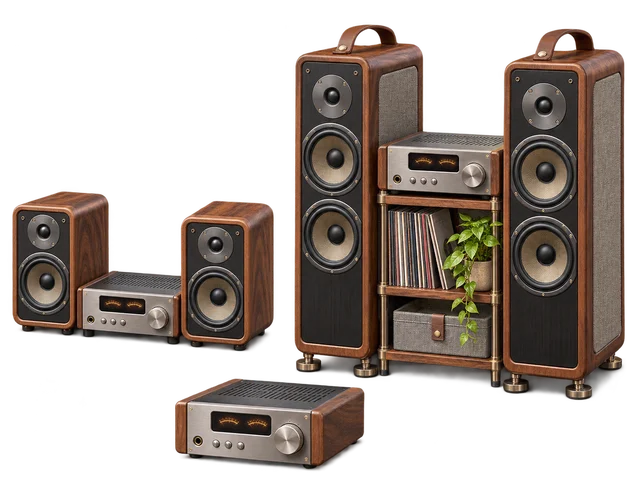
Modules to combine
Prepare the module combinations you want to offer and show their different compositions.
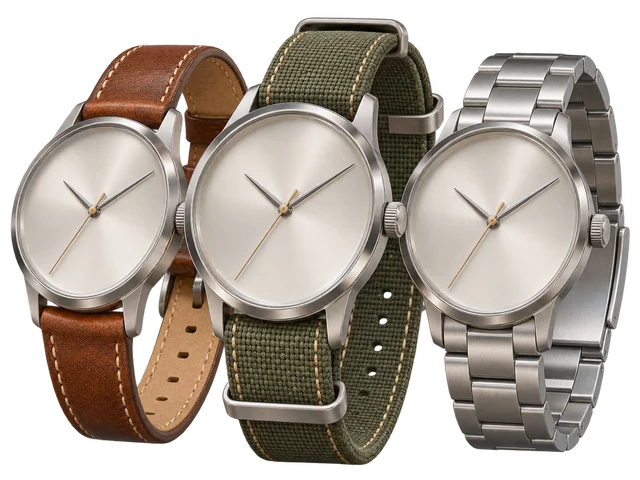
Style combinations
Combine colours, materials and accessories in proposals that are easy to compare.
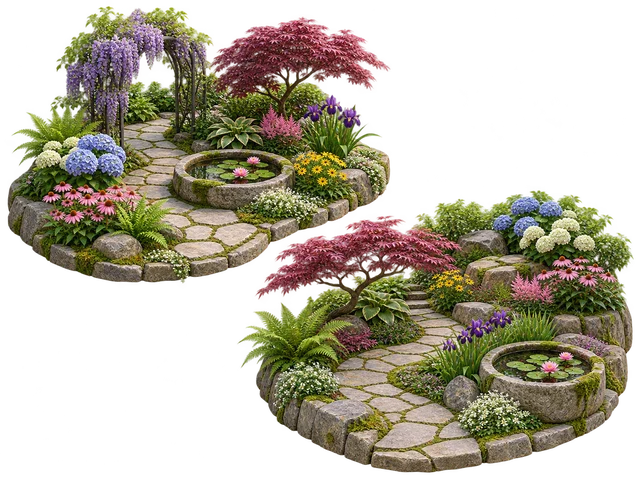
Landscape variations
Present different planting arrangements or routes to show what your choices change.
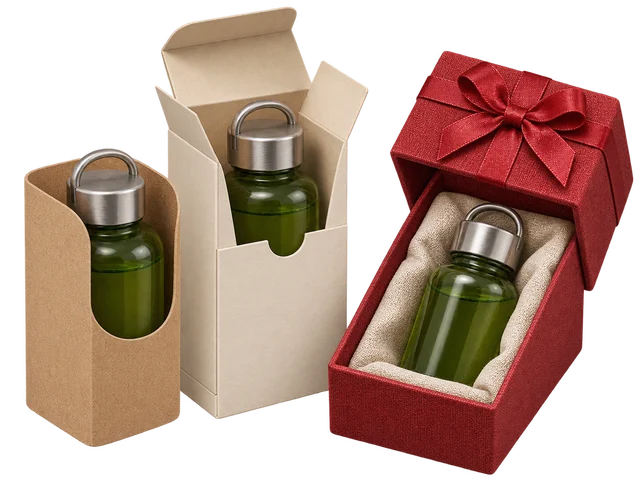
Alternative packaging
Show different presentations of the same product to compare your packaging proposals.
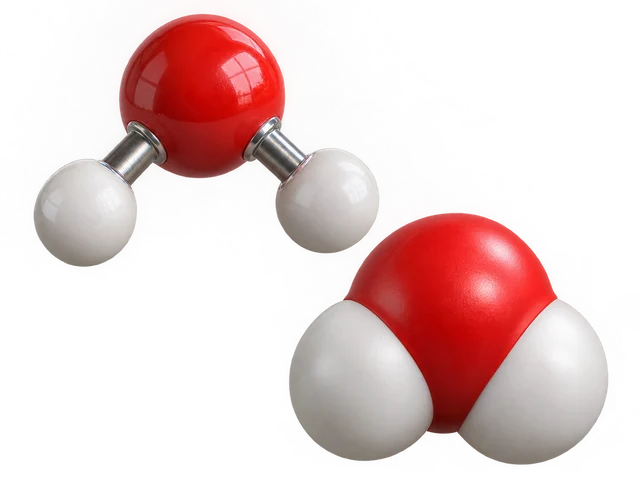
Educational representations
Offer different ways to represent the same subject and choose what serves your explanation.
And all the combinations to explore…




Try it before choosing.
Answers to help you present your variants and compare them.
Let’s talk about your ideaWhich variants can I offer?
Let people try different versions of what you create. Products, objects, settings, routes or worlds: bring your variations together in an immersive, interactive 3D experience.
Can people compare different materials?
Present the same form in different materials to show their texture and appearance.
Can I combine several possibilities in one 3D experience?
From an object’s detail to the atmosphere of an imaginary world, show what each choice changes. Compare colours, materials, forms, equipment and configurations in your 3D experience.
Can I change my 3D experience afterwards?
Yes. Ask for a new finish, another point of view or an interaction. Your link remains the same and presents the latest ready version of your 3D experience.
Do I need to install an application to open a Virtual Place?
No. Just open the link in a browser, on your phone or computer. On your phone, you can also scan the QR code to enter the 3D experience directly.
Can I integrate it into my site?
Yes. Copy the integration code of your Virtual Place and paste it into an HTML block on your site. Your visitors will be able to explore the 3D experience directly on your page.