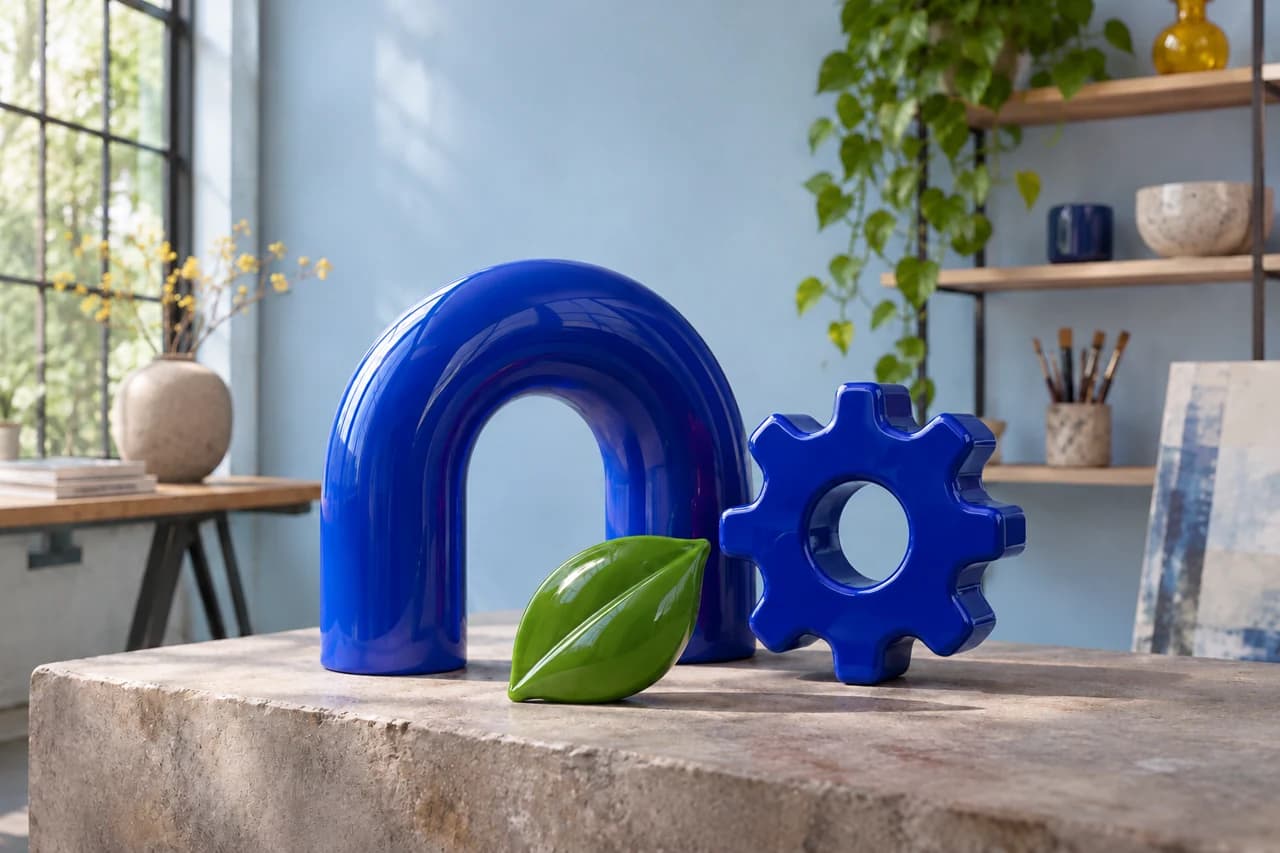
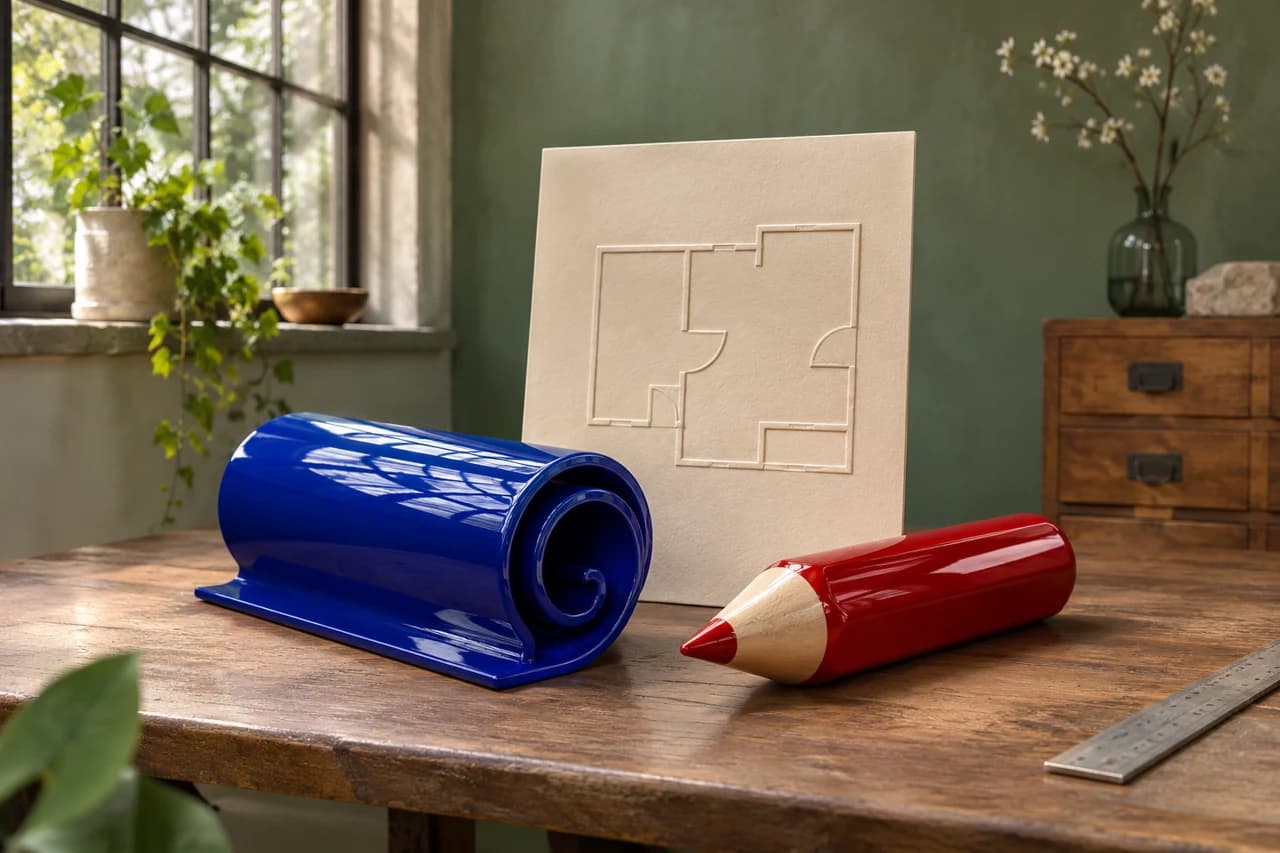
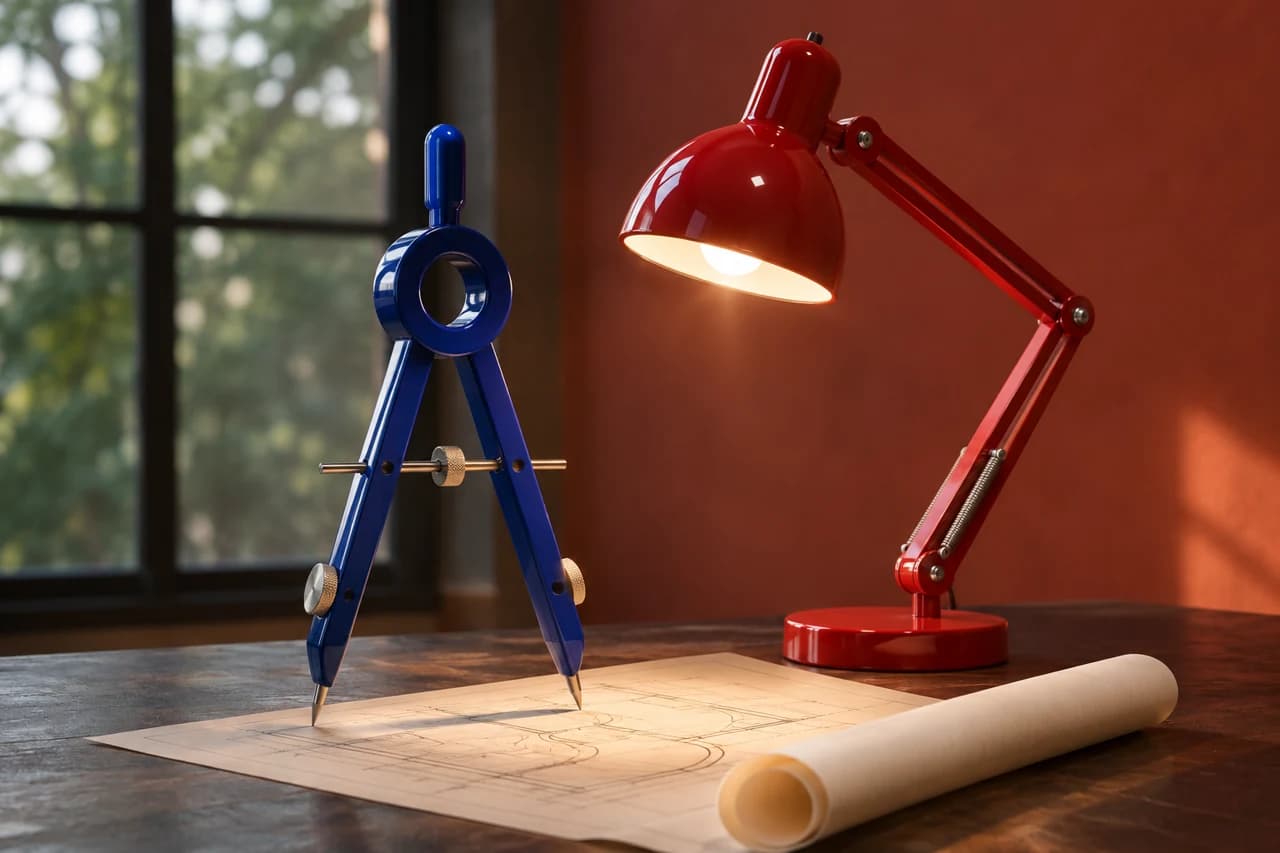
For every trade, its own 3D experience.
Present your projects, explain your expertise and let people try your options. Create a 3D experience for your profession and share it with your clients.
Create my 3D experience

 Your turn to create
Your expertise, another dimension.
Every profession can have a project to imagine, knowledge to explain or proposals to try. Explore examples suited to very different activities.
Create my 3D experience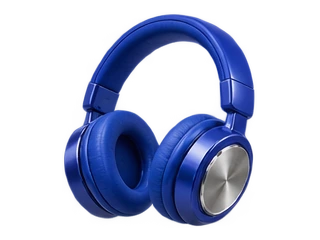
Product design
Present product concepts, prototypes and variations before manufacturing.
Explore this profession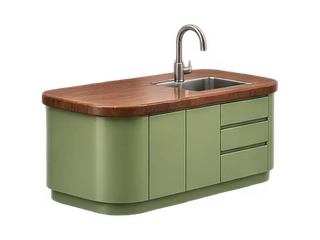
Kitchen designers
Let your client tour their future kitchen: layout, cupboards that open, finishes to compare. Share by link or QR code.
Explore this profession
Training
Turn a procedure, a diagram or course material into an interactive 3D experience: observe, follow the steps, then carry them out.
Explore this profession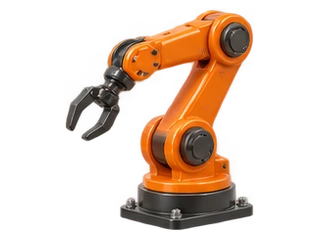
Industry and equipment
Show a piece of equipment in operation, its principle and its maintenance in an interactive 3D showcase created from your diagrams.
Explore this profession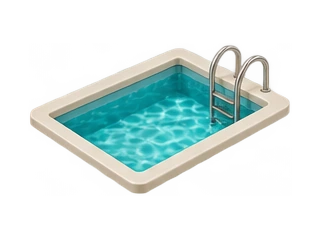
Pool builders
Show the pool at the scale of the garden before work begins: layout, surrounds, coping and moving water, based on your plan.
Explore this profession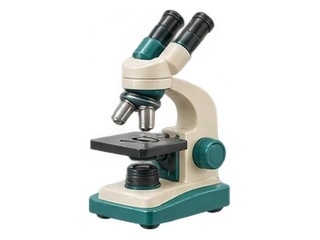
Research and science
Create 3D representations to show a model, a structure or stages in your reasoning.
Explore this profession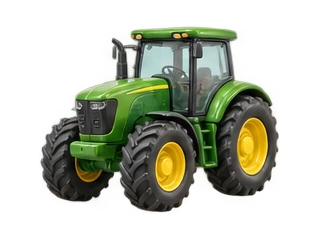
Agriculture and agronomy
Represent equipment, a crop or an agricultural installation to present the project and how it works.
Explore this profession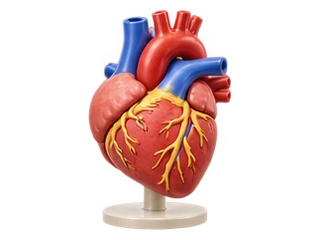
Healthcare education
Prepare educational 3D resources to present a device or illustrate a concept with your teams.
Explore this profession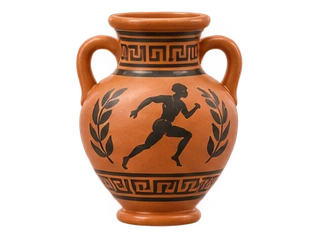
Culture and heritage
Present a reconstruction, collection or story with the context you want to convey.
Explore this profession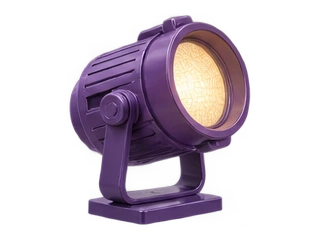
Events
Give a tour of a stand, a room or a scenography before the build: layout, circulation and atmosphere, based on your plans.
Explore this profession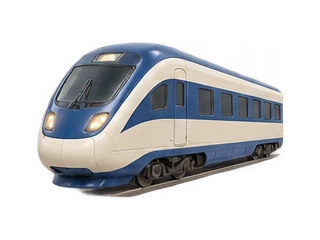
Transport and mobility
Present a vehicle, its equipment or how it works in a 3D experience for your project.
Explore this profession
Sport and leisure
Present equipment, a gesture or a route to introduce and explain your proposal.
Explore this profession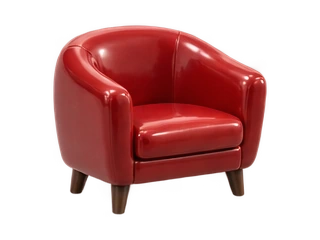
Self-assembly furniture
Turn assembly instructions into interactive 3D instructions: one step on paper, one animated step, replayable in both directions.
Explore this profession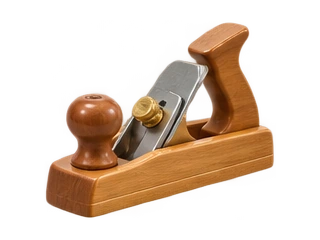
Crafts and creation
Show your pieces, their details and your techniques to introduce your expertise.
Explore this profession
Games and entertainment
Invent a universe, setting or playful object and create interactions for your 3D experience.
Explore this profession
Energy and installations
Explain an installation’s organisation and make its components visible in context.
Explore this profession
Commerce and presentation
Put your products, collections or commercial proposal into context in a 3D experience.
Explore this profession
Engineering and infrastructure
Explain components and the organisation of a construction or system with an appropriate 3D representation.
Explore this profession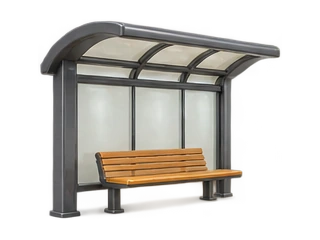
Urban planning and territories
Present an urban project, its uses and how it fits into the territory before it is built.
Explore this profession
Landscape designers
Let your client walk through their future garden: paths, terraces, planting and night lighting, based on your plan.
Explore this profession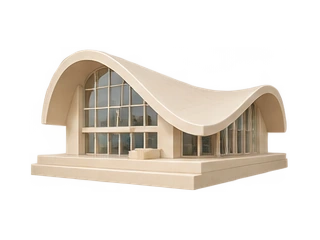
Architects and interior designers
Turn your plans and perspectives into a 3D model to walk through: volumes, light, materials and variants, shared with a simple link.
Explore this profession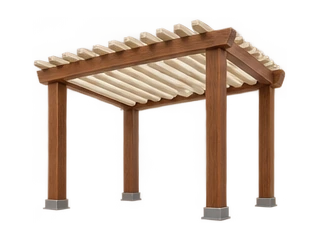
Pergolas and conservatories
Show the pergola or conservatory in place on the client’s house: structure, real shade, openings that move.
Explore this profession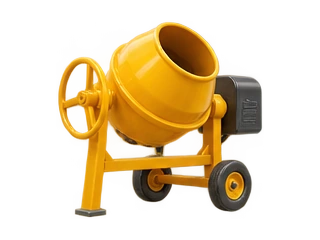
Builders and renovators
Show the existing building, the finished project and the stages of the work in a 3D tour created from your plans and photos.
Explore this profession
Property
Create the 3D tour of a home sold off-plan or due for renovation: rooms to walk through, real orientation and light, sharing by link and QR code.
Explore this profession
And every profession with something to show…





Your profession, your questions.
Answers to help you prepare a 3D experience for your field.
Let’s talk about your ideaCan Virtual Place adapt to my field?
Tour, model, instructions, showcase: Virtual Place speaks the language of your trade and starts from the documents you already have.
What should I provide for my project?
Send your plans, photos, sketches, instructions or diagrams, then tell us what you want to show. A description of your idea can also be a starting point.
How can I present my 3D experience to clients?
Share its link, create a QR code or embed it on your website. Friends, clients or visitors open it in their browser on a computer or phone.
What documents can I send?
Send plans, photos, videos, PDFs or assembly instructions. You can also start with a description. Tell us what people should be able to explore or interact with.
Can I change my 3D experience afterwards?
Yes. Ask for a new finish, another point of view or an interaction. Your link remains the same and presents the latest ready version of your 3D experience.
Will my documents remain private?
Yes. The files you send remain in your project. The link or QR code gives access to the 3D experience you publish. Your original plans, photos and notes remain private.