Use your photos as a starting point for 3D
Give volume to your photos. Recreate a place or an object, then add what your visitors will be able to explore and manipulate.
Read the guide
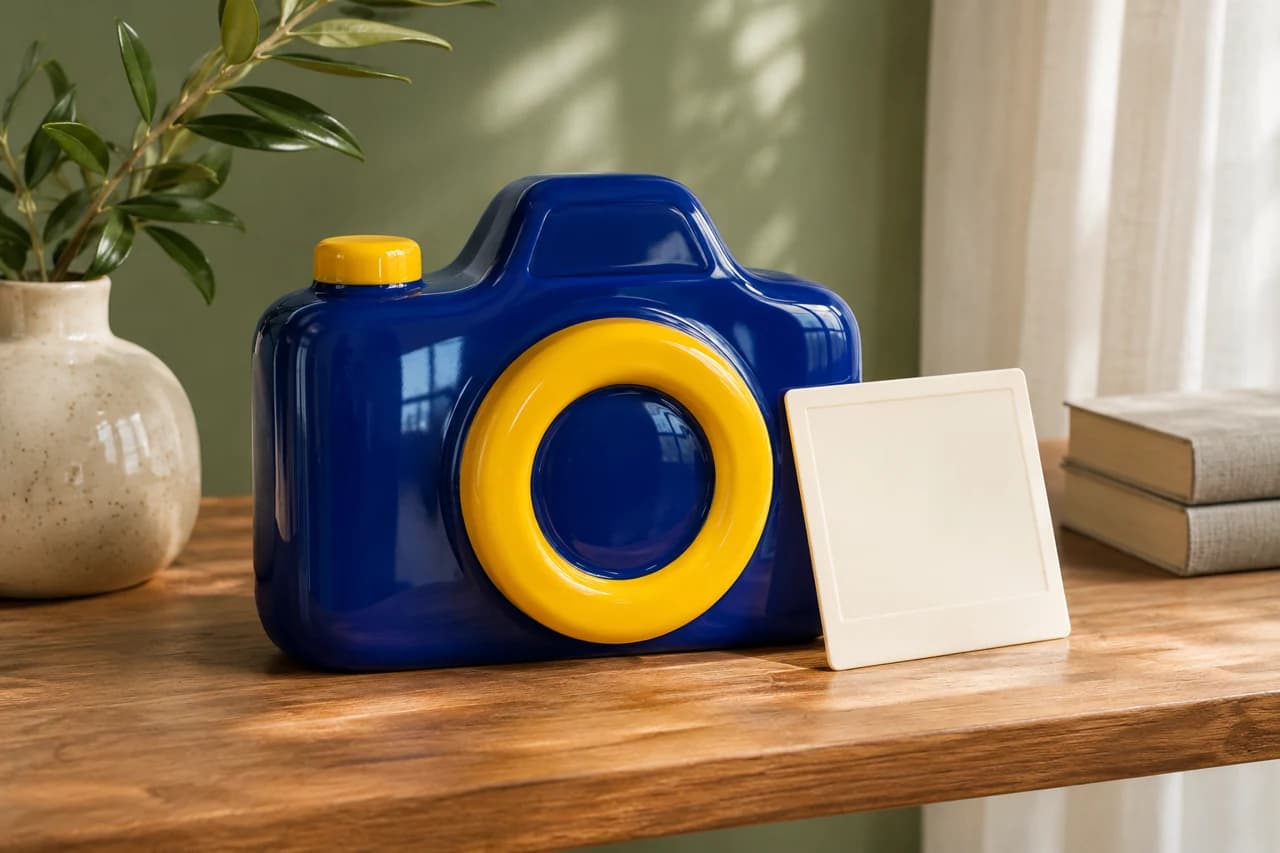
Show useful angles
For a place or an object, photograph every side, in daylight, not against the light. Anything that appears in no image will have to be imagined: it is better to show it.
Several angles, sharp and well lit, with an object of known size in the frame if possible.
Provide a size reference
A single reliable dimension is enough to put everything else to scale. On a plan, check that it is legible. In a photo, place an object of known size in the frame.
Include one known measurement or photograph a familiar object beside your subject.
Choose the actions to make possible
The shapes, materials, colours and arrangement of the visible elements.
A subject faithful to what the images show, which you can observe and walk through.
Add two sentences: what the visitor should understand, and what they should be able to do. A door to open, two finishes to compare, the steps of an assembly: that is the difference between an image and a 3D experience.