Create
Start with a perspective rendering of the property. Recreate the rooms and furniture so buyers can change their viewpoint.
Give your perspectives a follow-up: create the project in 3D and let your customers choose their own viewpoints.
Create my 3D experience
 Documents
Share your rendering and specify the features to keep. Move past a partition to see the room on the other side.
See how it worksStart with a perspective rendering of the property. Recreate the rooms and furniture so buyers can change their viewpoint.
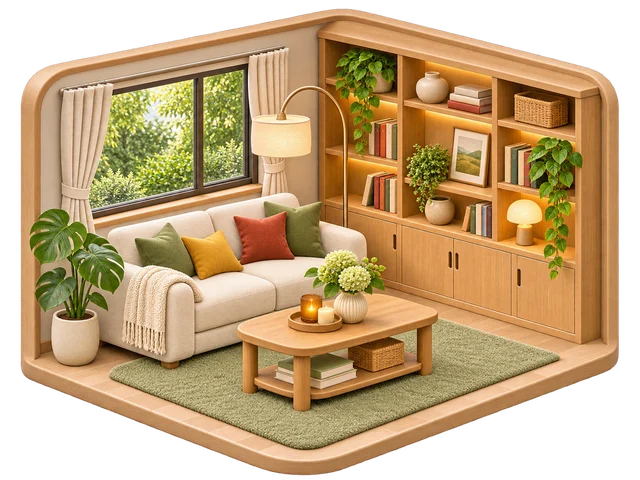
Do the visit again from the landing and check the views you want to show to the buyers.
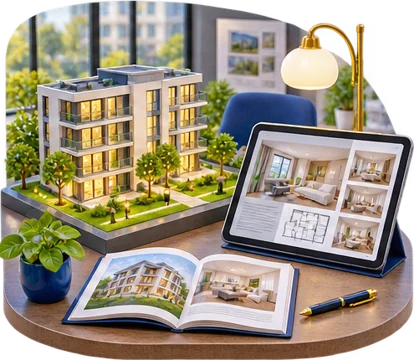
Add the tour to your listing so buyers can revisit the property after their first viewing.
Imagine a new layout for your home or present your proposal to clients in a 3D experience.
Show the same creation under different lights to compare its atmosphere and reflections.
Offer several organisations of the same artworks and objects to compare their presentation.
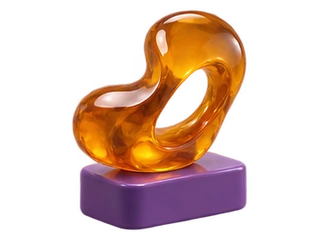
Present the same form in different materials to show their texture and appearance.
Arrange artworks or objects to give shape to your exhibition proposal.
Offer several colours on the same product to make the choice immediately visible.


Answers to help you gather documents and prepare your project.
Let’s talk about your ideaOne or more perspectives, and the matching plan if you have it.
Add a second view, a floor plan or a few words about the area your rendering leaves out.
The same project, which the client explores instead of looking at it from afar.
Share its link, create a QR code or embed it on your website. Friends, clients or visitors open it in their browser on a computer or phone.