Create
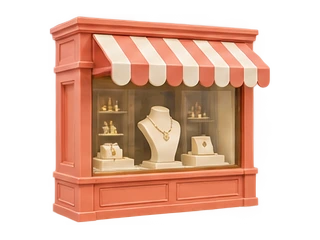
Photograph a store display. Recreate the shelves and position the products at the right height.
Put your products, collections or commercial proposal into context in a 3D experience.
Create my 3D experience
 Commerce and presentation
Turn your starting materials into a 3D experience your audience can revisit and explore.
See how it worksPhotograph a store display. Recreate the shelves and position the products at the right height.
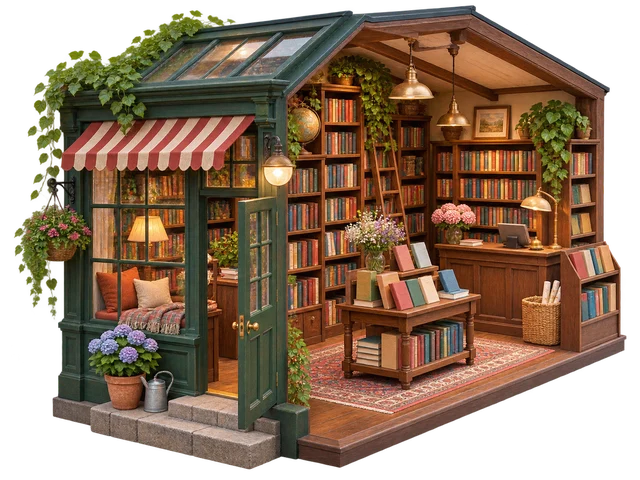
Browse the store from the window and check the presentation of the products.
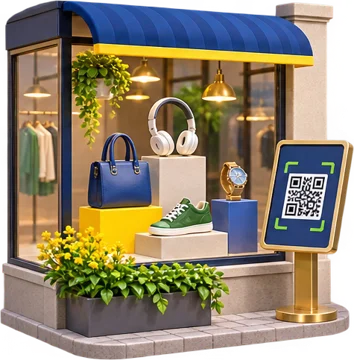
Embed the tour on your website or send it to the merchandising team.
Place your display fixtures and review the view from the entrance with your team.
Group products from one collection in the same aisle to show how they work together.
Compare two display layouts to show how shoppers move through the store.
Compare the heights of the displays from the sidewalk.
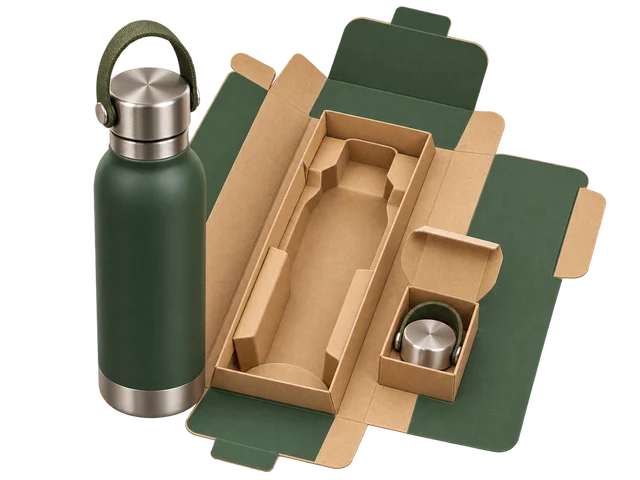
Show the place of each format before putting it on the shelf.
Link each item on display to its product information.


Prepare the project, decide what to show and share the result.
Let’s talk about your ideaShop plan, shelf photos and product references.
Place your display fixtures and review the view from the entrance with your team.
Group products from one collection in the same aisle to show how they work together.
Embed the tour on your website or send it to the merchandising team.