Create
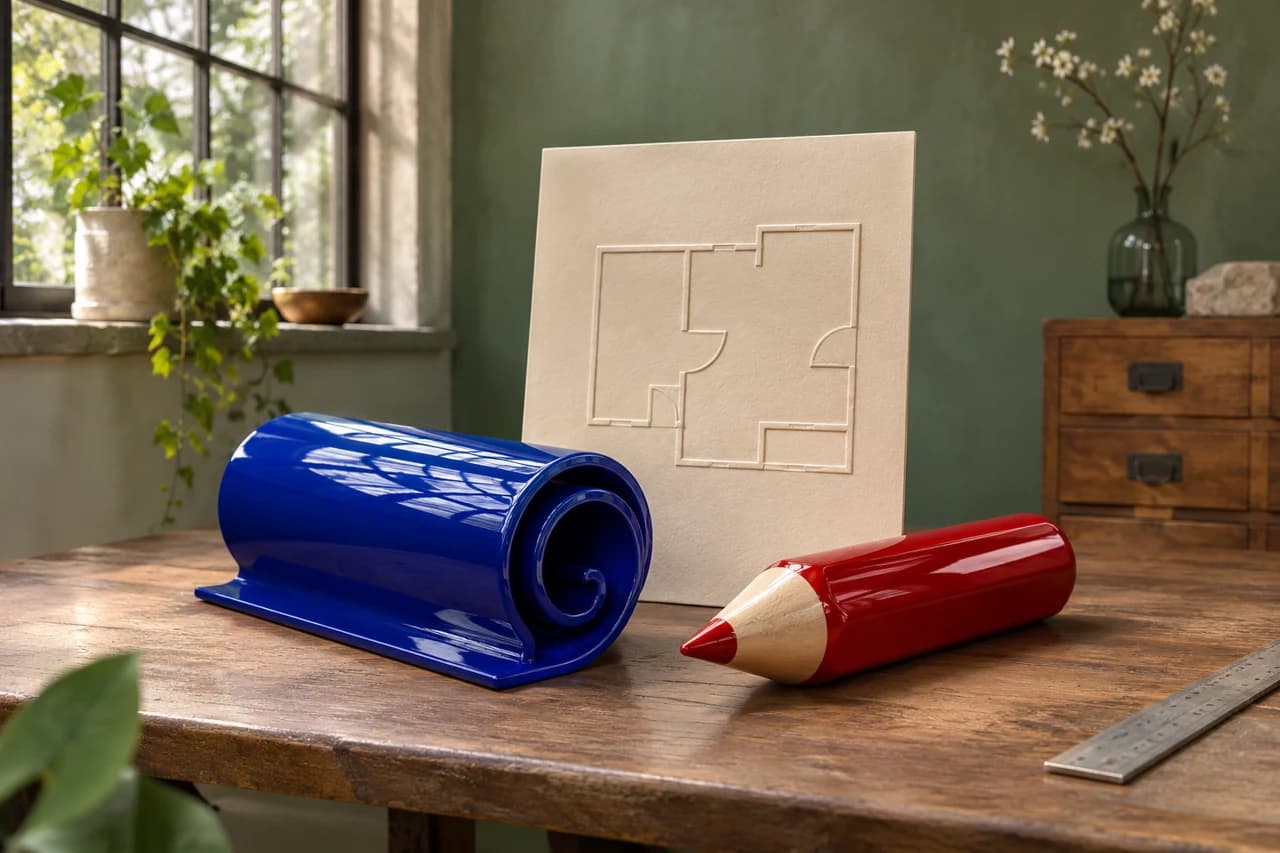
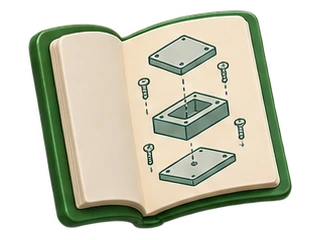
Describe your idea and what you want to make people discover. Add your documents if you have any.
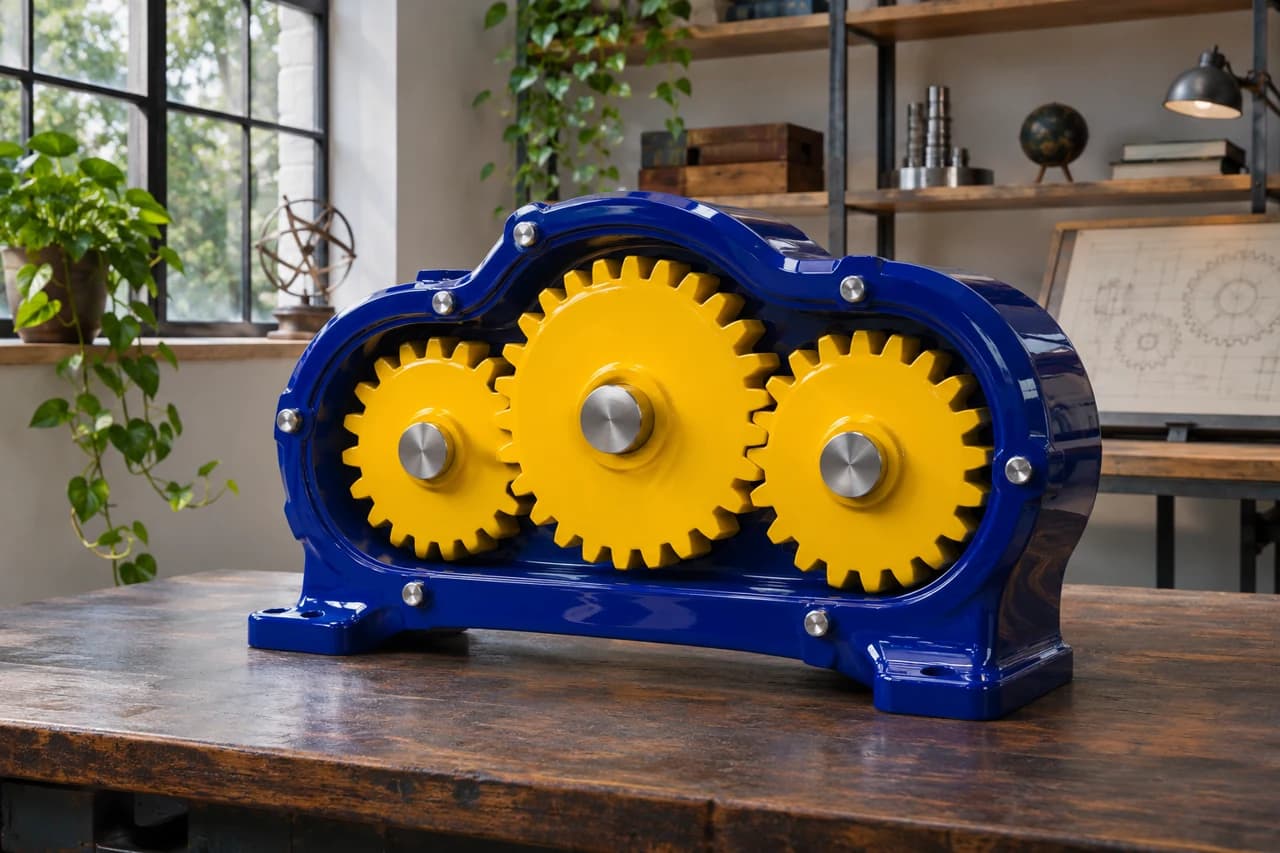
Give life to your instructions with a step-by-step animation. Your customers see the pieces assemble and can go back to the gestures to understand.
Create my 3D experience
 How it works
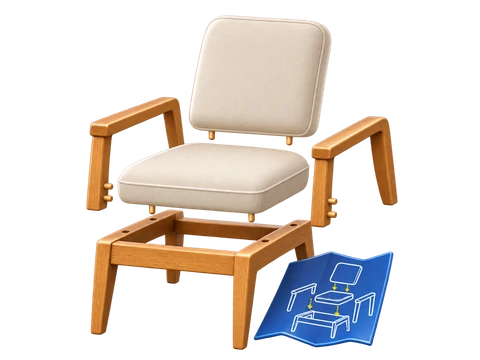
Turn your starting materials into a 3D experience your audience can revisit and explore.
See how it worksDescribe your idea and what you want to make people discover. Add your documents if you have any.
Choose an address, publish, then share the link: it always shows the latest approved state.
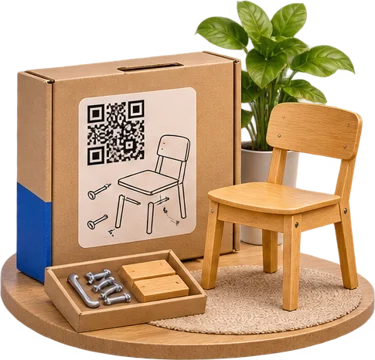
Send your link, display your QR code or integrate your creation on your site. It's up to your visitors to play.
Turn assembly instructions into 3D instructions: one step on paper, one animated step, replayable in both directions.
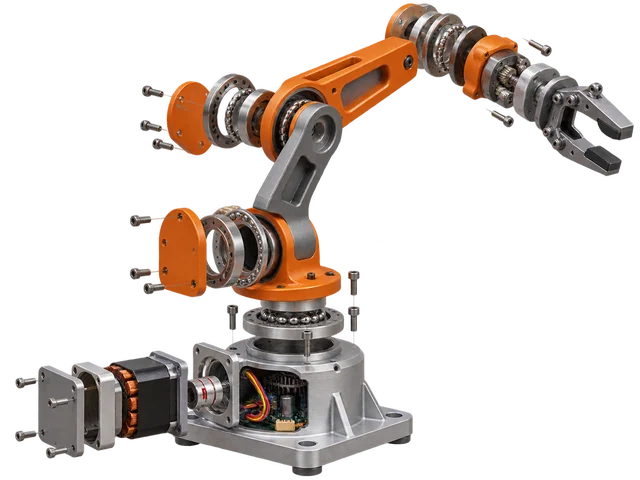
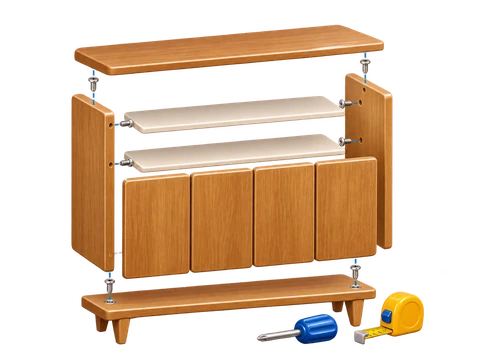
Present the parts and their references to help your customers prepare the assembly.
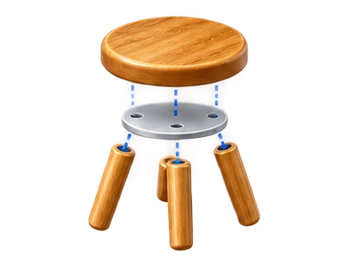
Animate the instructions in the order of your instructions, with direct access to each step.
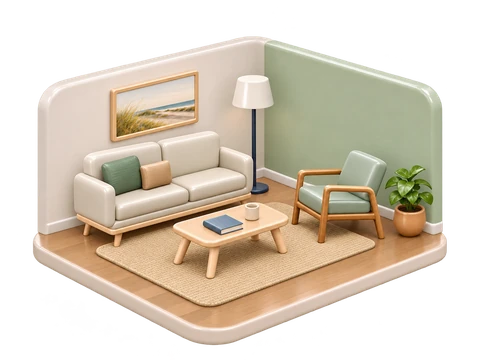
Show the result and add its interactions: a drawer to open or a bed to unfold.
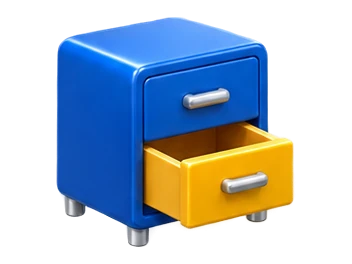
Create interactions in your 3D experience: open a drawer, orient blades or turn on a lamp.
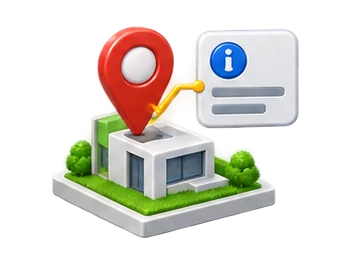
Add markers to explain a detail and give access to a dimension, a sheet or a page of instructions.
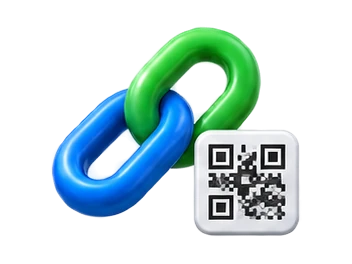
Share your creation by link, QR code or on your website. Your visitors open it on their phone or computer.


A few answers to take you from “what if…” to your 3D experience.
Let’s talk about your ideaGive life to your instructions with a step-by-step animation. Your customers see the pieces assemble and can go back to the gestures to understand.
Send plans, photos, videos, PDFs or assembly instructions. You can also start with a description. Tell us what people should be able to explore or interact with.
Yes. Ask for a new finish, another point of view or an interaction. Your link remains the same and presents the latest ready version of your 3D experience.
No. Just open the link in a browser, on your phone or computer. On your phone, you can also scan the QR code to enter the 3D experience directly.
Yes. Copy the integration code of your Virtual Place and paste it into an HTML block on your site. Your visitors will be able to explore the 3D experience directly on your page.
Yes. The files you send remain in your project. The link or QR code gives access to the 3D experience you publish. Your original plans, photos and notes remain private.