Create
Describe your idea and what you want to make people discover. Add your documents if you have any.
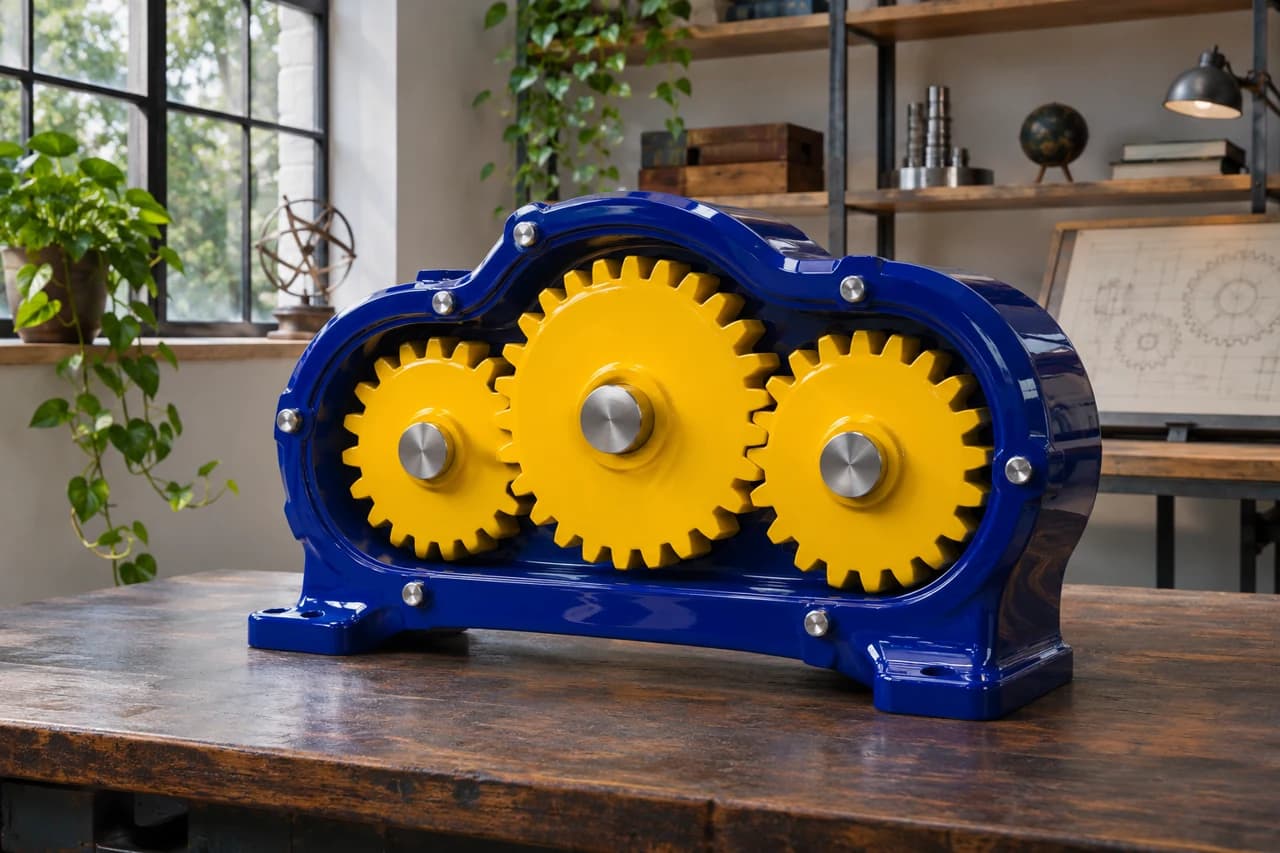
Transform your diagrams into an animated 3D demonstration. Explain the links, movements and operating steps.
Create my 3D experience
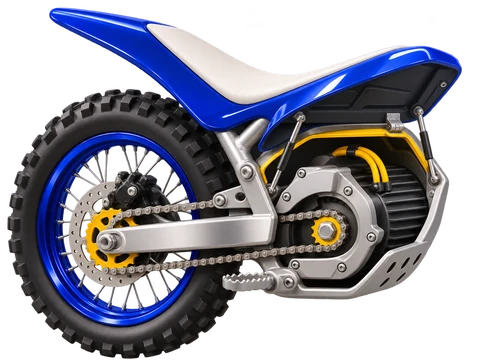 How it works
Turn your starting materials into a 3D experience your audience can revisit and explore.
See how it worksDescribe your idea and what you want to make people discover. Add your documents if you have any.
Choose an address, publish, then share the link: it always shows the latest approved state.
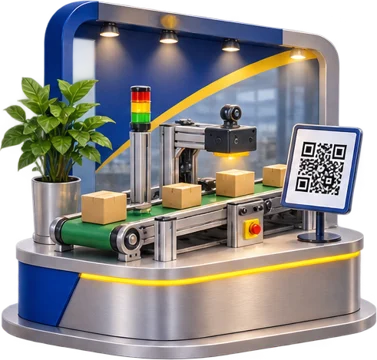
Send your link, display your QR code or integrate your creation on your site. It's up to your visitors to play.
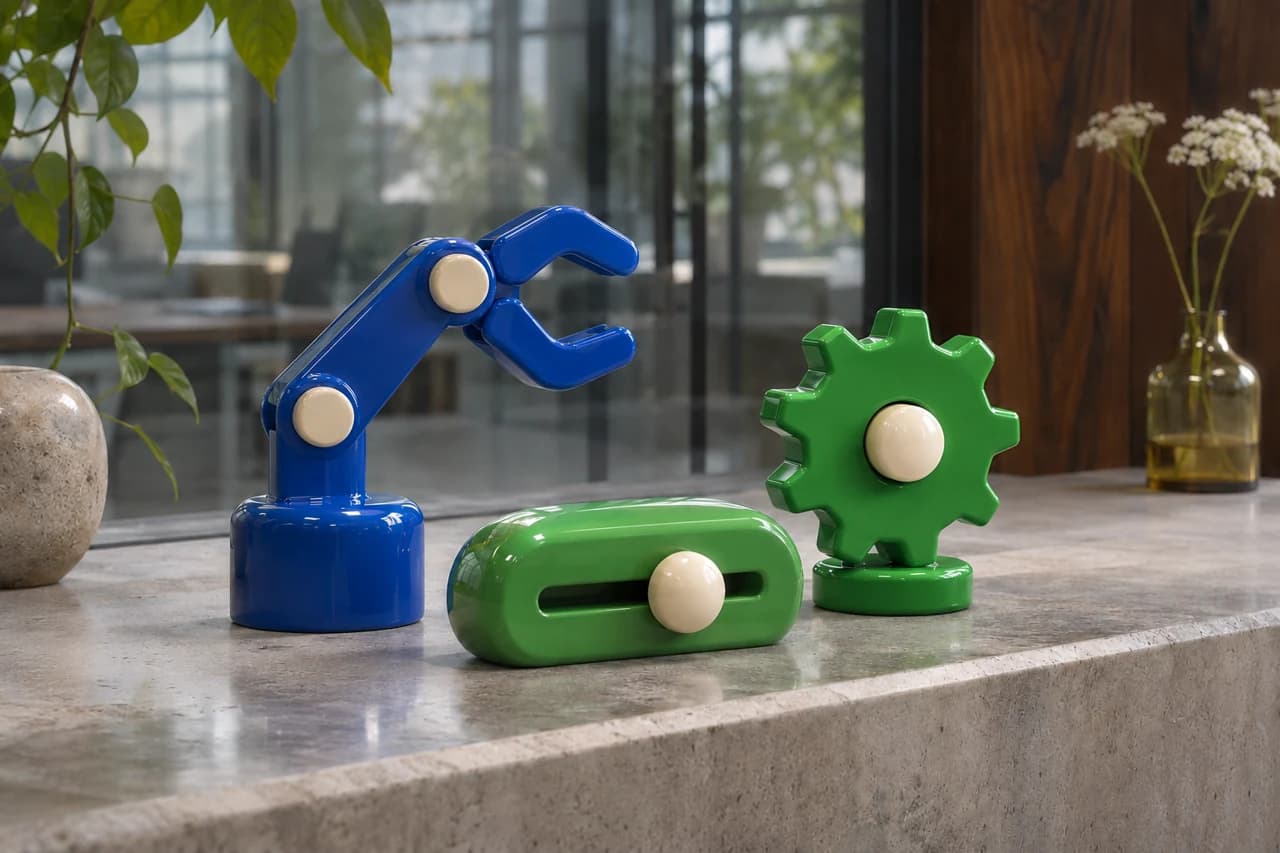
Make a mechanism, a piece of equipment or a process work in a 3D experience created from your diagrams.
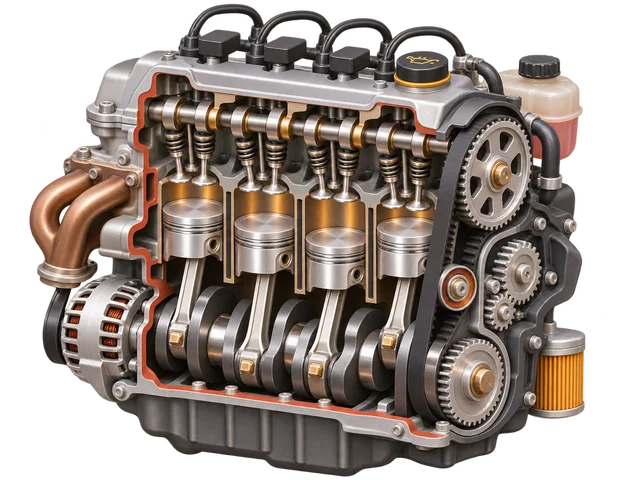
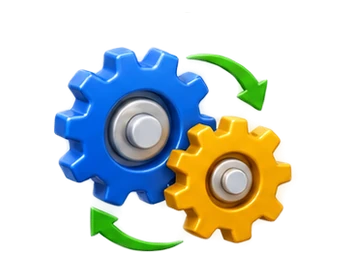
Animate the parts of your subject to show their role in the functioning.
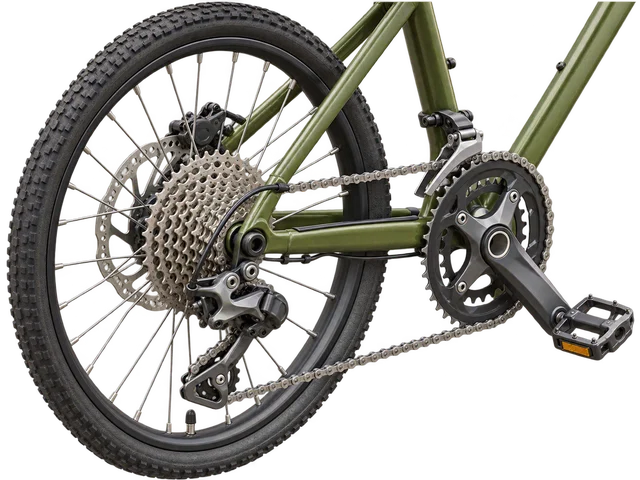
Create a working or disassembly sequence that your visitors can review in both directions.
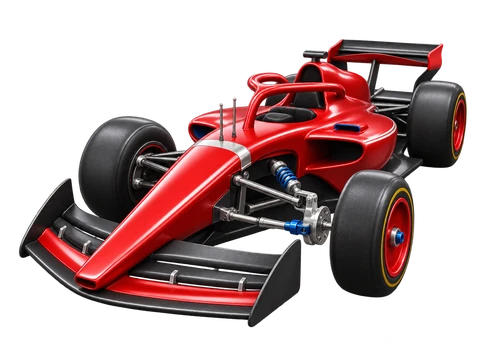
Offer close-up views to make the details of your mechanism visible.
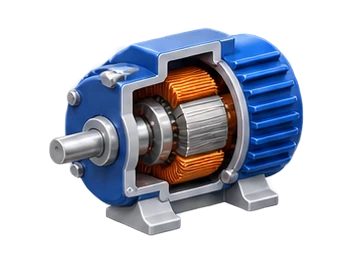
Create a cutaway or an exploded view to show components that cannot be seen from outside.
Add markers to explain a detail and give access to a dimension, a sheet or a page of instructions.
Specify a dimension, add an object or ask for a new point of view on your project.


A few answers to take you from “what if…” to your 3D experience.
Let’s talk about your ideaTransform your diagrams into an animated 3D demonstration. Explain the links, movements and operating steps.
Send plans, photos, videos, PDFs or assembly instructions. You can also start with a description. Tell us what people should be able to explore or interact with.
Yes. Ask for a new finish, another point of view or an interaction. Your link remains the same and presents the latest ready version of your 3D experience.
No. Just open the link in a browser, on your phone or computer. On your phone, you can also scan the QR code to enter the 3D experience directly.
Yes. Copy the integration code of your Virtual Place and paste it into an HTML block on your site. Your visitors will be able to explore the 3D experience directly on your page.
Yes. The files you send remain in your project. The link or QR code gives access to the 3D experience you publish. Your original plans, photos and notes remain private.