Create
Describe your idea and what you want to make people discover. Add your documents if you have any.
Create a 3D tour of your accommodation, garden or stand. Show your loved ones or customers the places from a simple link.
Create my 3D experience
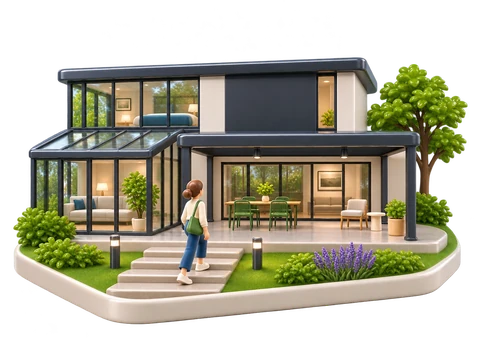 How it works
Turn your starting materials into a 3D experience your audience can revisit and explore.
See how it worksDescribe your idea and what you want to make people discover. Add your documents if you have any.
Choose an address, publish, then share the link: it always shows the latest approved state.
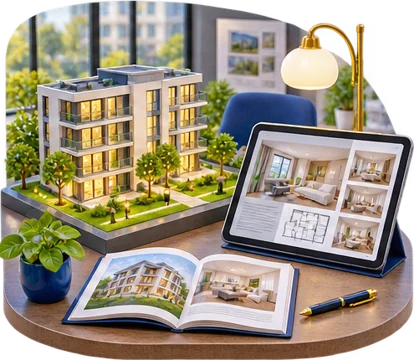
Send your link, display your QR code or integrate your creation on your site. It's up to your visitors to play.
Create the 3D tour of a place from plans, photos or renders: walking at eye level, points of interest, day and night.
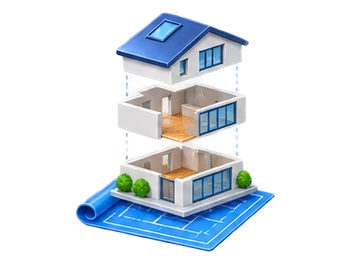
Compose an entrance that reveals your place as it scrolls, then guides the eye to its entrance.
Let your visitors choose their way on computer or phone.
Add details to discover and objects to manipulate to make the visit lively.
Add a seat to your project so visitors can sit down and look around from that spot.
Give your project an atmosphere with the light of the place, the reflections of the water and lively vegetation.
Share your creation by link, QR code or on your website. Your visitors open it on their phone or computer.


A few answers to take you from “what if…” to your 3D experience.
Let’s talk about your ideaCreate a 3D tour of your accommodation, garden or stand. Show your loved ones or customers the places from a simple link.
Send plans, photos, videos, PDFs or assembly instructions. You can also start with a description. Tell us what people should be able to explore or interact with.
Yes. Ask for a new finish, another point of view or an interaction. Your link remains the same and presents the latest ready version of your 3D experience.
No. Just open the link in a browser, on your phone or computer. On your phone, you can also scan the QR code to enter the 3D experience directly.
Yes. Copy the integration code of your Virtual Place and paste it into an HTML block on your site. Your visitors will be able to explore the 3D experience directly on your page.
Yes. The files you send remain in your project. The link or QR code gives access to the 3D experience you publish. Your original plans, photos and notes remain private.