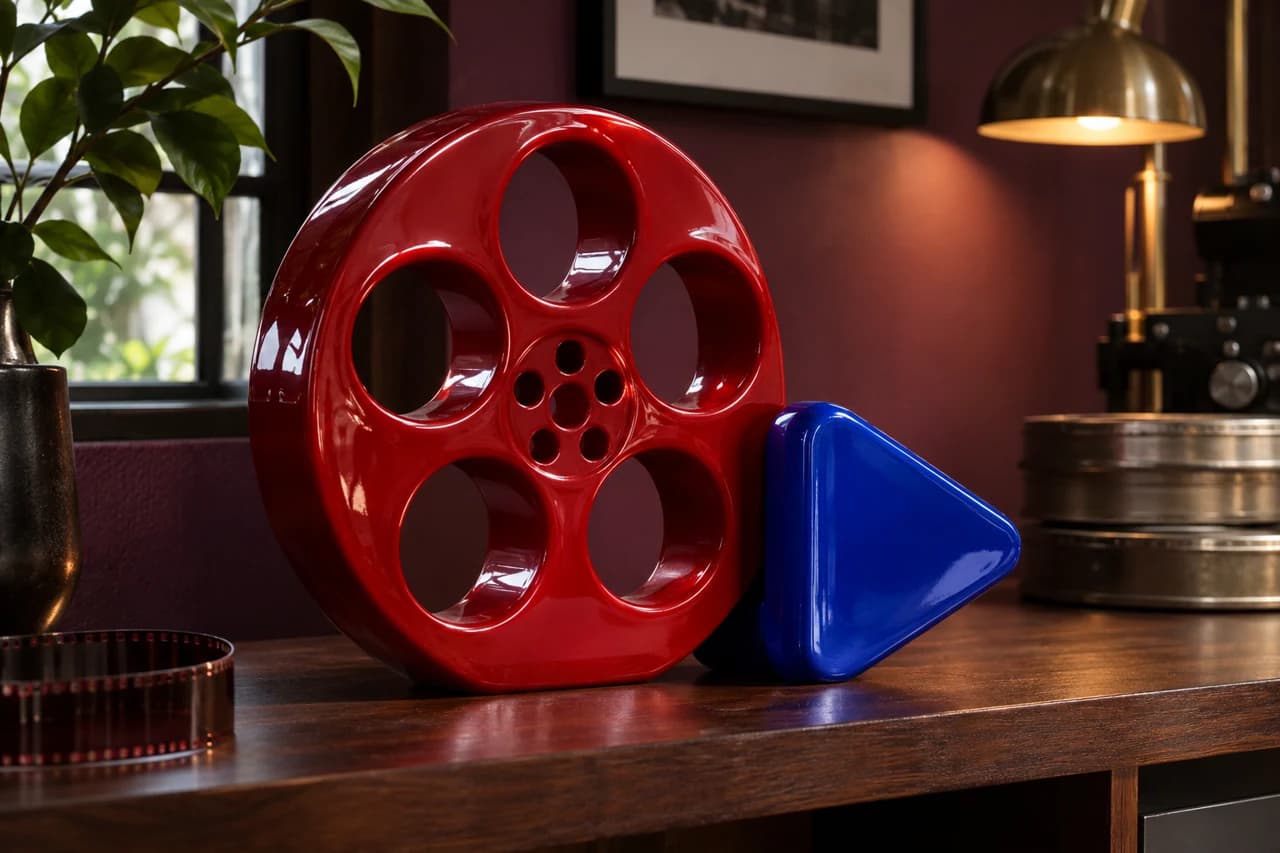
Prepare an event with a 3D experience
Arrange the elements of your project and make routes, open space and viewpoints visible.
Read the guide

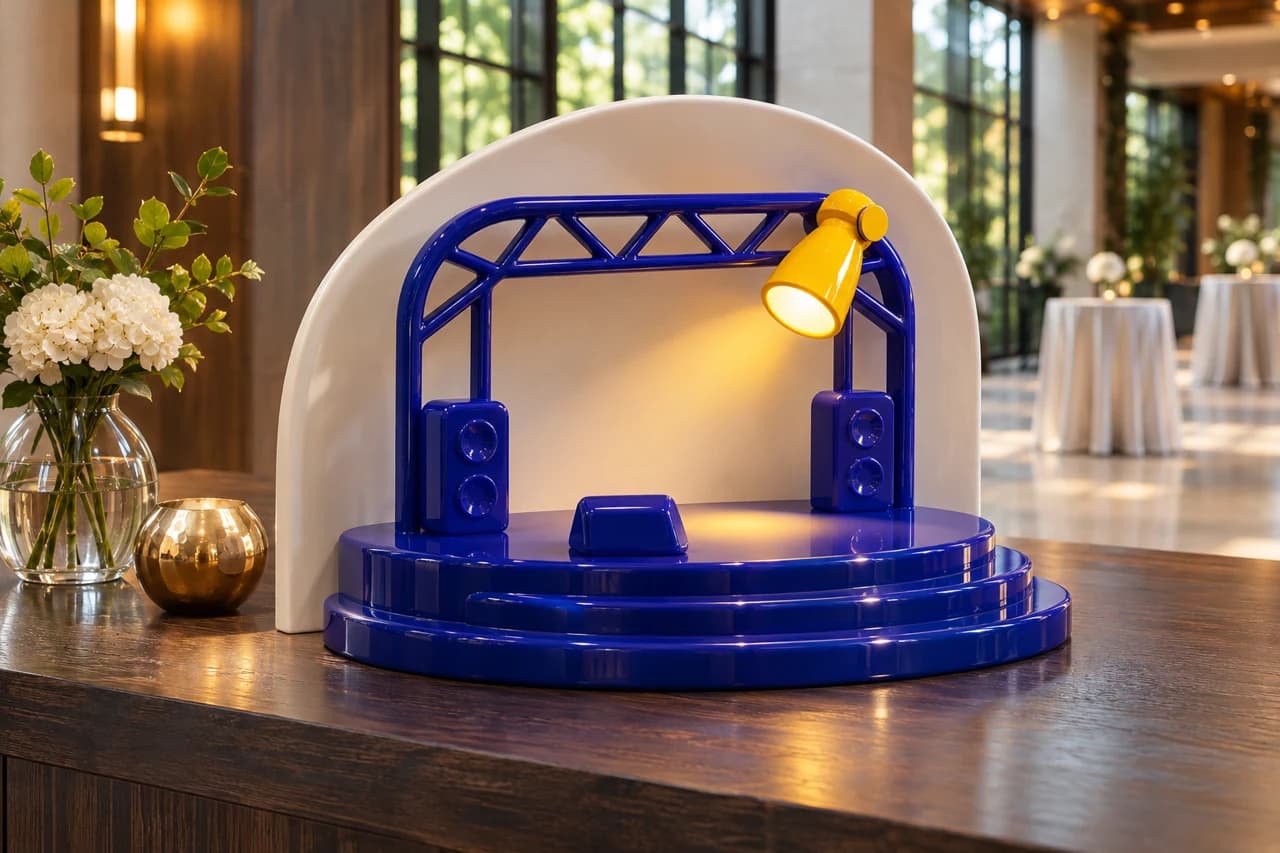
Describe the context
A legible plan with at least one dimension or a scale, as an image or a PDF.
The subject, its approximate dimensions, the mood you want and the interactions you expect.
Arrange the elements of your project and make routes, open space and viewpoints visible.
Prepare the viewpoints
Show volumes and clearances to see how your project fits into its surroundings.
Plan an overview and close-up views to move from the general principle to the details of your project.
Add two sentences: what the visitor should understand, and what they should be able to do. A door to open, two finishes to compare, the steps of an assembly: that is the difference between an image and a 3D experience.
Light what matters
Show openings, shadows and lighting to convey the atmosphere you imagine for your project.
Offer different lighting or surroundings to show how the same creation changes its atmosphere.
Share your 3D experience by link, QR code or embedding it on your website. It opens in the browser on a computer or phone.