Preparing your documents well
A few minutes of preparation make the 3D experience more faithful from the first version.
Read the guide

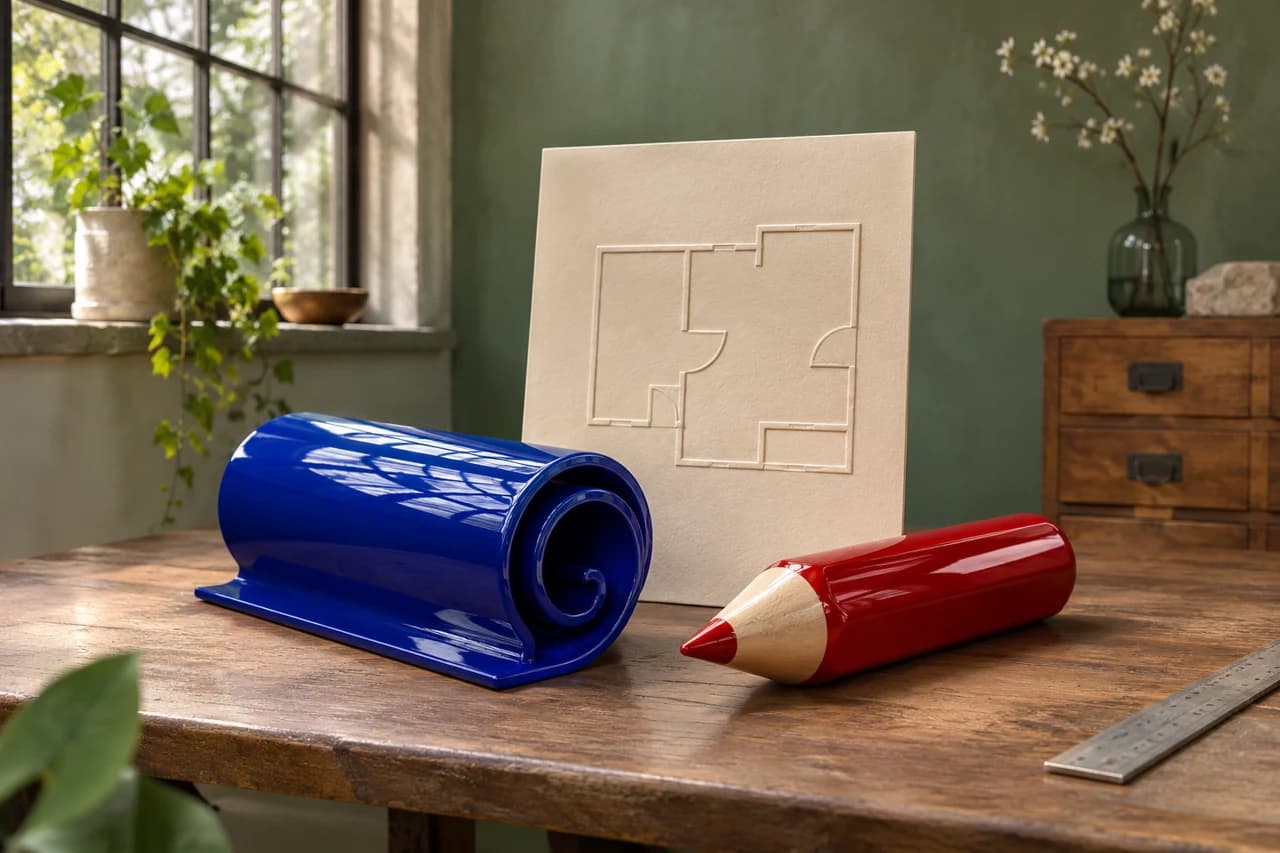
Give one dimension
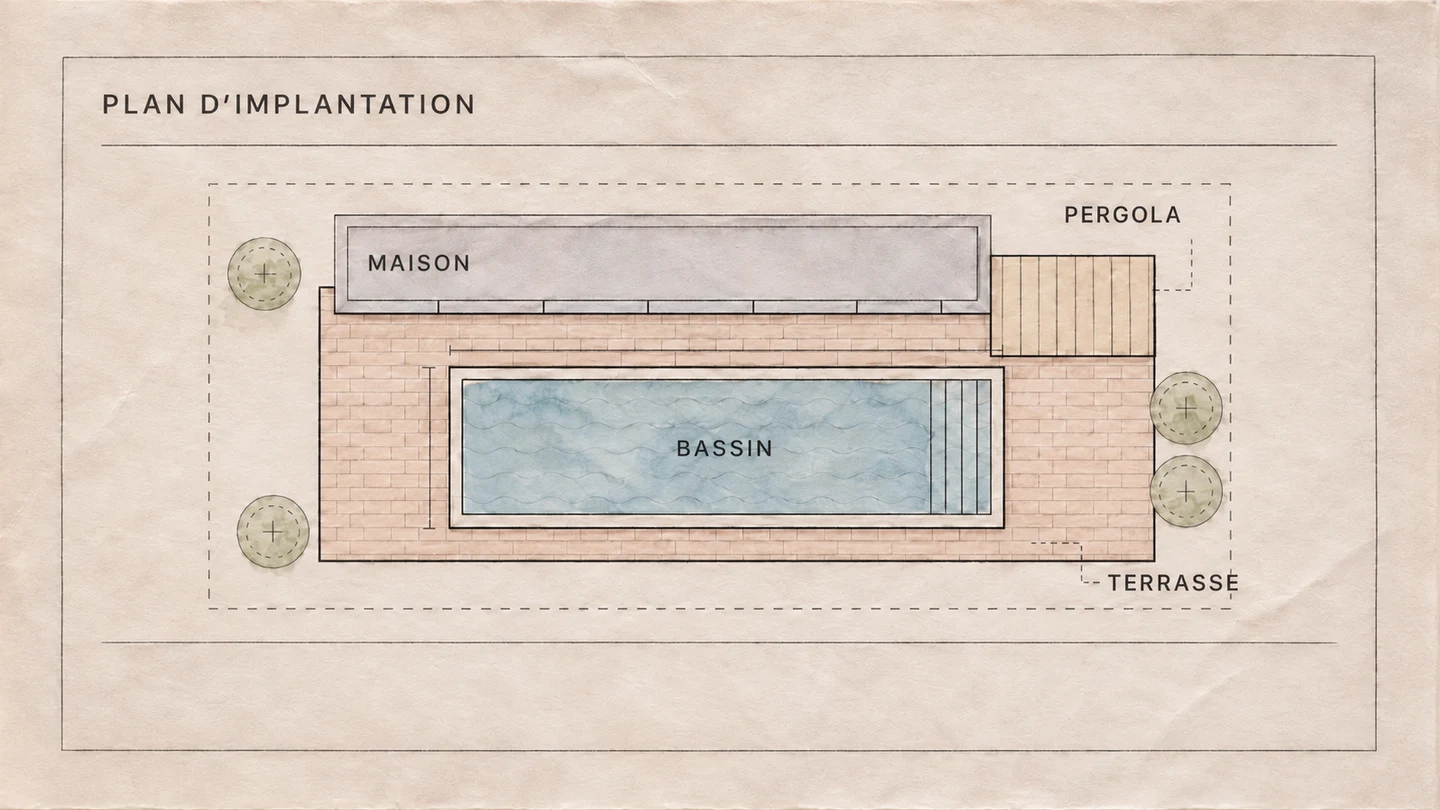
A single reliable dimension is enough to put everything else to scale. On a plan, check that it is legible. In a photo, place an object of known size in the frame.
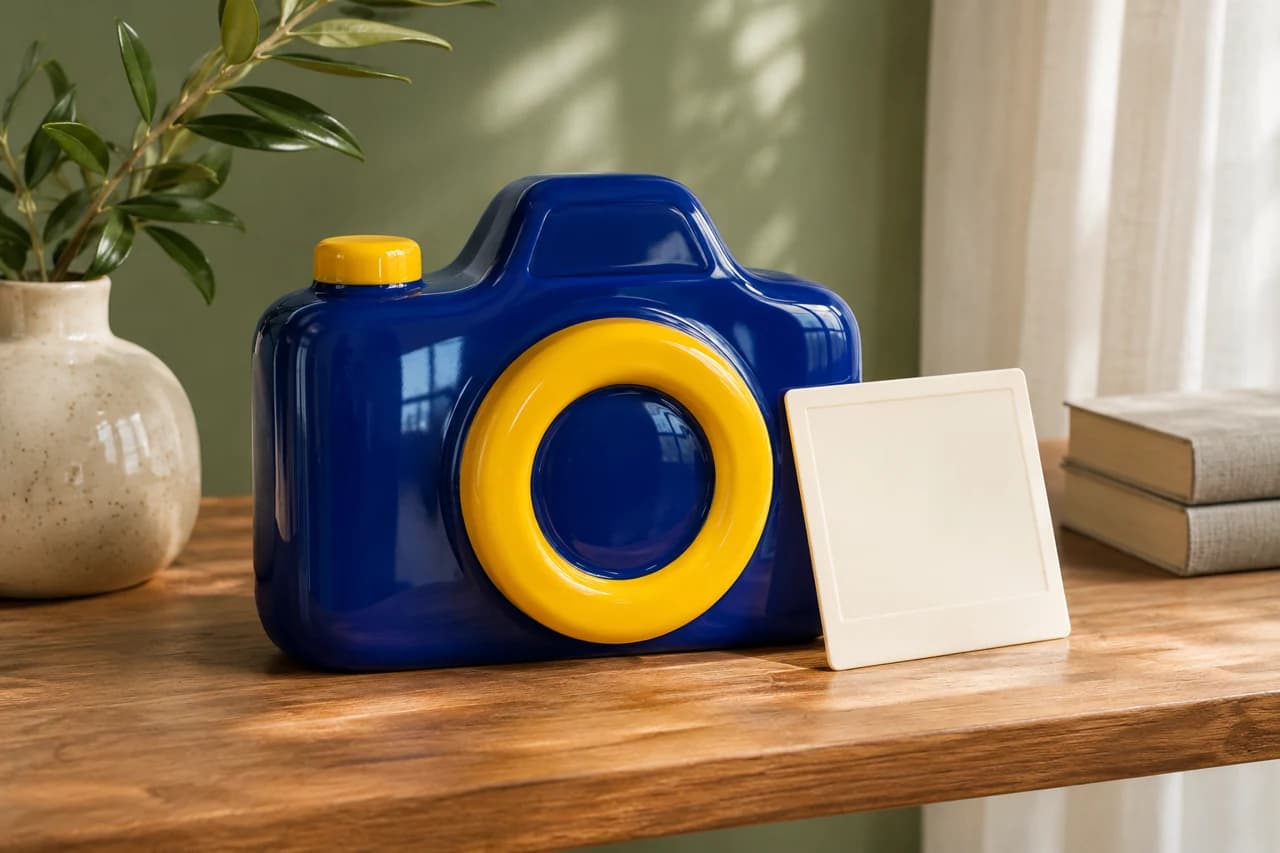
Take more angles
For a place or an object, photograph every side, in daylight, not against the light. Anything that appears in no image will have to be imagined: it is better to show it.
Say what matters
Add two sentences: what the visitor should understand, and what they should be able to do. A door to open, two finishes to compare, the steps of an assembly: that is the difference between an image and a 3D experience.
From the source to the 3D experience.
Watch your project come to life, then enter the 3D experience to explore and interact.
House, terrace and pool
Follow the pool being built, from bare ground to finished poolside, then walk on into the garden.
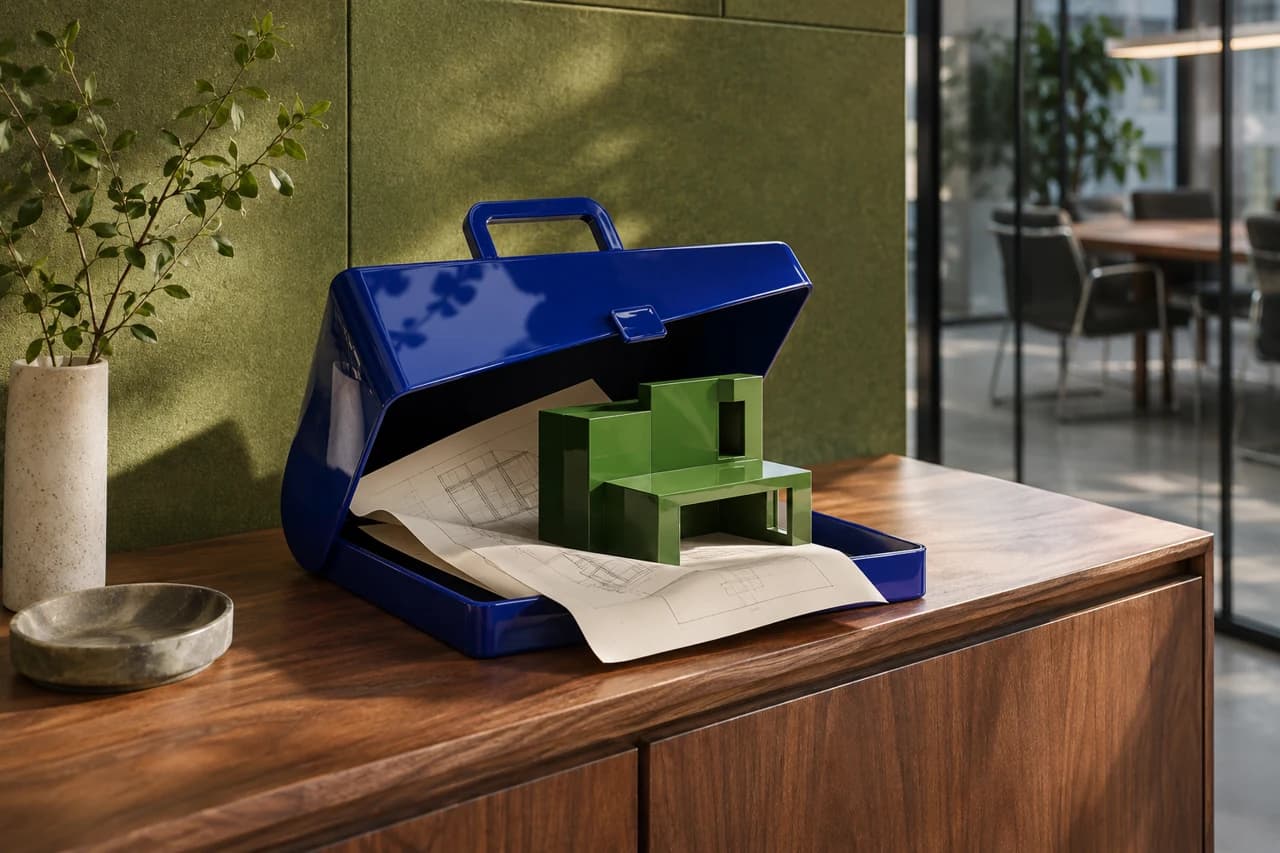
The paper file for the pool project
Launch the 3D experience