Create
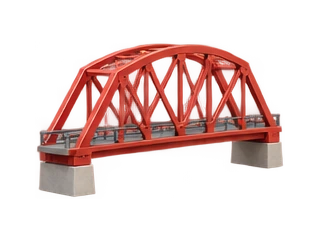
Start with the bridge section drawing. Set the deck on its supports and connect the diagonal truss members.
Explain components and the organisation of a construction or system with an appropriate 3D representation.
Create my 3D experience
 Engineering and infrastructure
Turn your starting materials into a 3D experience your audience can revisit and explore.
See how it worksStart with the bridge section drawing. Set the deck on its supports and connect the diagonal truss members.

Check the links, movement and variations with the design office.
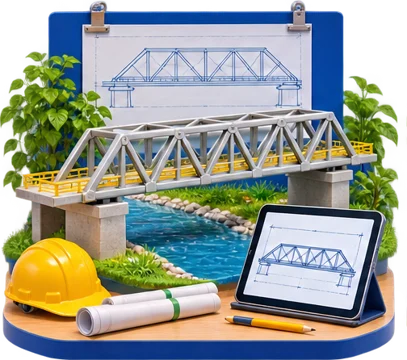
Attach the model to the review file so that each presenter can find the same detail.
Position the deck and its supports to explain your structural design.
Isolate the diagonal members to show how the frame fits together.
Show two beam sections in the same model to discuss clearance with the engineering team.
Show how the diagonal members connect the deck to its supports.
Compare two designs at the same point on the structure.
Link the joint to the corresponding section drawing.


Prepare the project, decide what to show and share the result.
Let’s talk about your ideaStructural plans, sections and connection details.
Position the deck and its supports to explain your structural design.
Isolate the diagonal members to show how the frame fits together.
Attach the model to the review file so that each presenter can find the same detail.