Create
Trace the orbits on your diagram. Position the bodies and animate their paths to explain the model.
Create 3D representations to show a model, a structure or stages in your reasoning.
Create my 3D experience
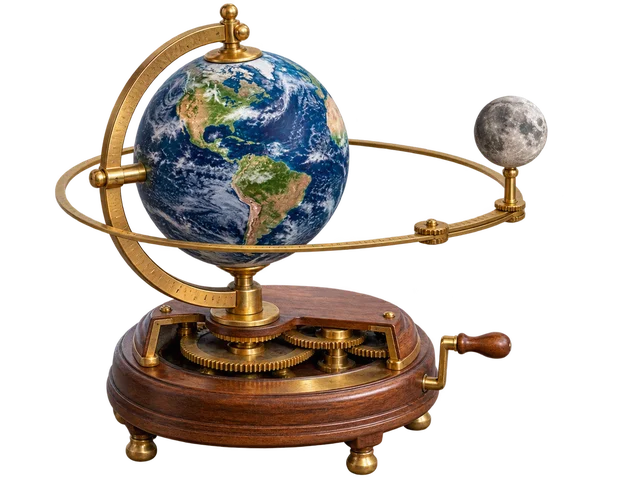 Research and science
Turn your starting materials into a 3D experience your audience can revisit and explore.
See how it worksTrace the orbits on your diagram. Position the bodies and animate their paths to explain the model.
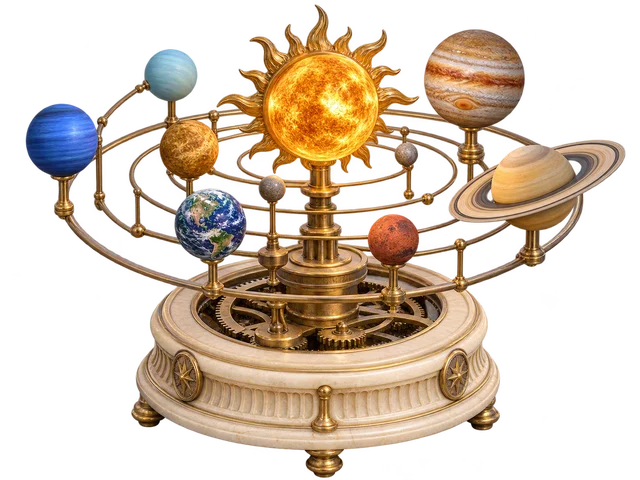
Play back the movements of the model and identify the hypotheses it illustrates.
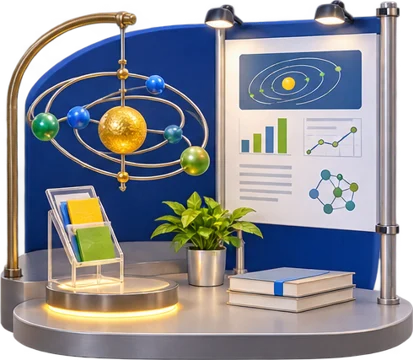
Attach the visualization to a poster or presentation to extend the discussion.
Isolate the bodies you are studying to show their relative positions at the scale of your model.
Animate the orbits to explain how the bodies move relative to one another.
Give each element a distinct color so your audience can follow it through the model.
Compare two configurations while maintaining the same point of view.
Place a size marker next to the model presented.
Link your source directly to the detail you are discussing.


Prepare the project, decide what to show and share the result.
Let’s talk about your ideaModel diagrams, captions and research references.
Isolate the bodies you are studying to show their relative positions at the scale of your model.
Animate the orbits to explain how the bodies move relative to one another.
Attach the visualization to a poster or presentation to extend the discussion.