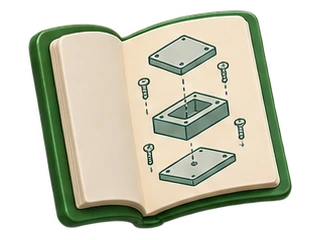
Create
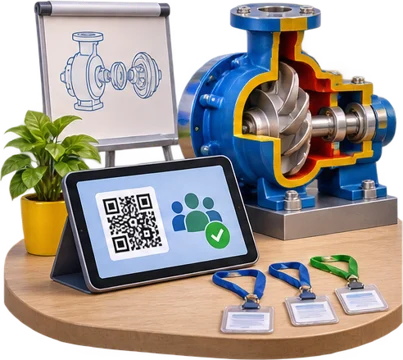
Start with the pump diagram in your course materials. Assemble the housing and impeller to explain how the pump works.
A diagram, a procedure or course material becomes a 3D experience: the learner observes, follows the steps, then carries them out themselves.
Create my 3D experience

 Training
Turn your starting materials into a 3D experience your audience can revisit and explore.
See how it worksStart with the pump diagram in your course materials. Assemble the housing and impeller to explain how the pump works.
Replay the movement at a beginner’s pace and check that the key details are visible.
Add the sequence to your course materials so learners can revisit it.
You move around the subject, zoom in and understand how the parts connect.
Each step of the procedure can be replayed, in order and at your own pace.
The learner carries out the steps themselves: they have not just seen it, they have done it.
Highlight the part before explaining how it is handled.
Introduce the workstation and its components ahead of the practical session.
Associate a diagram with the movement it explains.


Prepare the project, decide what to show and share the result.
Let’s talk about your ideaCourse material, diagrams, written procedure, photos of the equipment used.
You move around the subject, zoom in and understand how the parts connect.
Each step of the procedure can be replayed, in order and at your own pace.
Add the sequence to your course materials so learners can revisit it.