Create
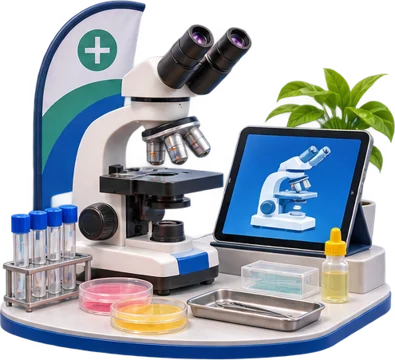
Use the microscope diagram from the manual. Assemble the stage and optics to show how the focus is adjusted.
Prepare educational 3D resources to present a device or illustrate a concept with your teams.
Create my 3D experience
 Healthcare education
Turn your starting materials into a 3D experience your audience can revisit and explore.
See how it worksUse the microscope diagram from the manual. Assemble the stage and optics to show how the focus is adjusted.
Ask the person responsible for training to review the equipment demonstration before sharing it.
Add the link to your team’s training materials.
Show the parts of the microscope that trainees will find at their workstation.
Animate the microscope stage to show what happens when the control is adjusted.
Divide the demonstration into steps the trainer can revisit on demand.
Show where the focus knob is located on the microscope.
Position the equipment and accessories before the demonstration.
Associate a schematic with the part of the device concerned.


Prepare the project, decide what to show and share the result.
Let’s talk about your ideaWorkstation photos, equipment instructions and steps to demonstrate.
Show the parts of the microscope that trainees will find at their workstation.
Animate the microscope stage to show what happens when the control is adjusted.
Add the link to your team’s training materials.