Compare materials within one 3D experience
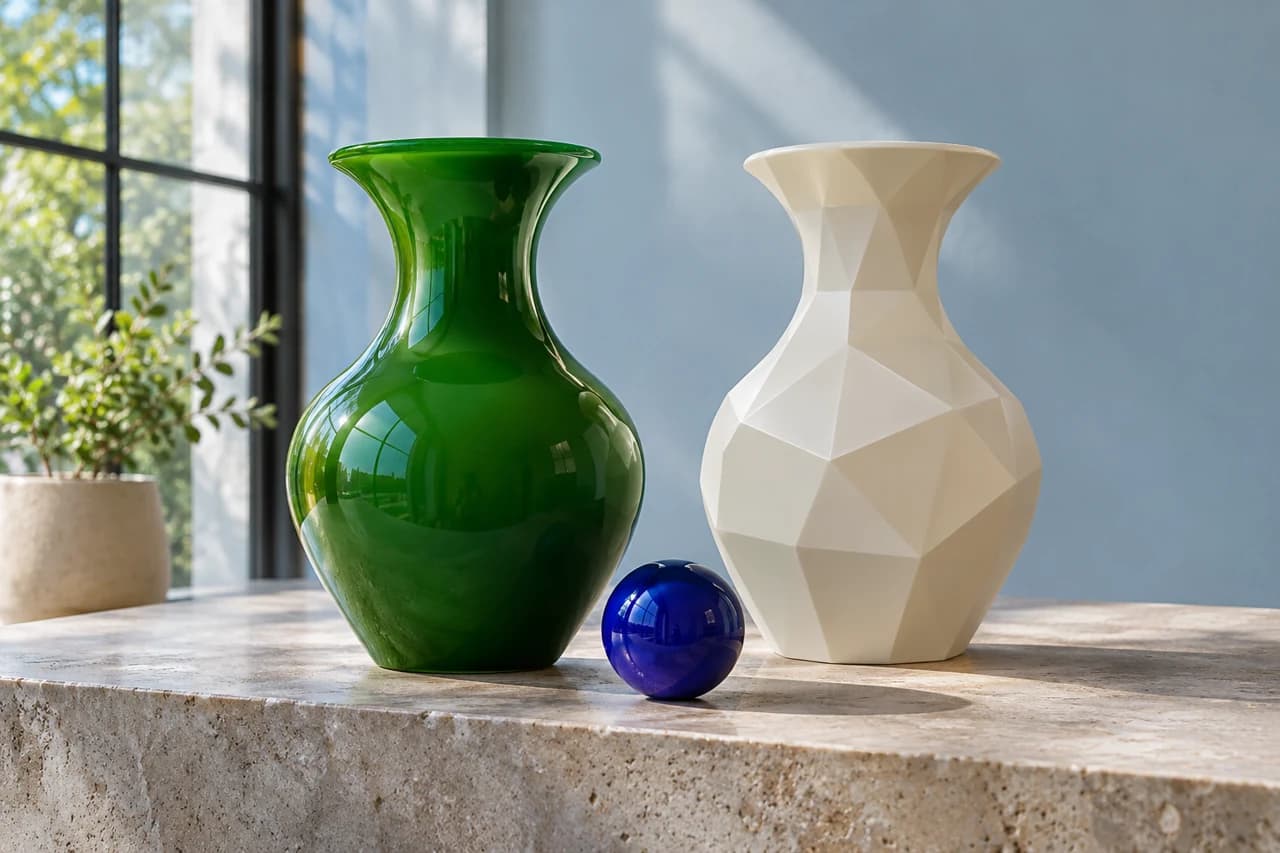
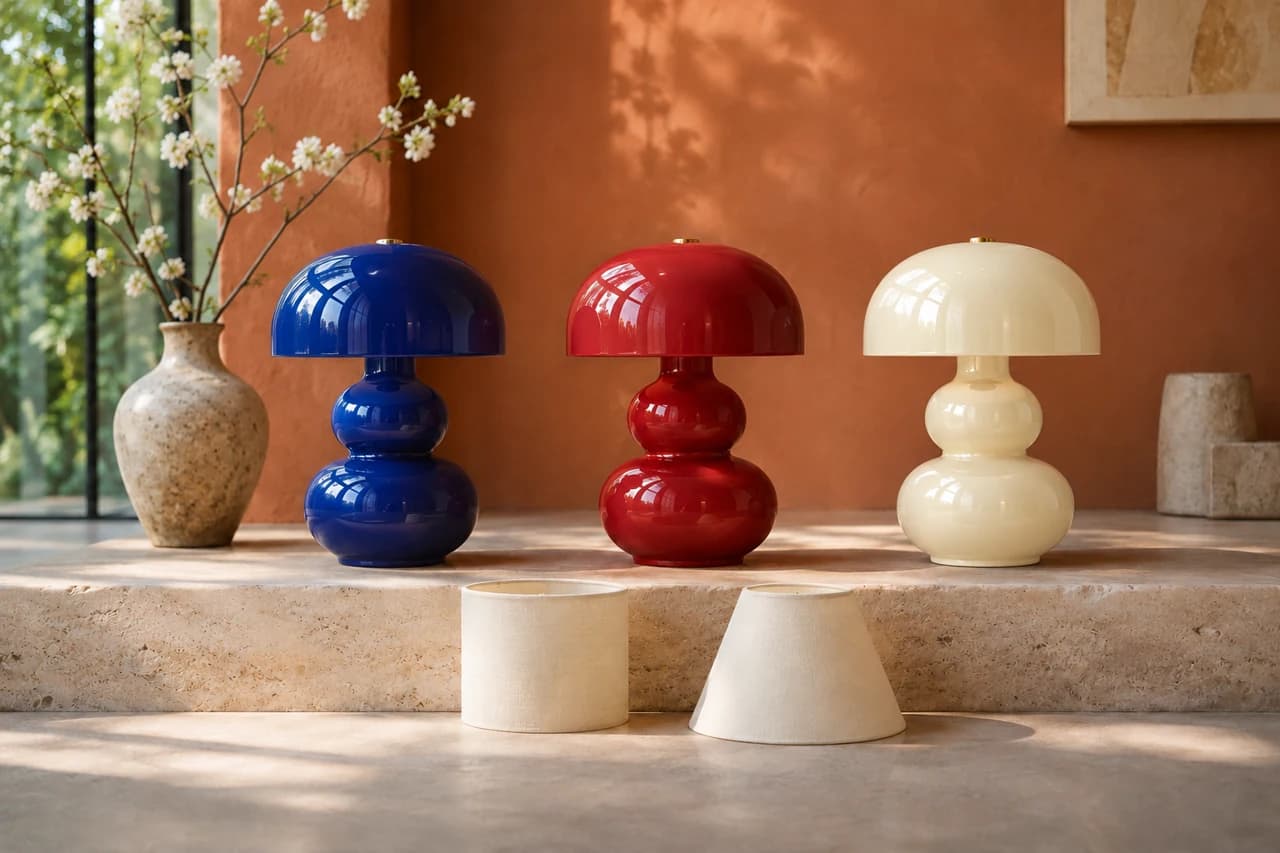
Present the same creation with different finishes to show their texture, reflections and appearance.
Read the guide
Define the choices to compare
From an object’s detail to the atmosphere of an imaginary world, show what each choice changes. Compare colours, materials, forms, equipment and configurations in your 3D experience.
Present the same creation with different finishes to show their texture, reflections and appearance.
Show several finishes on the same project so people can compare their effect in the same setting.
Compare under the same conditions
Offer several colours on the same object: its shape stays the same and people see what each colour changes.
Offer different lighting or surroundings to show how the same creation changes its atmosphere.
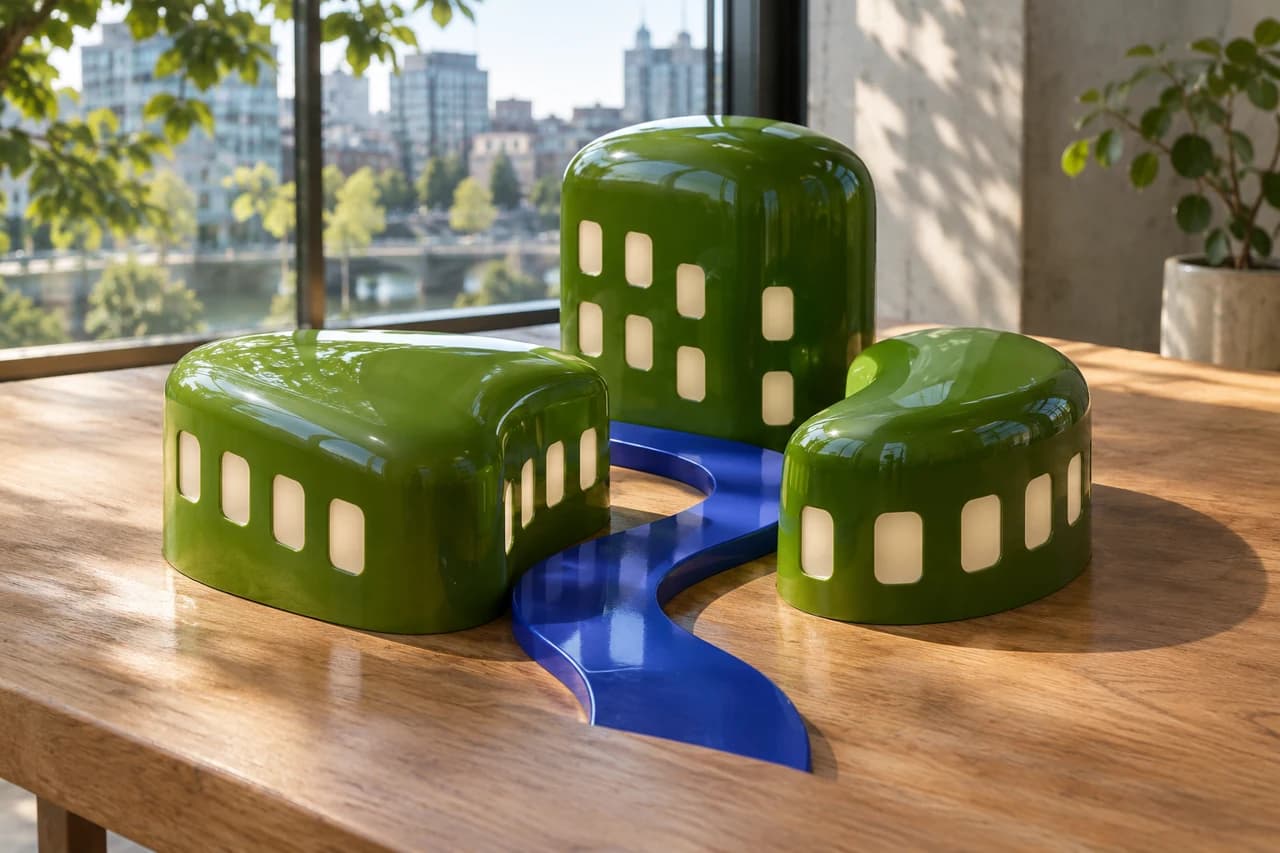
Bring colours, materials and elements together in complete proposals that are easy to compare in your 3D experience.
Prepare discovery and sharing
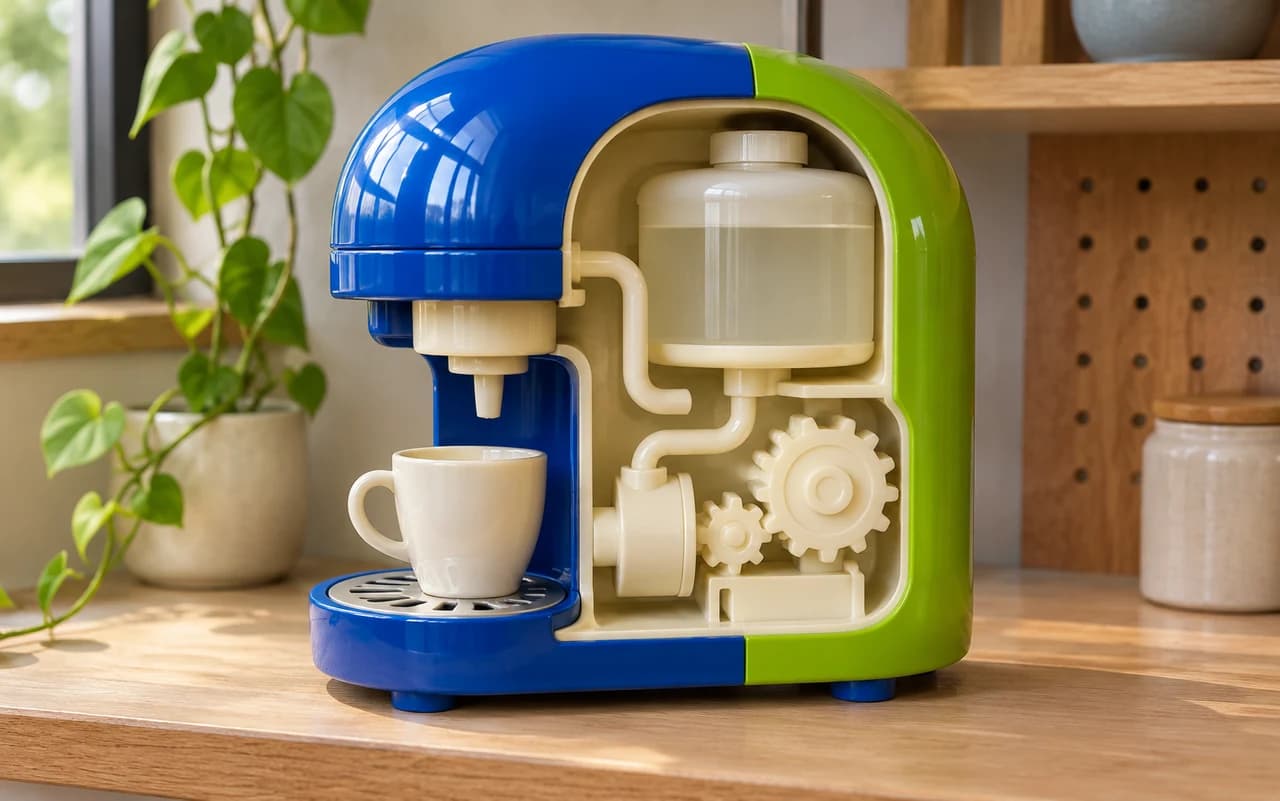
Add the equipment and accessories you want to offer, then let visitors try those options.
Copy the link from the dashboard and send it by email or message. The link stays the same as the 3D experience evolves.
Just open the link in a browser, on your phone or computer. On your phone, you can also scan the QR code to enter the 3D experience directly.