Reveal the inside while keeping the big picture
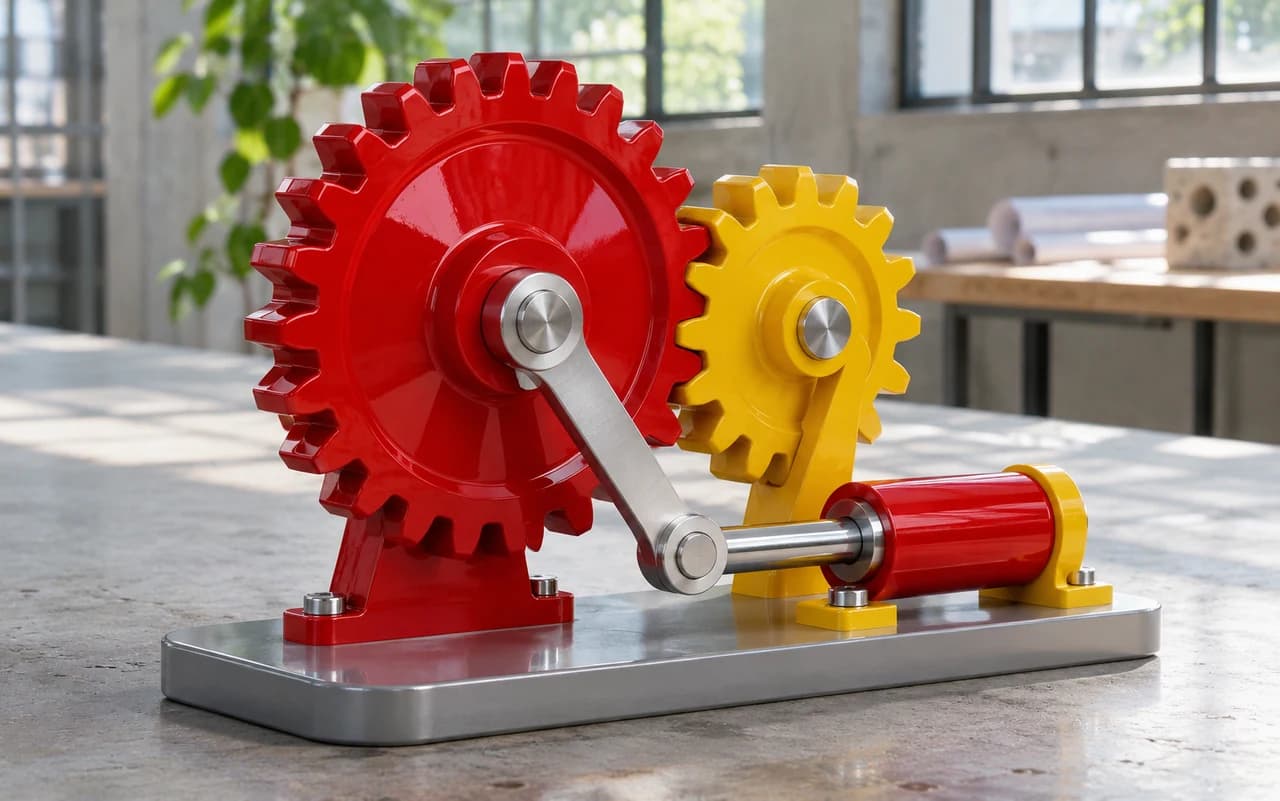
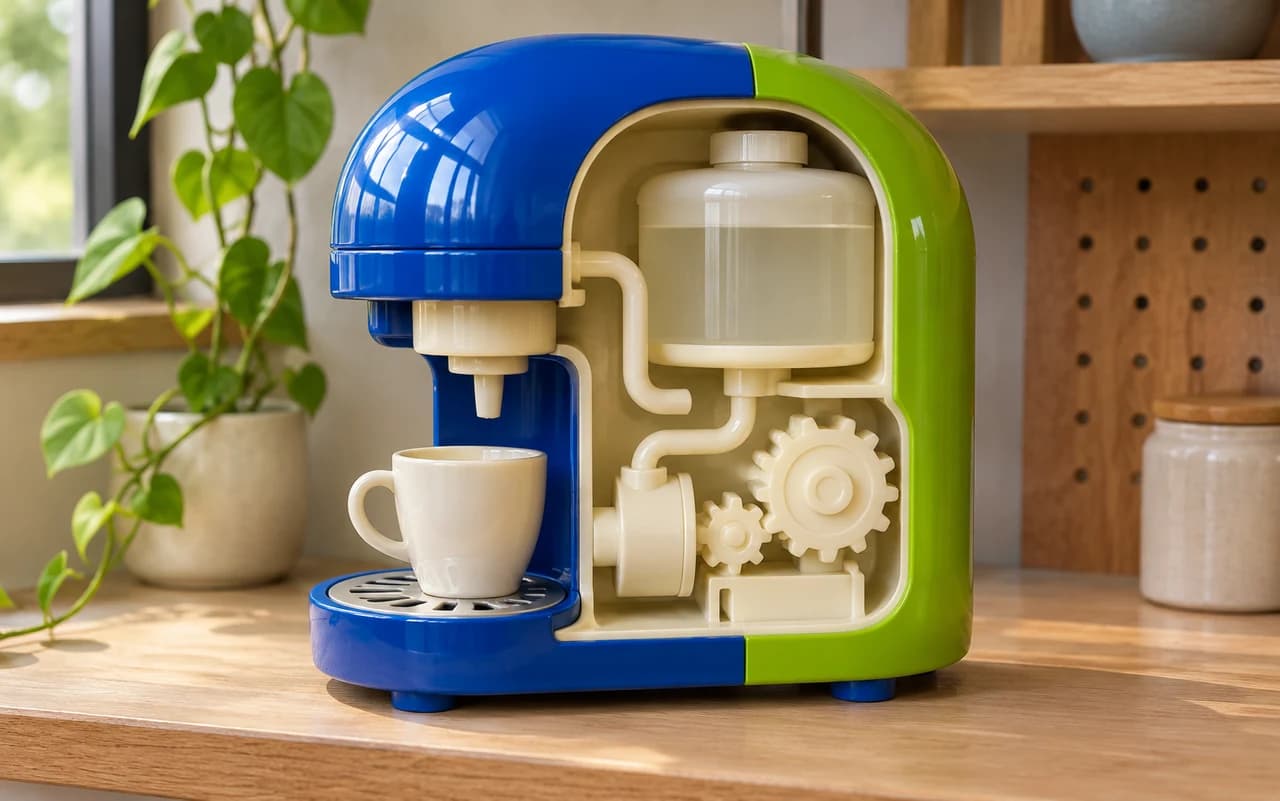
Create a cutaway or an exploded view to show components that cannot be seen from outside.
Read the guide
Define what you want to show
The diagram, its key and, if possible, a photo of the real subject.
The parts, how they connect and the order of the steps.
Create a cutaway or an exploded view to show components that cannot be seen from outside.
Prepare the viewpoints
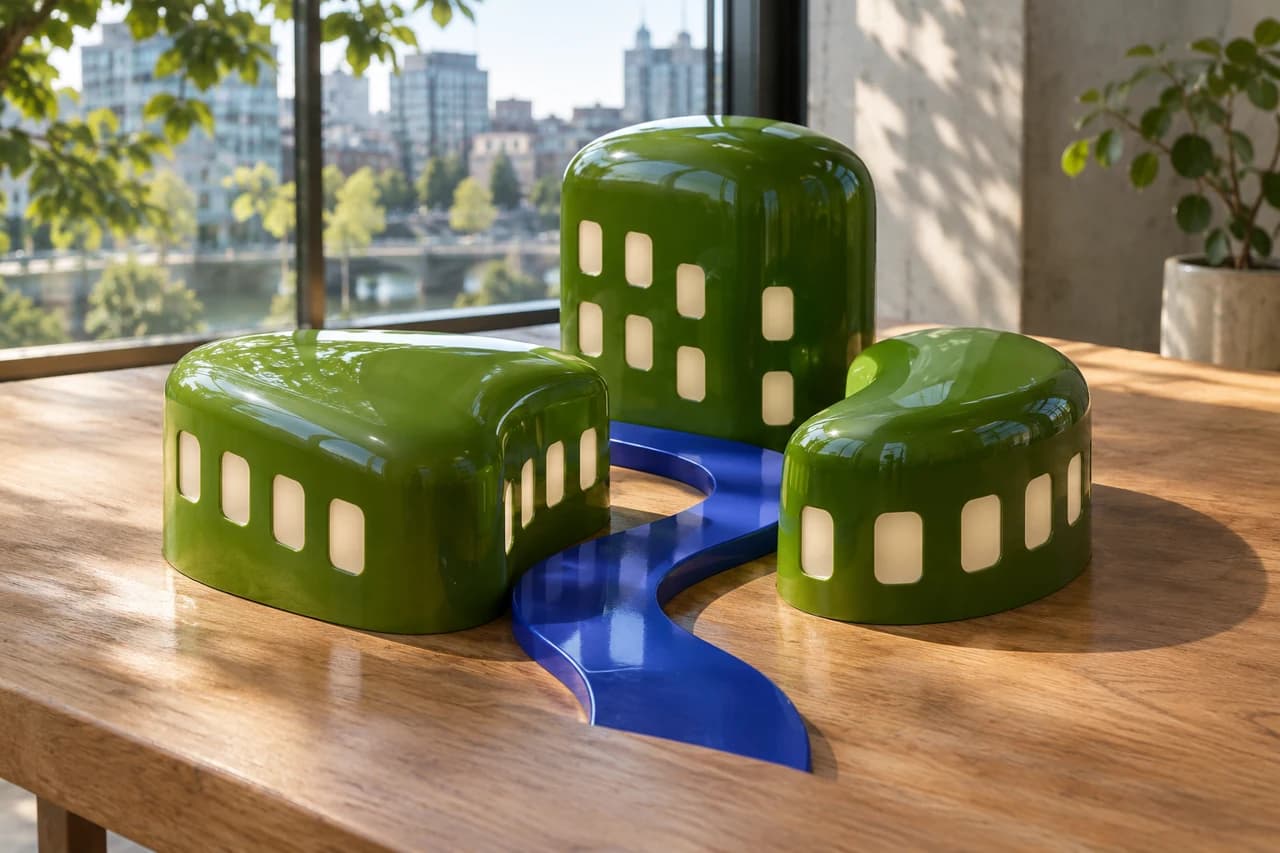
Plan an overview and close-up views to move from the general principle to the details of your project.
For a place or an object, photograph every side, in daylight, not against the light. Anything that appears in no image will have to be imagined: it is better to show it.
Choose useful viewpoints and the details to highlight, guiding attention to what matters.
Connect details to their sources
Add points of interest to connect a part with text, an image or a reference document.
Choose useful viewpoints and the details to highlight, guiding attention to what matters.
Add two sentences: what the visitor should understand, and what they should be able to do. A door to open, two finishes to compare, the steps of an assembly: that is the difference between an image and a 3D experience.