Prepare variants that are easy to compare
Let people try different versions of what you create. Products, objects, settings, routes or worlds: bring your variations together in an immersive, interactive 3D experience.
Read the guide
Define the choices to compare
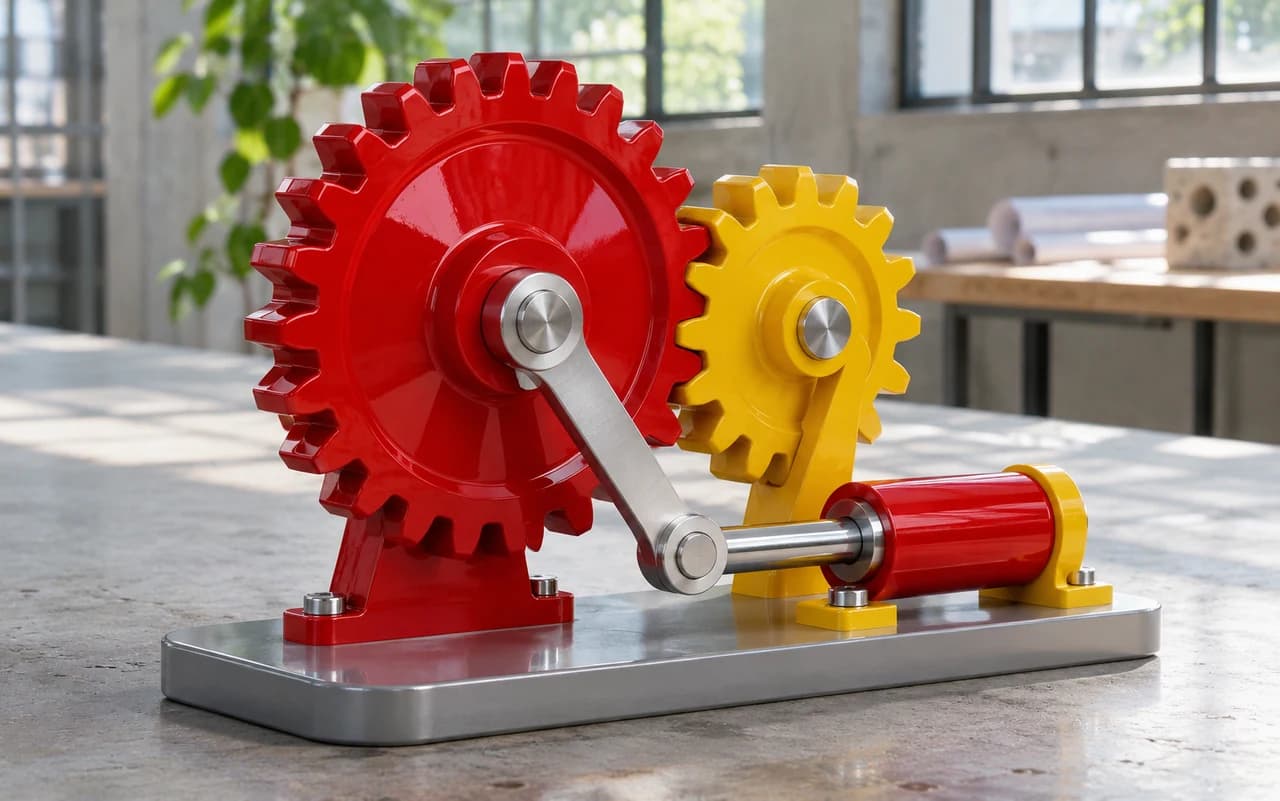
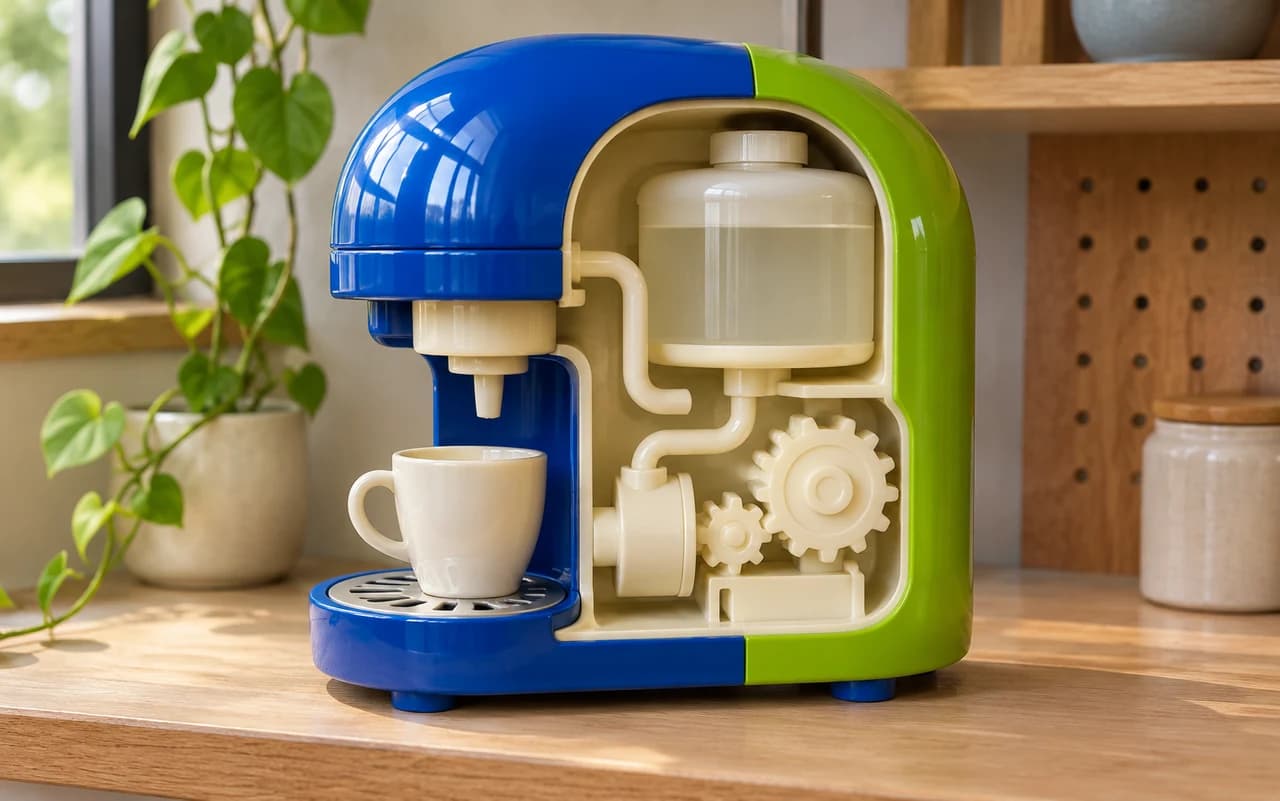
Add the equipment and accessories you want to offer, then let visitors try those options.
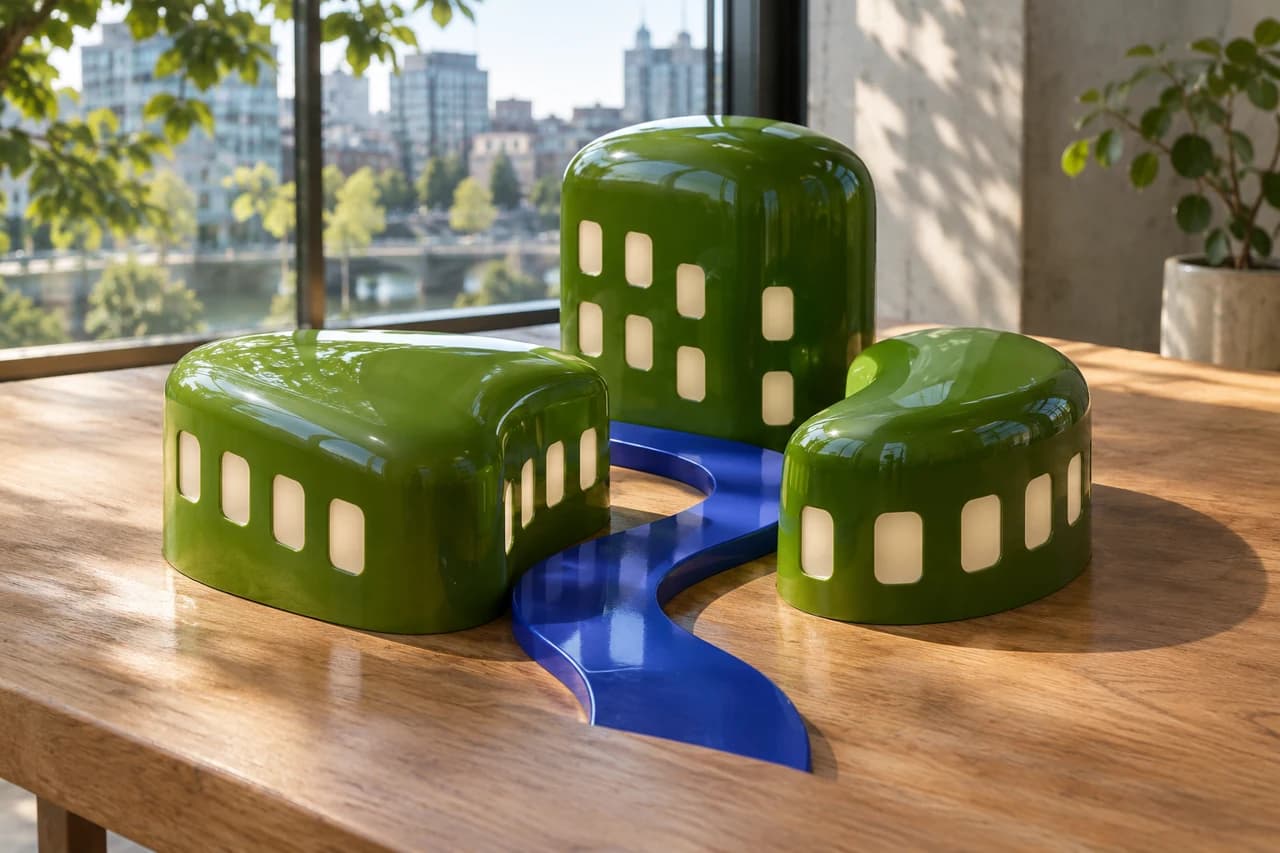
Prepare different combinations of modules or elements to reveal the configurations of your project.
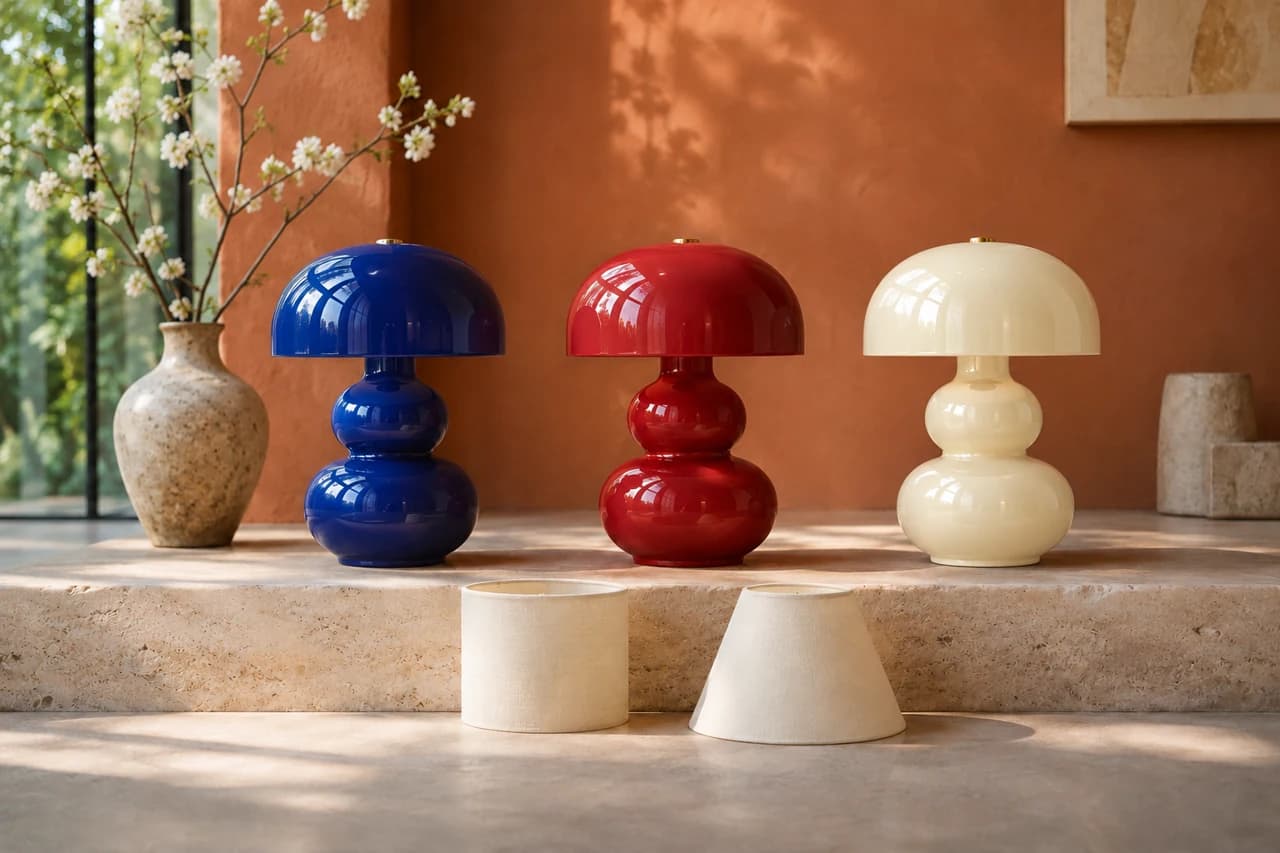
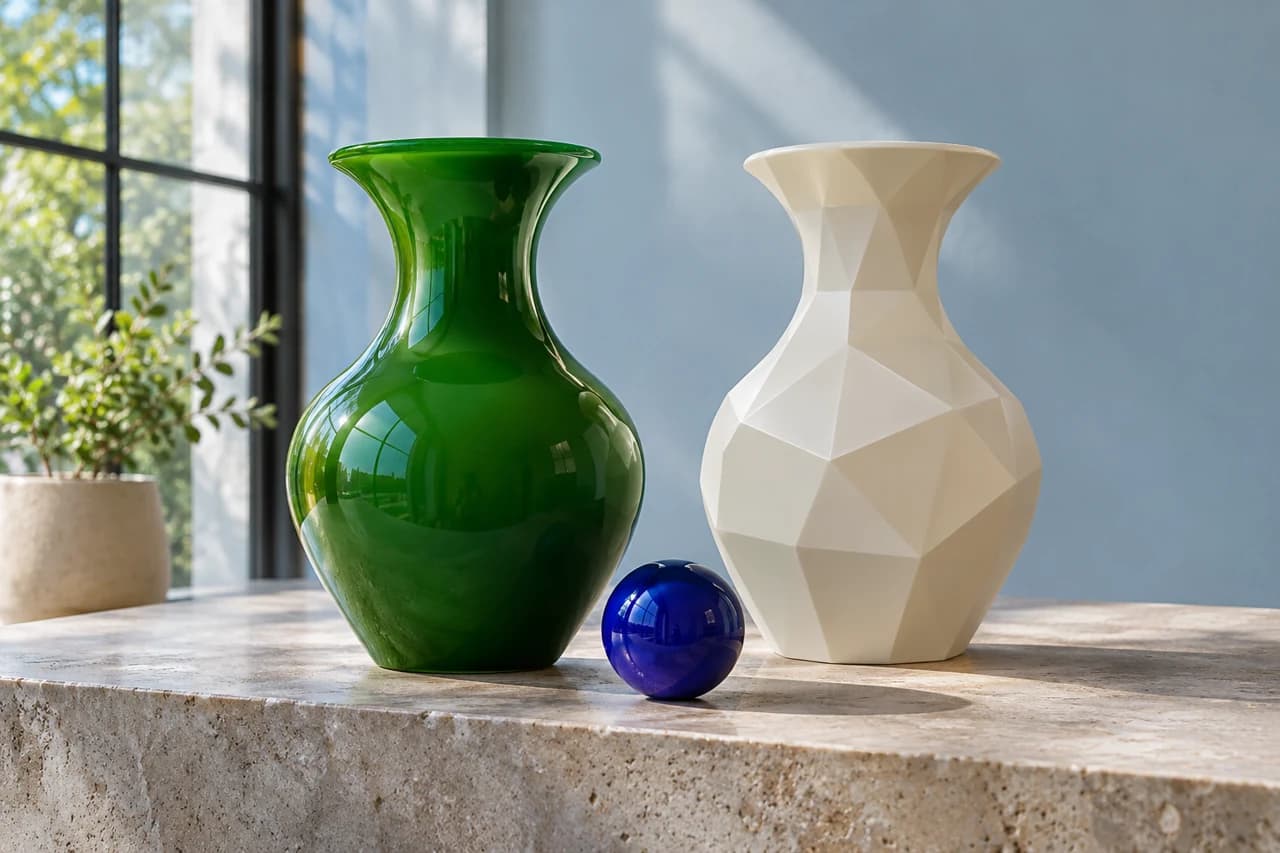
Offer several colours on the same object: its shape stays the same and people see what each colour changes.
Compare under the same conditions
Bring colours, materials and elements together in complete proposals that are easy to compare in your 3D experience.
Show several finishes on the same project so people can compare their effect in the same setting.
Present the same creation with different finishes to show their texture, reflections and appearance.
Clarify and adjust through conversation
Write what you want as you would say it to someone: ‘replace the worktop with light oak’, ‘add a terrace on the south side’. Be precise about the location and the material.
Ask for a new finish, another point of view or an interaction. Your link remains the same and presents the latest ready version of your 3D experience.
Share your 3D experience by link, QR code or embedding it on your website. It opens in the browser on a computer or phone.