Create
Start with the conveyor diagram. Assemble the rollers and send a parcel under the gantry.
Animate the parts and steps of your scheme to make the functioning of your subject understood.
Create my 3D experience
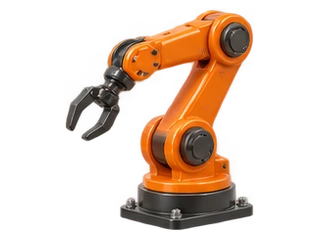 Documents
Identify the parts and the direction of travel. The rollers fit into place and the parcel moves under the sensor.
See how it worksStart with the conveyor diagram. Assemble the rollers and send a parcel under the gantry.
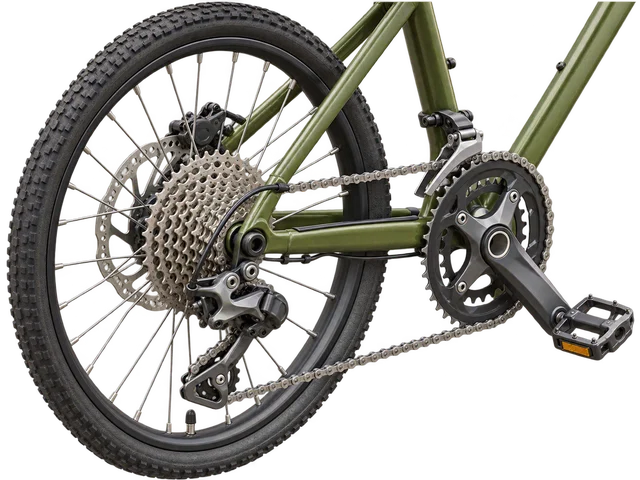
Play the cycle again and check that each movable piece remains identifiable.
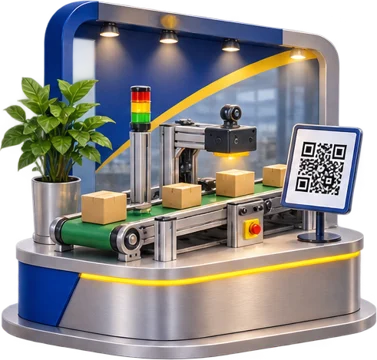
Present the demonstration at a trade show and then share its link with the design office.
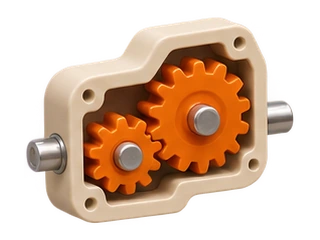
Animate the parts of a mechanism to explain how movement passes between them.
Represent positions and movements to support your explanation of a phenomenon.
Create a cutaway or exploded view to reveal your device’s hidden components.
Show a system’s components and how they connect within your explanation.
Present the sequence of a process to make its organisation and stages clear.
Make an internal organisation visible with a model illustrating your scientific subject.


Answers to help you gather documents and prepare your project.
Let’s talk about your ideaThe diagram, its key and, if possible, a photo of the real subject.
Name the relevant parts and explain arrows, colors or flow directions.
A working subject, each step of which replays in both directions.
Share its link, create a QR code or embed it on your website. Friends, clients or visitors open it in their browser on a computer or phone.