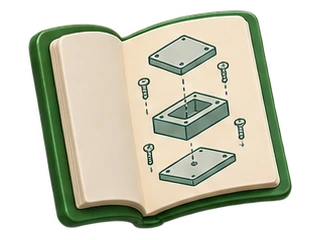
Create
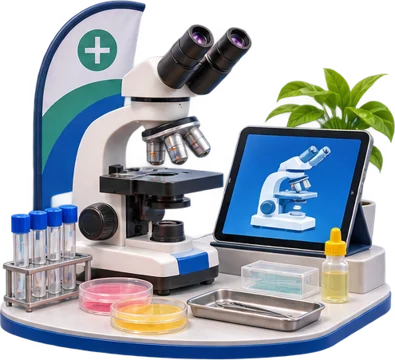
Use the microscope diagram from the manual. Assemble the stage and optics to show how the focus is adjusted.
Transform your assembly, use or maintenance instructions into animated 3D steps, easy to review and share.
Create my 3D experience
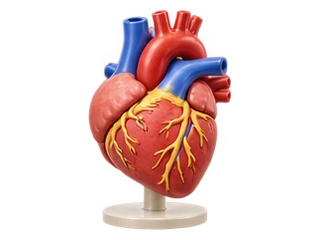 Documents
Choose one procedure from the manual. The stage, optics and focus knob come together to demonstrate focusing.
See how it worksUse the microscope diagram from the manual. Assemble the stage and optics to show how the focus is adjusted.

Ask the person responsible for training to review the equipment demonstration before sharing it.
Add the link to your team’s training materials.
Turn assembly into animated steps to show where and how each part fits.
Reproduce an opening or an adjustment to show the operation you want to explain.
Break down access, disassembly and reassembly using your equipment documentation.
Turn a method into a visual sequence to show your audience how it unfolds.
Create interactions that show your object’s openings, adjustments or functions.
Present your device’s options in different coherent configurations.


Answers to help you gather documents and prepare your project.
Let’s talk about your ideaThe complete instructions as a PDF or as photos, with the parts list.
Yes. Identify the page or step and specify which parts should already be in place.
A sequence faithful to the instructions, then the assembled product, ready to use and examine.
Share its link, create a QR code or embed it on your website. Friends, clients or visitors open it in their browser on a computer or phone.