Create
Start with a photo of your crop rows. Recreate their layout in 3D, show the plants growing and position the irrigation lines.
Represent equipment, a crop or an agricultural installation to present the project and how it works.
Create my 3D experience
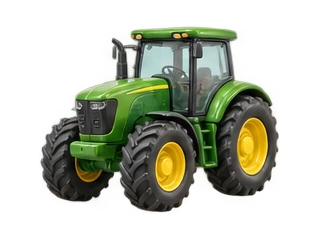
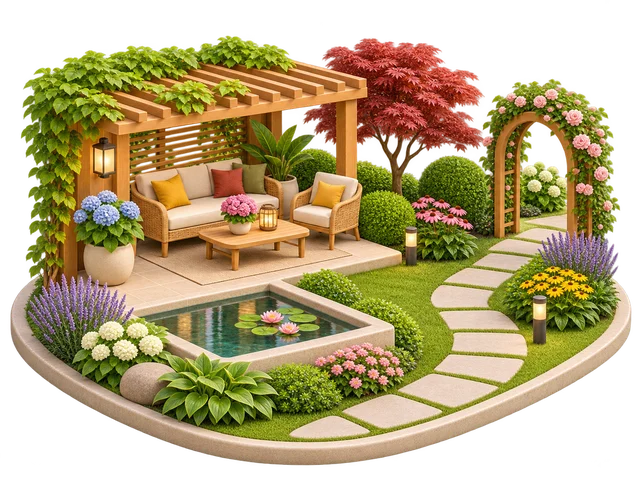 Agriculture and agronomy
Turn your starting materials into a 3D experience your audience can revisit and explore.
See how it worksStart with a photo of your crop rows. Recreate their layout in 3D, show the plants growing and position the irrigation lines.
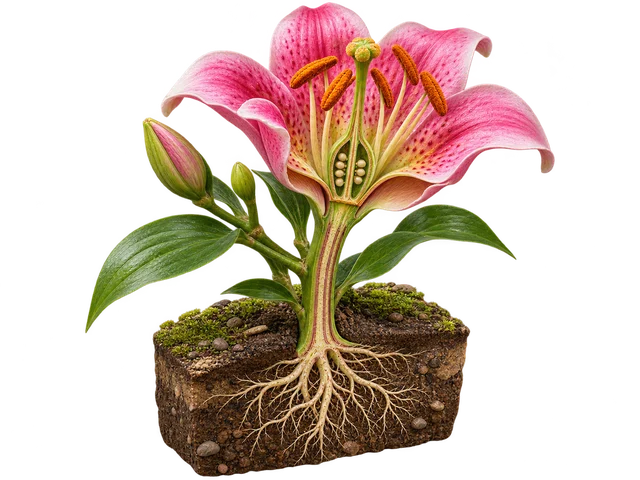
Check the arrangement of the rows, the direction of irrigation and the accesses.
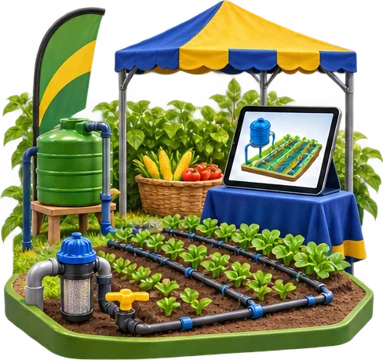
Show the plot during a meeting or add the link to the installation file.
Isolate the roots, stem and leaves as you explain each part.
Position the rows and paths to show how the plot is organized.
Show where the irrigation equipment sits in relation to the rows.
Follow the main supply line to the irrigation laterals.
Place the equipment between the rows to discuss its access.
Present successively the crops planned on the same plot.


Prepare the project, decide what to show and share the result.
Let’s talk about your ideaField plans, crop photos and an irrigation diagram.
Isolate the roots, stem and leaves as you explain each part.
Position the rows and paths to show how the plot is organized.
Show the plot during a meeting or add the link to the installation file.