Create
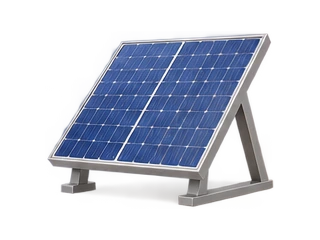
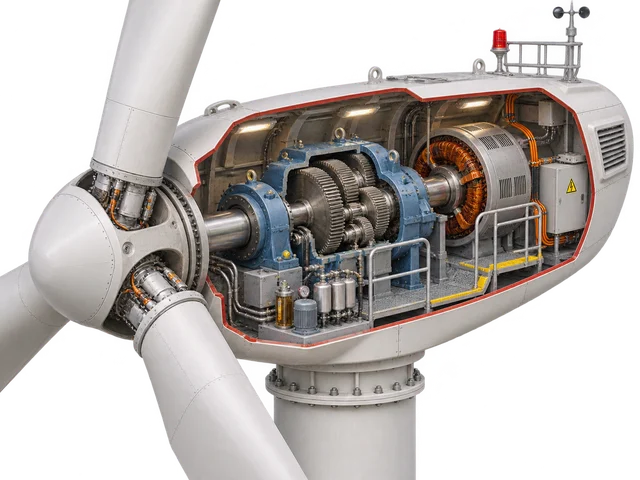
Mark the solar panels on your site plan. Raise the tower and set the wind turbine rotor turning.
Explain an installation’s organisation and make its components visible in context.
Create my 3D experience
 Energy and installations
Turn your starting materials into a 3D experience your audience can revisit and explore.
See how it worksMark the solar panels on your site plan. Raise the tower and set the wind turbine rotor turning.
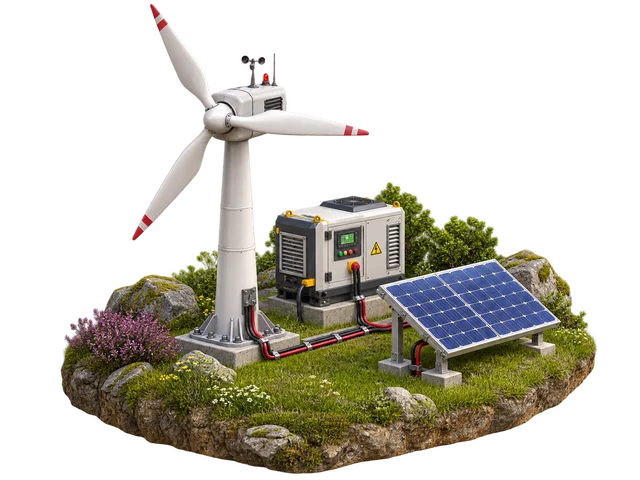
Follow the route from production to the point of use.
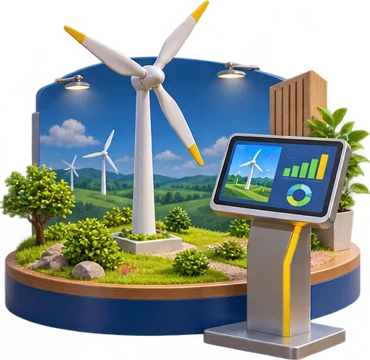
Attach the model to the presentation intended for teams and neighbors.
Position the turbine and solar panels on the terrain to show where the installation fits.
Link each component to show how electricity reaches the grid.
Show the angle of the panels and their position relative to the other equipment.
Isolate the inverter to explain its place in the installation.
Present two installations from the same point of view.
Mark the access points that crews will need to find on site.


Prepare the project, decide what to show and share the result.
Let’s talk about your ideaSite plan, connection diagram and equipment sheets.
Position the turbine and solar panels on the terrain to show where the installation fits.
Link each component to show how electricity reaches the grid.
Attach the model to the presentation intended for teams and neighbors.