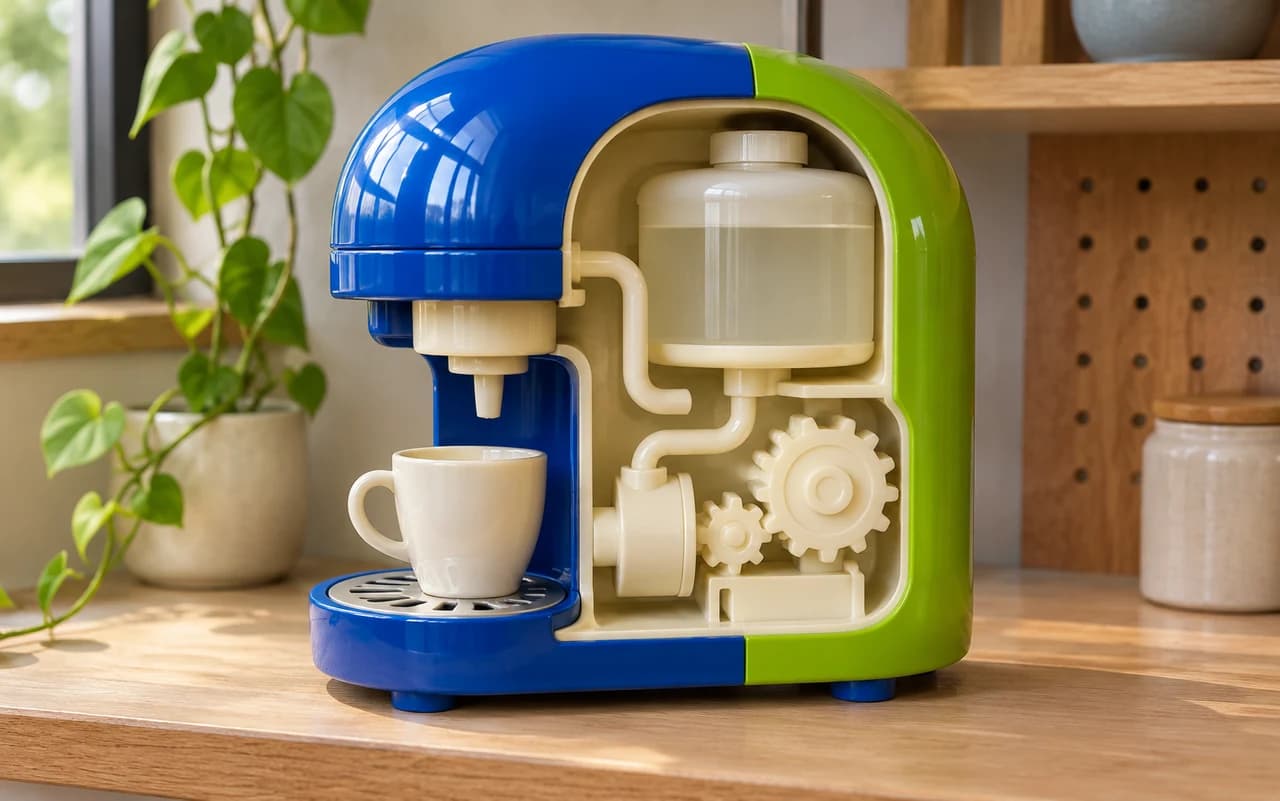
Help people learn through exploration and actions
Introduce any subject by showing what you want to explain: a gesture, an idea, a mechanism or a phenomenon. Create an immersive, interactive 3D experience to make your explanation visible.
Read the guide

Define what you want to show
Introduce any subject by showing what you want to explain: a gesture, an idea, a mechanism or a phenomenon. Create an immersive, interactive 3D experience to make your explanation visible.
Begin with the subject, the action and the essentials. Then describe what you want to adjust.
Add two sentences: what the visitor should understand, and what they should be able to do. A door to open, two finishes to compare, the steps of an assembly: that is the difference between an image and a 3D experience.
Choose the actions to make possible
Reproduce an opening, an adjustment or an operation to explain the gesture in your 3D experience.
Turn assembly into animated steps: each part moves into place and people can replay the movement.
Animate the parts of a mechanism to show how they drive one another and what happens as it works.
Connect details to their sources
Add points of interest to connect a part with text, an image or a reference document.
Give your explanation an order and animate its stages to make the sequence easy to follow.
Share your 3D experience by link, QR code or embedding it on your website. It opens in the browser on a computer or phone.